Home › Utilities

 US
US
1 of 1 storefronts
Content in en-US
Content in en-US
Information
Preview 2 platforms
iPhone 8 images



iPad 10 images


What’s New Version 1.1
The PFx Brick App for iOS has many new features and enhancements as well as being available in serveral new languages. These features include:
- improved Bluetooth device scanning and filtering
- edit Startup Actions directly from mobile App
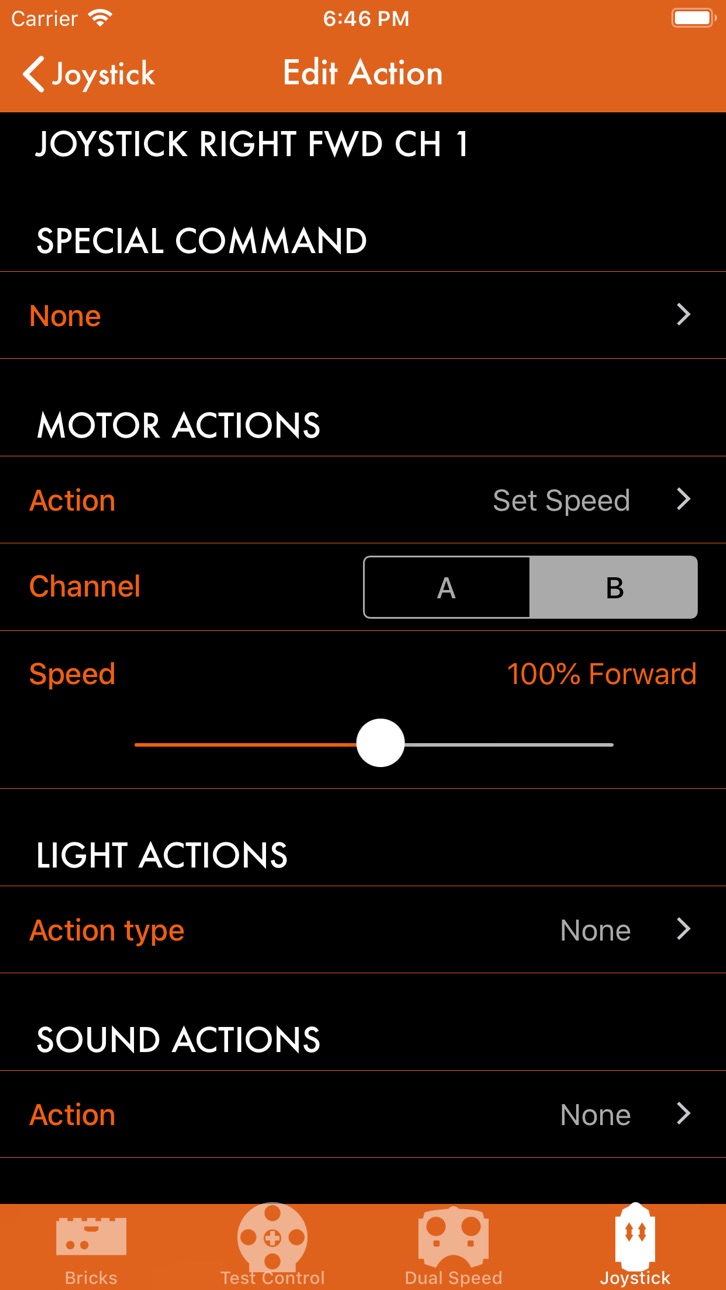
- edit any remote control action without desktop app
- create custom buttons with actions
- improved layout metrics for iPhone 8, iPhone X
- new language versions
- "dark mode" visual style
- miscellaneous bug fixes and reliability enhancements
Description
The PFx Brick mobile app gives you customization and control of your PFx Brick using a Bluetooth Low Energy (BLE) connection with your iPhone or iPad. All of the sophisticated motor control, dazzling lighting effects, and multi-channel sound effects of the PFx Brick are at your fingertips with the PFx Brick app. Seamlessly connect and control your PFx Brick(s) with your choice of easy to use control panels. Setup and customize your PFx Brick just the way you want it!
Features
- Scan for new PFx Bricks and "pair" your favourite PFx Bricks for easy access
- Configure every aspect of the PFx Brick including its name, power saving features, lighting channels, audio defaults, and sophisticated motor control adjustments
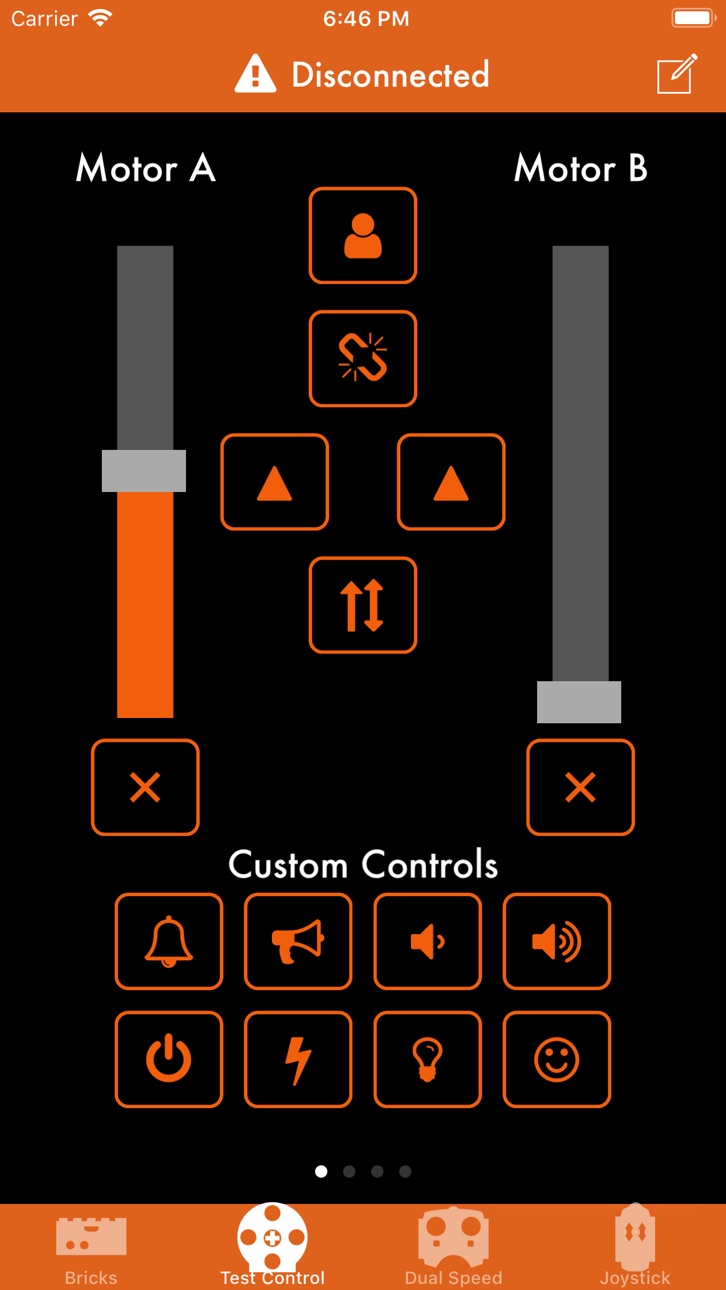
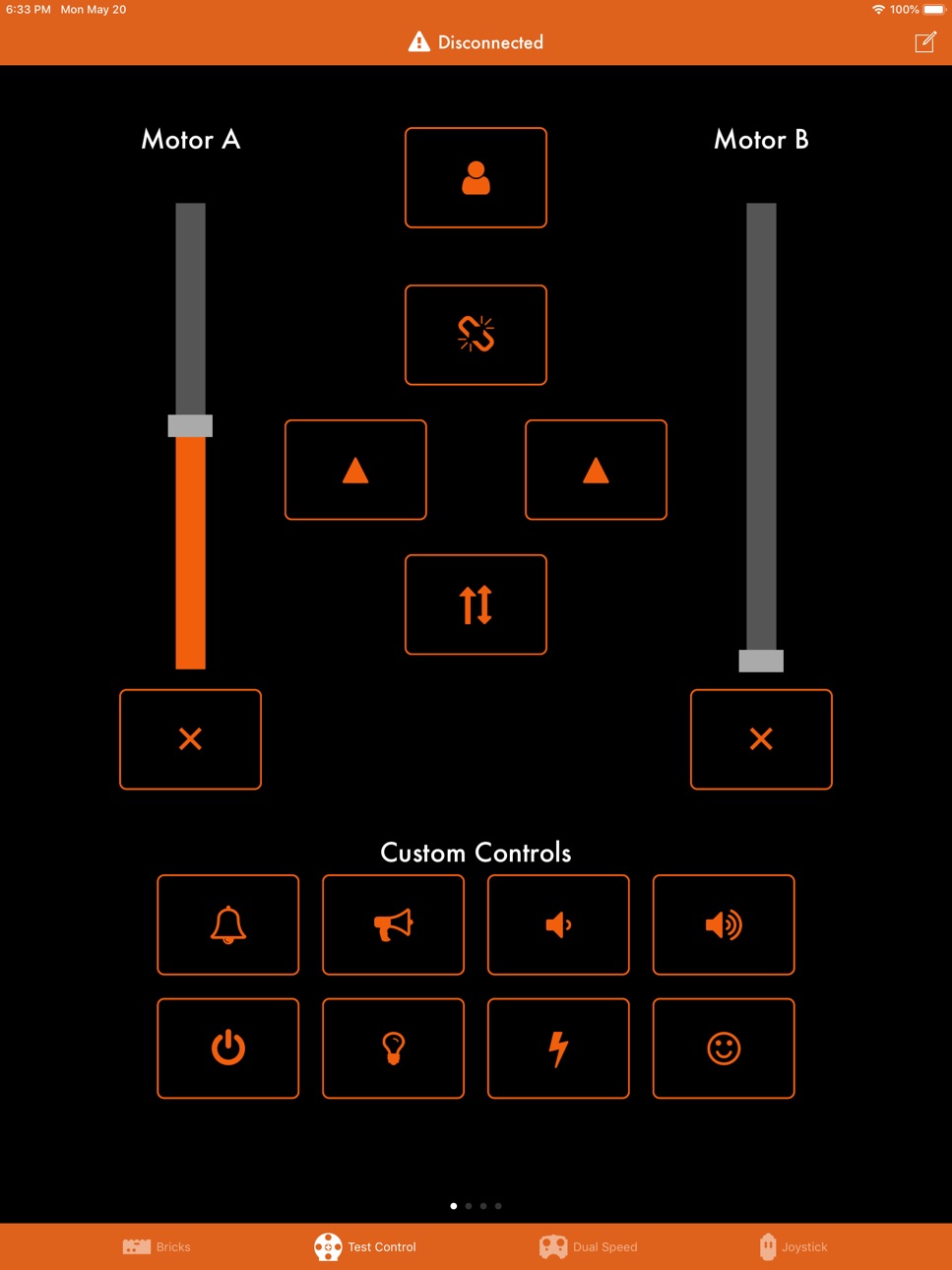
- Directly control your PFx Brick with easy to use sliders, knobs, and buttons arranged on a variety of control panels
- Instantly swipe to the control panel of your choice at any time
- Emulation of LEGO® Power Functions dual speed and dual joystick IR remote controls let you operate your PFx Brick the same way using IR and Bluetooth!
Supported Devices
- PFx Brick 4 MB
- PFx Brick 8 MB
- PFx Brick 16 MB
LEGO® is a trademark of the LEGO Group of companies which does not sponsor, authorize or endorse this application.
Accessibility
ipadiphonemacrealityDevicetvoswatch
Version history 2 versions
Build 831378341v1.12019-05-21 22:17:20
The PFx Brick App for iOS has many new features and enhancements as well as being available in serveral new languages. These features include:
- improved Bluetooth device scanning and filtering
- edit Startup Actions directly from mobile App
- edit any remote control action without desktop app
- create custom buttons with actions
- improved layout metrics for iPhone 8, iPhone X
- new language versions
- "dark mode" visual style
- miscellaneous bug fixes and reliability enhancements
Build 825860881v1.02018-02-05 22:41:30
No pricing data captured yet — comparisons appear once the app has paid storefronts or in-app purchases.
Availability 1 of 1 storefronts
| Region | Language | Price | Ratings | Avg | Version |
|---|---|---|---|---|---|
| US | en-US | Free | 2 | 4.5 | 1.1 |
Change log 6 changes · US
✎
releaseNotes updated
The PFx Brick App for iOS has many new features and enhancements as well as being available in serveral new languages. These features include:
- improved Bluet
✎
description updated
The PFx Brick mobile app gives you customization and control of your PFx Brick using a Bluetooth Low Energy (BLE) connection with your iPhone or iPad. All of t
✎
subtitle updated
Remote control your PFx Brick
✎
name updated
PFx Brick
◆
Version 1.1 released
The PFx Brick App for iOS has many new features and enhancements as well as being available in serveral new languages. These features include:
- improved Bluetooth device scanning and filtering
- edit Startup Actions directly from mobile A
◆
Version 1.0 released