Home › Utilities

QR code reader for PDF scanner
App to scan documents - photos
 US
US
1 of 1 storefronts
Content in en-US
Content in en-US
Information
Preview 2 platforms
iPhone 5 images




iPad 5 images


What’s New Version 1.6
The app has been updated to Swift for faster and more stable performance.
Text recognition (OCR) now uses Apple’s Vision technology, improving its accuracy.
All libraries have been updated to their latest versions for greater security and compatibility.
We've fixed an issue with converting to PDF to make it more reliable.
Description
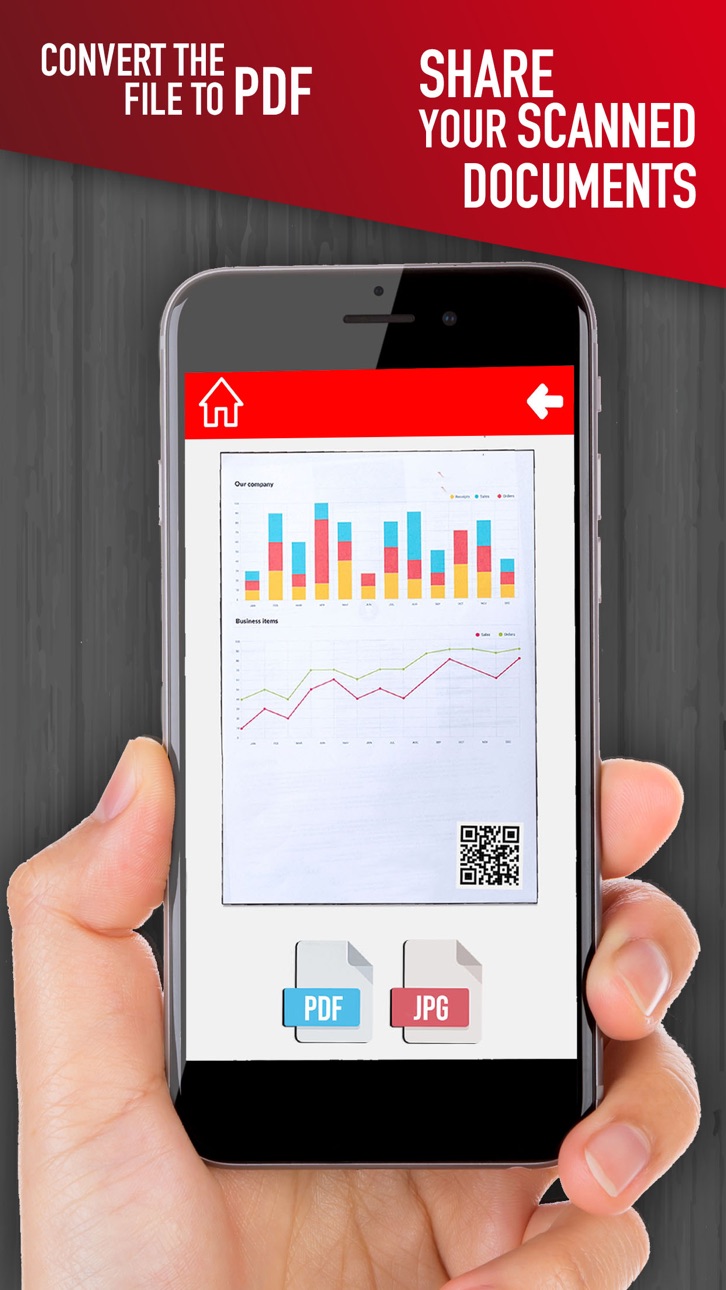
Read QR Codes and scan your documents in a simple way to pdf format or image JPEG to save them in your mobile. Upload or share them by e-mail.
Turn your phone into a simple pocket scanner for documents, receipts, books, photos, whiteboards, and other text. Use this app to read the QR Codes you need by simply framing them with your phone’s camera. You can quickly scan your documents in high quality PDFs or JPEGs, and then store and send them anywhere.
This app uses advanced algorithms to accurately detect document edges, straighten them into a correct perspective.
PDF Scanner:
- Scan to PDF or JPEG
- Store scanned content in grayscale, black and white or color
- Automatic shutter and edge detection for any object that can be scanned
Document Sharing Tools:
- Share your scanned documents by email.
- Print them instantly on any printer with Wi-Fi connection.
- Share and upload scanned documents to cloud services.
- Export the scans to your fax application and send them to anywhere in the world.
- Save the scans in the gallery.
QR Code Reader:
- Read any QR Code.
- Copy the text encrypted in the code.
- Open the URL in your phone browser.
If you like our app, please rate and comment to help us improve!
In-App Purchases US pricing
One-Time Purchases
Remove Ads$3.99
Capabilities
In-App Purchases
Accessibility
ipadiphonemacrealityDevicetvoswatch
Version history 7 versions
Build 875535608v1.62025-06-16 14:29:55
The app has been updated to Swift for faster and more stable performance.
Text recognition (OCR) now uses Apple’s Vision technology, improving its accuracy.
All libraries have been updated to their latest versions for greater security and compatibility.
We've fixed an issue with converting to PDF to make it more reliable.
Build 857183577v1.52023-05-20 17:56:34
Fixed some appearance problems that did not allow a good display on some devices
Improved aspect ratios for all devices
Libraries have been updated
Build 835680497v1.42020-04-28 22:43:52
-ios 13 bugs fixed
Build 830492732v1.32019-03-08 19:50:58
- Visual interface redesigned.
- ORC tool has been added
- App redesigned to make it easier to use.
- Visual errors with iPhone X fixed.
Build 826121023v1.22018-02-28 21:38:33
Fixed some bugs with the newest devices.
Build 826057918v1.12018-02-23 21:28:09
Added the option to pick the photo from your gallery and new options to crop the image.
Some improvements.
Build 825821757v1.02018-02-02 14:08:36
Price history by region
Currency
Show
Columns
Search
Availability 1 of 1 storefronts
| Region | Language | Price | Ratings | Avg | Version |
|---|---|---|---|---|---|
| US | en-US | Free | 0 | — | 1.6 |
Change log 11 changes · US
✎
releaseNotes updated
The app has been updated to Swift for faster and more stable performance.
Text recognition (OCR) now uses Apple’s Vision technology, improving its accuracy.
A
✎
description updated
Read QR Codes and scan your documents in a simple way to pdf format or image JPEG to save them in your mobile. Upload or share them by e-mail.
Turn your phone
✎
subtitle updated
App to scan documents - photos
✎
name updated
QR code reader for PDF scanner
◆
Version 1.6 released
The app has been updated to Swift for faster and more stable performance.
Text recognition (OCR) now uses Apple’s Vision technology, improving its accuracy.
All libraries have been updated to their latest versions for greater security and
◆
Version 1.5 released
Fixed some appearance problems that did not allow a good display on some devices
Improved aspect ratios for all devices
Libraries have been updated
◆
Version 1.4 released
-ios 13 bugs fixed
◆
Version 1.3 released
- Visual interface redesigned.
- ORC tool has been added
- App redesigned to make it easier to use.
- Visual errors with iPhone X fixed.
◆
Version 1.2 released
Fixed some bugs with the newest devices.
◆
Version 1.1 released
Added the option to pick the photo from your gallery and new options to crop the image.
Some improvements.
◆
Version 1.0 released