Home › Music

 US
US
1 of 1 storefronts
Content in en-US
Content in en-US
Information
Apple ID1336171942
Bundle IDmoronbros.PcVolumeControl
SellerSeller
Min iOS26.0
Min macOS26.0
Device familiesiphone, ipad
Released2018-01-23
Copyright© 2026 Bill Booth
Privacy policyLink ↗
Preview 2 platforms
iPhone 5 images


iPad 5 images


What’s New Version 2.0
The UI has been refreshed to use updated colors and styling. The automatic server discovery feature was added. Chat balance is a new feature that lets you adjust one volume while others move the opposite direction. Lots of stablility and security fixes. iPad support was added.
Description
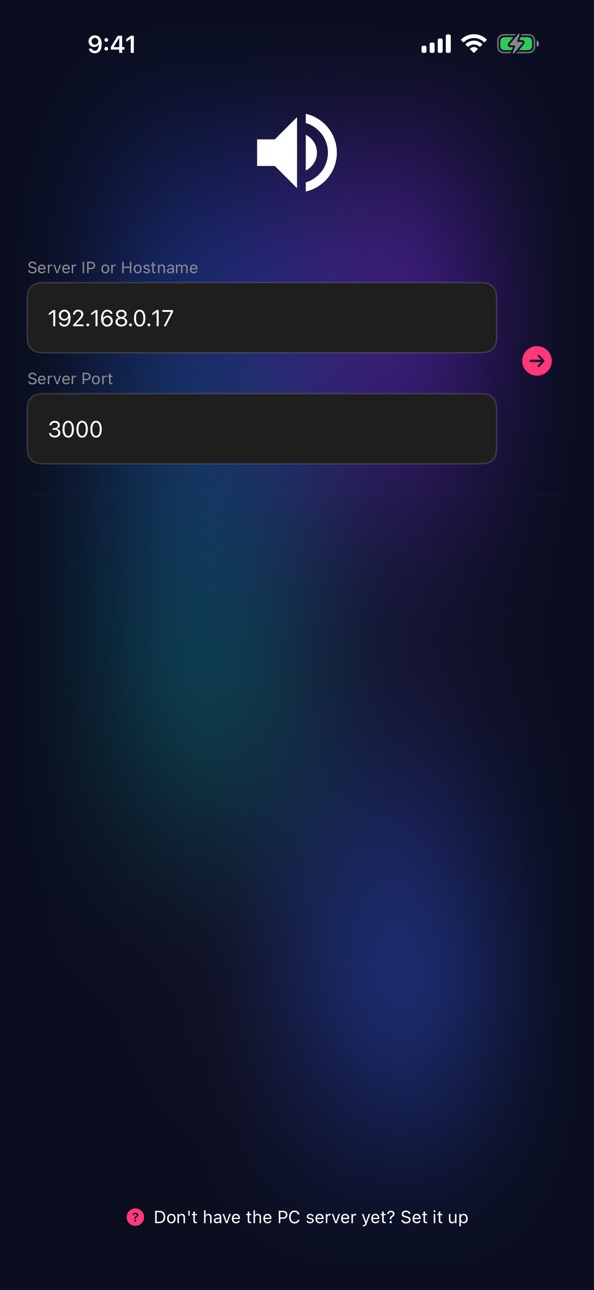
PCVolumeControl turns your iPhone into a wireless audio mixer for your Windows PC. Adjust app volumes, mute programs, and switch audio outputs — without tabbing out of your game or touching the keyboard.
What you can do:
Mute or unmute individual apps — games, Spotify, Discord, browsers, anything making noise
Raise or lower the volume of each app independently
Mute or unmute the master volume
Switch your PC's active audio output device
Automatic discovery. When your iPhone and PC are on the same Wi-Fi network, your PC shows up in the server list automatically — no typing required.
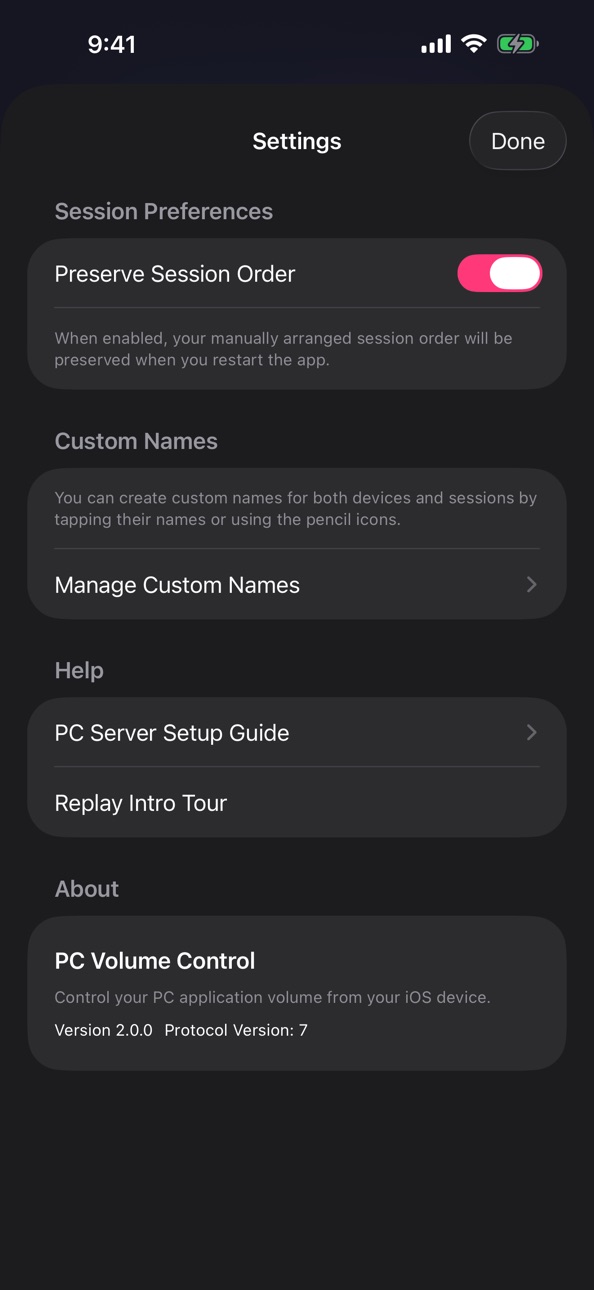
Built-in setup guide. New to the app? Tap "Set it up" on the connect screen for a step-by-step walkthrough of getting the Windows server installed and running. You can even share the download link from your phone so it's ready on your PC before you sit down.
Free and open source. No ads, no subscriptions, no accounts. Bugs, questions, and pull requests are welcome on GitHub.
Accessibility
ipadiphonemacrealityDevicetvoswatch
Version history 3 versions
Build 886764256v2.02026-06-11 13:26:31
The UI has been refreshed to use updated colors and styling. The automatic server discovery feature was added. Chat balance is a new feature that lets you adjust one volume while others move the opposite direction. Lots of stablility and security fixes. iPad support was added.
Build 837949551v1.82020-09-25 19:15:39
This updated version has bug fixes and some new features.
- DNS host names can be used now in the address field.
- When moving between screens, cards were being created. The application is now full-screen.
- Connection attempts to broken/blocked servers fail quickly and clearly.
- The server port field's text was switched to black to make it more visible.
- Dependencies were updated to IOSv14-compatible versions
- The server communication protocol version was actually v7 and not v8.
- The application would crash if the server went away spontaneously. This is now resolved.
Build 825667398v1.72018-01-23 01:54:20
No pricing data captured yet — comparisons appear once the app has paid storefronts or in-app purchases.
Availability 1 of 1 storefronts
| Region | Language | Price | Ratings | Avg | Version |
|---|---|---|---|---|---|
| US | en-US | Free | 9 | 2.3 | 2.0 |
Change log 7 changes · US
✎
releaseNotes updated
The UI has been refreshed to use updated colors and styling. The automatic server discovery feature was added. Chat balance is a new feature that lets you adjus
✎
description updated
PCVolumeControl turns your iPhone into a wireless audio mixer for your Windows PC. Adjust app volumes, mute programs, and switch audio outputs — without tabbing
✎
subtitle updated
Control PC audio remotely
✎
name updated
PCVolumeControl
◆
Version 2.0 released
The UI has been refreshed to use updated colors and styling. The automatic server discovery feature was added. Chat balance is a new feature that lets you adjust one volume while others move the opposite direction. Lots of stablility and se
◆
Version 1.8 released
This updated version has bug fixes and some new features.
- DNS host names can be used now in the address field.
- When moving between screens, cards were being created. The application is now full-screen.
- Connection attempts to broken/b
◆
Version 1.7 released