Home › Utilities

 US
US
1 of 1 storefronts
Content in en-US
Content in en-US
Information
Preview 2 platforms
iPhone 10 images


iPad 10 images





What’s New Version 4.2.6
Bug fixes related to iPhone 17 models.
Description
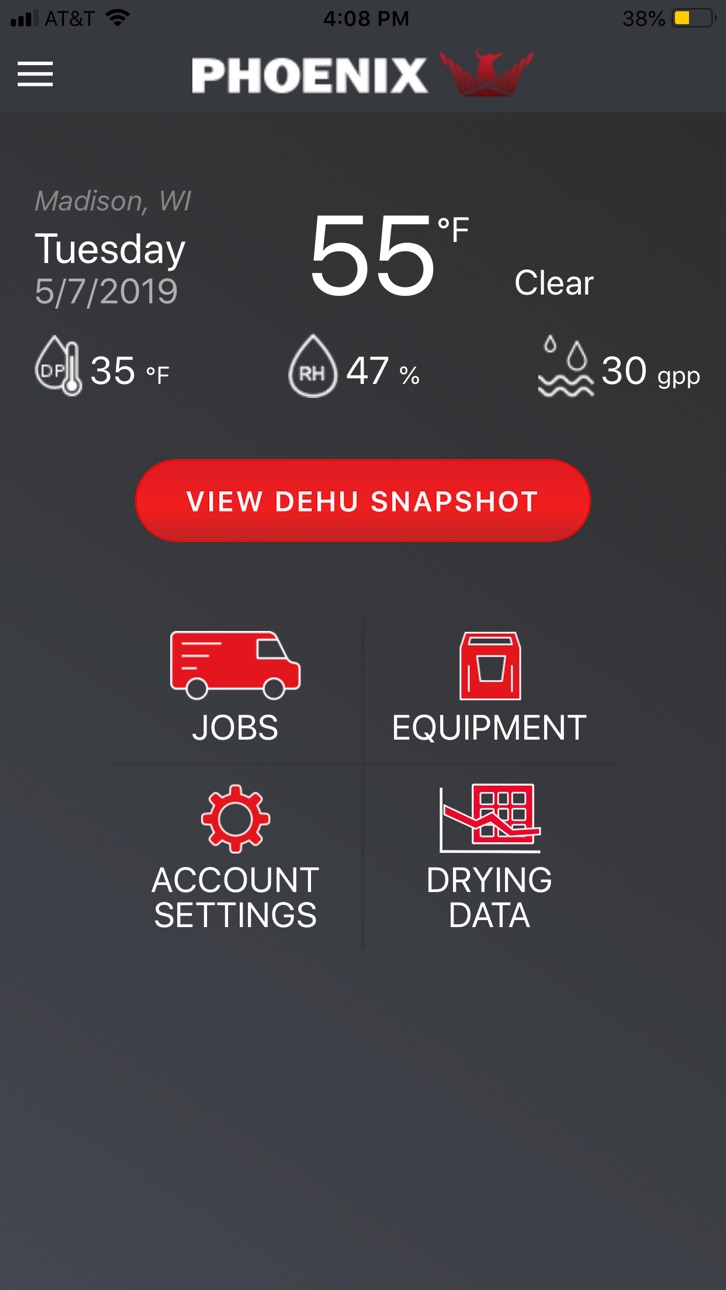
DryLINK is the world’s first restoration app with Bluetooth connectivity to smart dehumidifiers and other DryLINK enabled equipment...
E3 is now integrated into DryLINK. Use this revolutionary technology to transform your business. Have complete control of any loss, regardless of the class, category, outside conditions, or equipment used.
With the Phoenix DryLINK app you can:
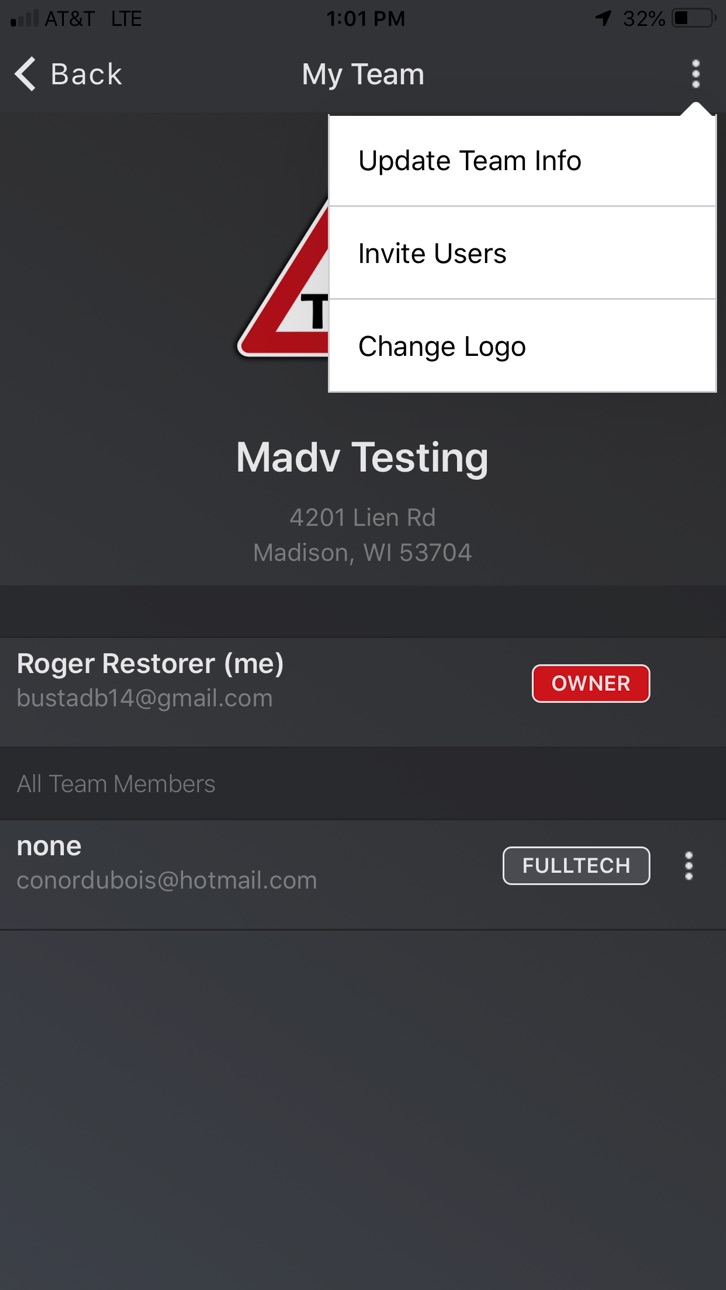
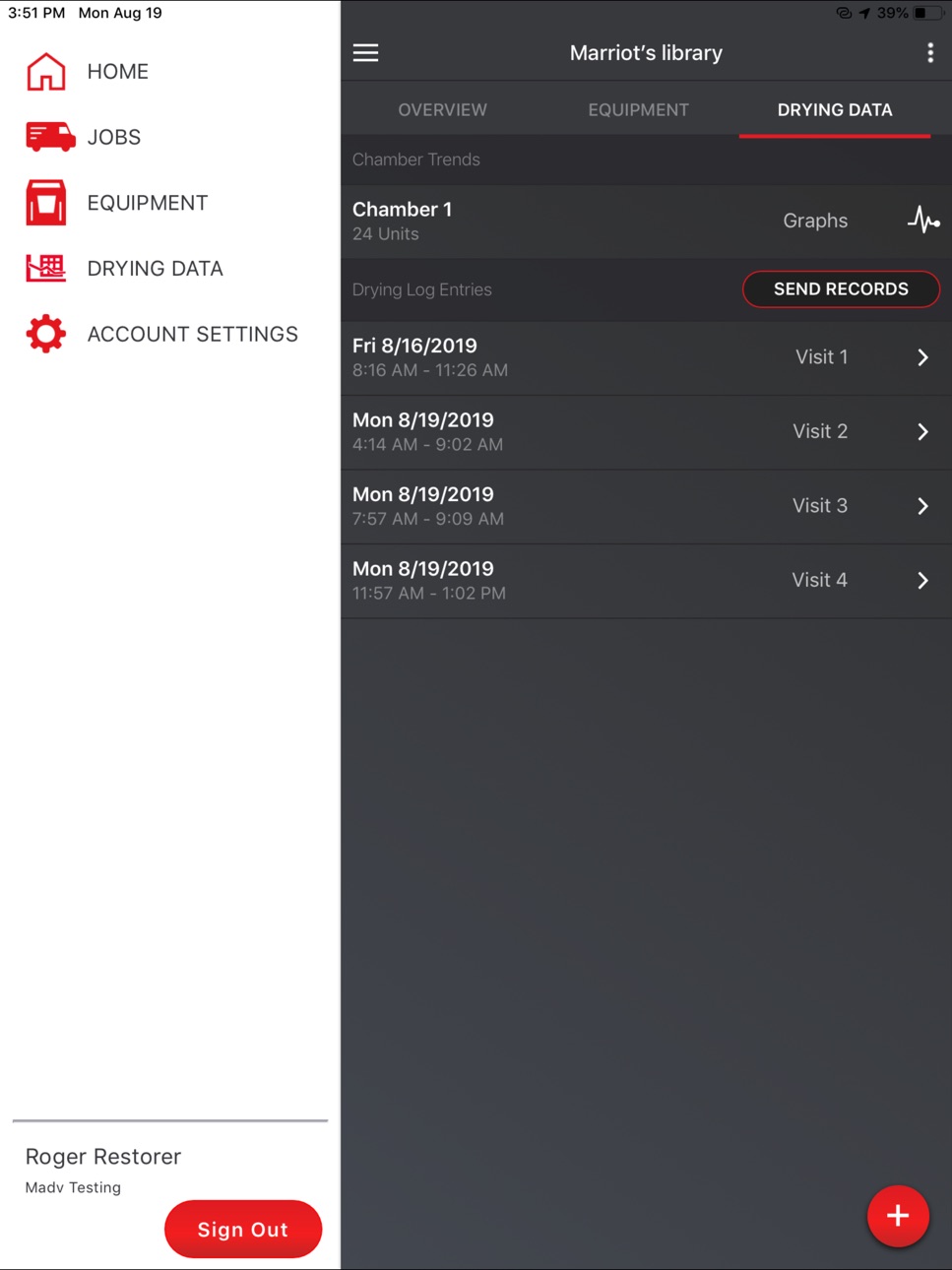
Upload and Share Data with Your Team
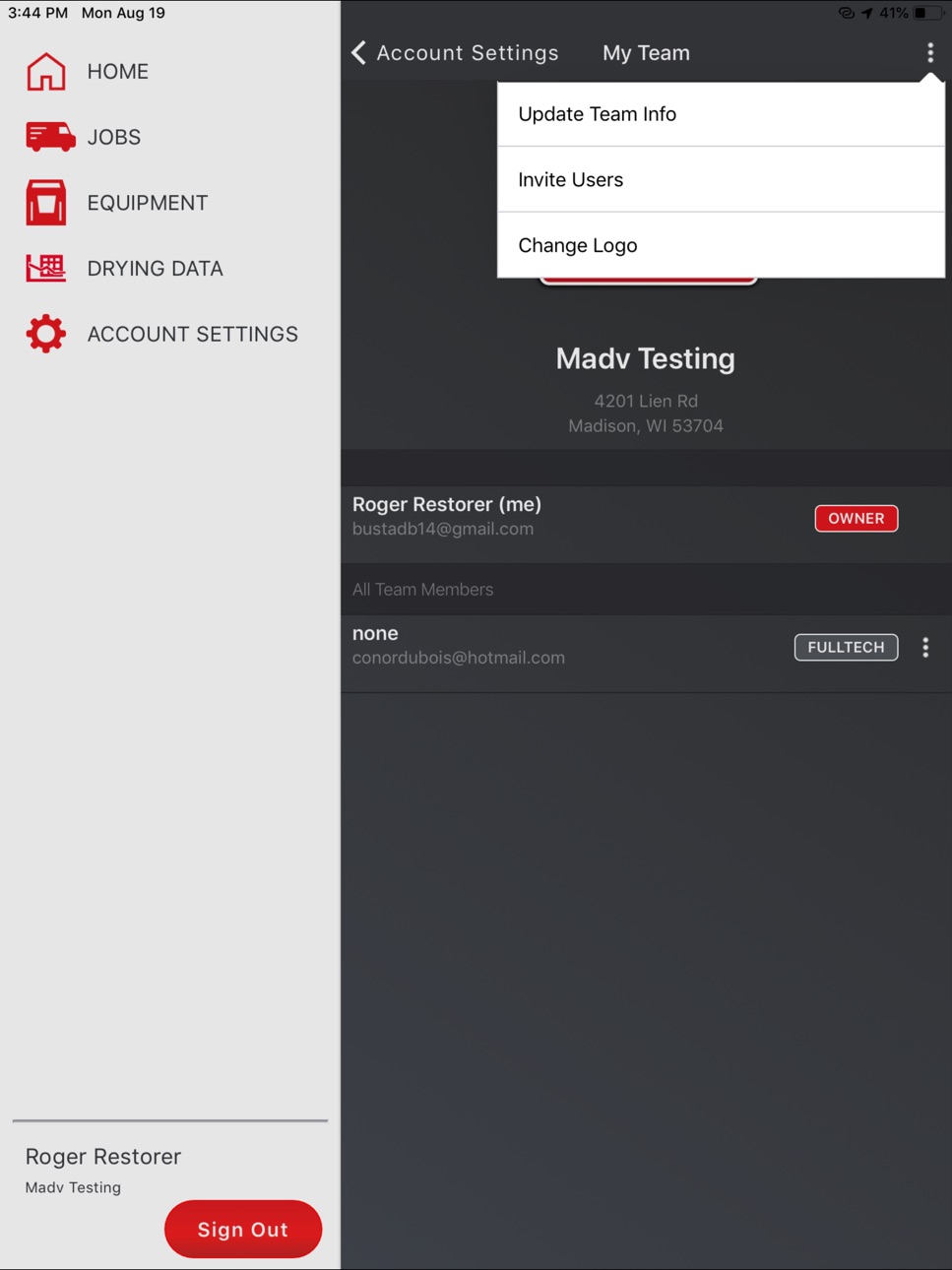
• Create One Company Account with Multiple Users
• Connects by Bluetooth to Smart Dehumidifiers and other DryLINK enabled equipment
• Make any dehumidifier “smart” with DryTAG RH
• Automate the affected area, unaffected area, or an HVAC reading with DryTAG RH
• Automate your moisture point readings with DrySENSE
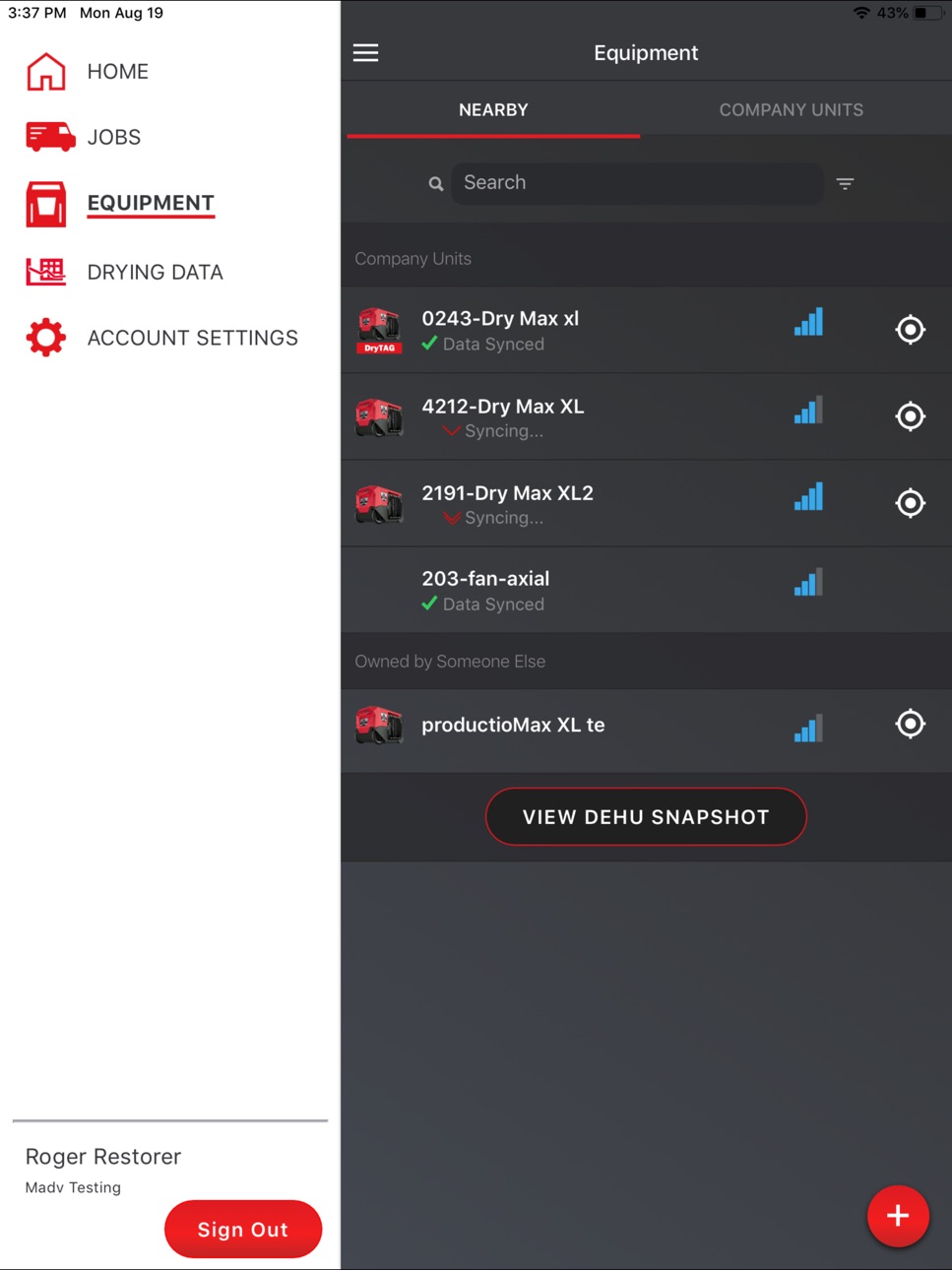
• See the Last Known Location of your DryLINK enabled equipment
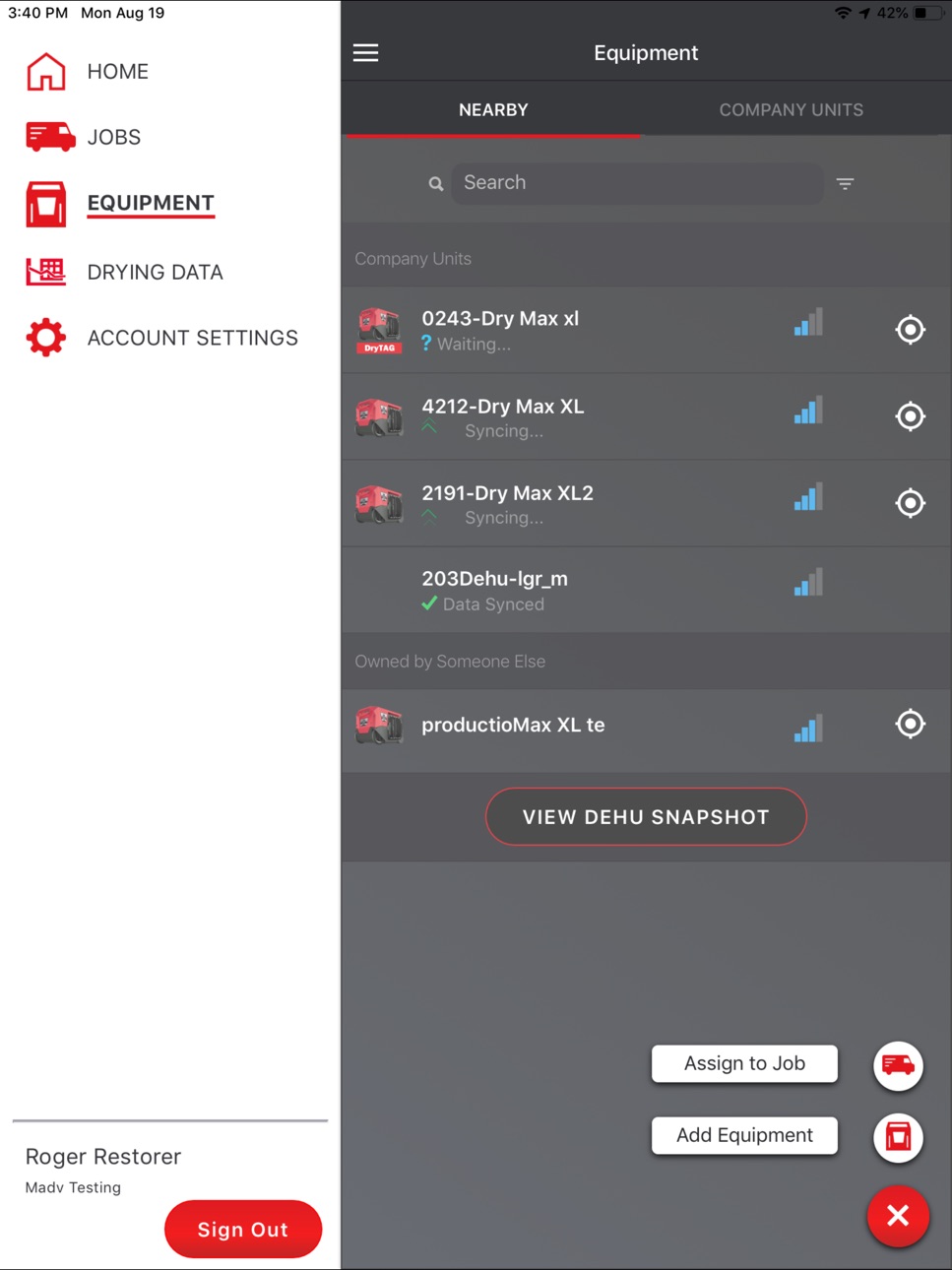
• Add Non-Smart Equipment to Your Company’s Inventory
• Log Manual Psychrometric or Moisture Material Levels for Non-Smart Equipment
• Record More Than One Visit in a Day
• Connects to the DryLINK Cloud Through your Device's Cell Service or Wi-Fi
• Stores Data Locally if no Internet is Available
• Uploads Data When an Internet Connection is Restored
• Use the Job Mapping Feature with your Device's Native Phone App
Create and Share Drying Reports
• Stunning New Report
• Add Your Company’s Logo
• Add Rooms and Chambers with Dimensions and add Chamber Notes
• Optionally, Use the Built in IICRC Equipment Recommendations
• Save Job Setup Time by Auto Selecting Nearby, Running, Smart Equipment
• Automatically Import Readings from Smart Dehumidifiers
• Create and Share the Drying Log Link by Text or Email
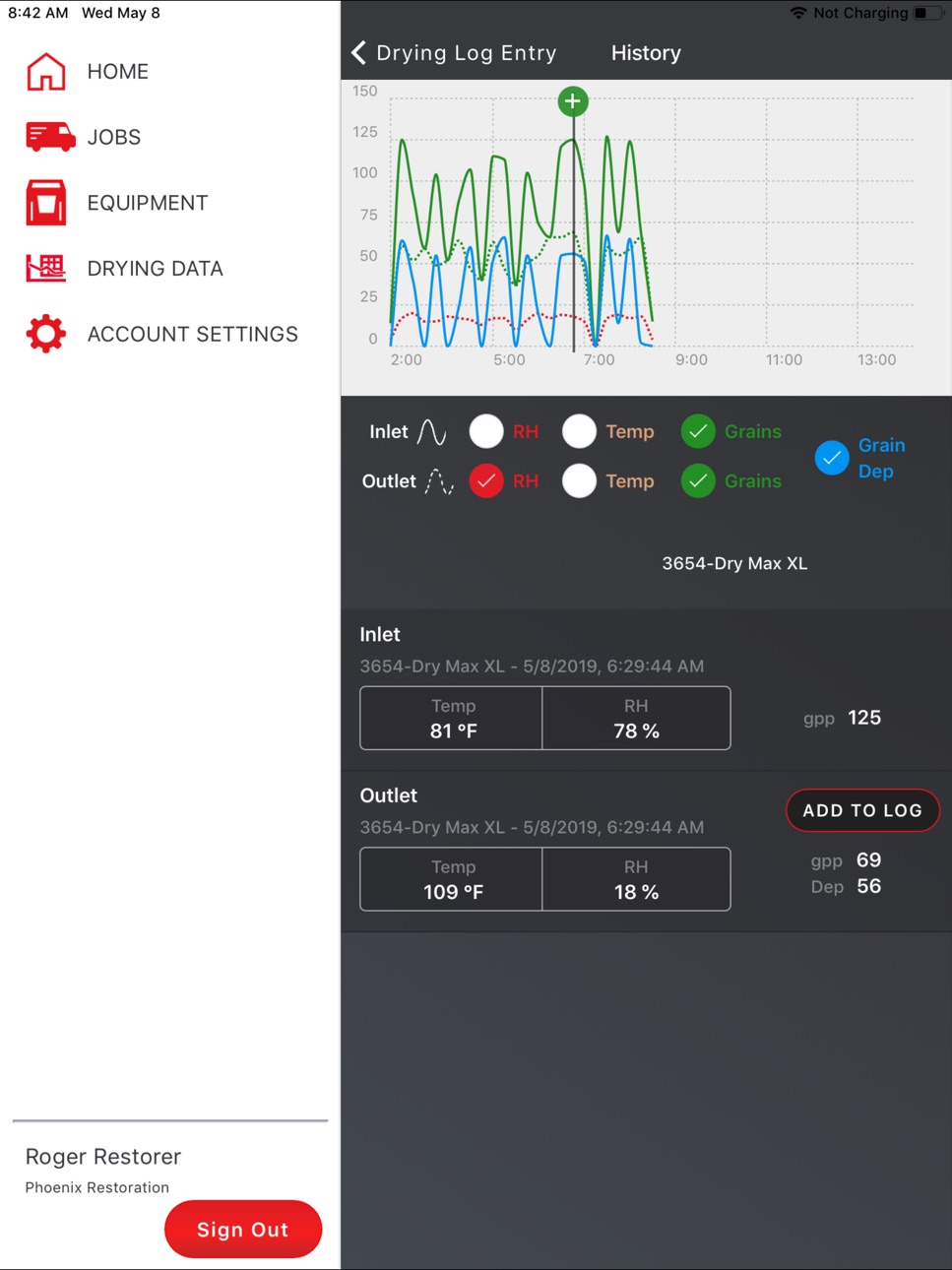
• View Data Graphically
• Manually Enter Readings from Non-Smart Dehumidifiers and Other Devices
Remote monitoring with DryPHONE - Optional DryPHONE Required for these features
• Enter daily readings remotely
• Plan daily visits based on job site conditions
• Receive real-time alerts of your choice
Use Alerts to Stay Informed – DryPHONE Required for some alerts
• Equipment Alerts – Equipment turned off, last known location, filter, DryTAG battery level
• Job Status Alerts – monitor temperature, RH, GPP, and provide notifications if out of range
• Job Management Alerts – Job started, completed, not completed on time.
Connect to and Control Your Smart Dehumidifiers
• Get the Current Psychrometric Readings
• Turn Quiet Mode On/Off
• Enable Humidistat Mode
• Get Notifications of New Firmware and Install it Using Your Phone
• Set Filter Reminders Based on Hours of Use
• Locate the Smart Dehumidifier to Which You Are Connected
• Purge the Water
• Turn the Dehumidifier On or OFF
• Check for Alerts
• Run Diagnostics Mode
And much more!
To learn more about the entire Phoenix product line please visit www.UsePhoenix.com.
Accessibility
ipadiphonemacrealityDevicetvoswatch
Version history 25 versions
Build 883062062v4.2.62026-03-09 13:37:50
Bug fixes related to iPhone 17 models.
Build 881742057v4.2.52026-02-03 14:35:44
- Updates and bug fixes for Dehu data submission.
- UI improvements and bug fixes.
Build 878707600v4.2.42025-12-18 19:08:12
- updates and bug fixes on equipment filtering and equipment selection.
- updates and bug fixes on moisture points.
Build 874245909v4.2.32025-04-23 22:13:03
A new feature which allows multiple job equipment to be moved from one room to another simultaneously.
Build 869065094v4.2.22024-09-17 13:57:06
This version provides full access to the newest addition to Phoenix DryMax XL Pro with built-in DryTag capability.
Build 865274538v4.2.12024-04-17 19:00:22
DryLINK v 4.2.1 provides full access to the newest addition to the Phoenix DryLINK Ecosystem, the DryTag AM.
Build 863923021v4.2.02024-03-14 23:27:13
DryLINK v4.2.0 provides full access to the newest addition to Phoenix DryMax XL Pro with built-in DryTag capability.
Build 861886712v4.1.12023-12-01 05:04:23
Welcome to DryLINK v 4.1. This version introduces DryLINK Jobs which includes all the powerful DryLINK features.
Build 857804195v4.0.42023-06-13 20:14:40
E3 is now integrated into DryLINK. Use this revolutionary technology to transform your business. Have complete control of any loss, regardless of the class, category, outside conditions, or equipment used.
Build 855319092v3.2.02023-03-05 00:38:16
Welcome to DryLINK v 3.2.0. This version adds the ability to read newer generation DryTags and continues to include IICRC Equipment Recommendations, Rooms within Chamber, and enhanced grain depression algorithm for Dry Max XL and DryMax BLE.
Build 849469334v3.1.22022-06-01 18:02:53
Welcome to DryLINK v 3.1.2. This version provides four significant new features. (1) You can now create Rooms within Chambers. (2) You can obtain IICRC Equipment Recommendations based on the Room and Chamber dimensions of the job. Specifically, if enabled, you will get a recommendation of air movers per room and dehumidification capacity per chamber. (3) A filter is available when adding equipment to a job which will select nearby and running equipment only. (4) A firmware update providing an enhanced grain depression algorithm is now available for some Dry Max XL and Dry Max BLE.
Build 847645951v3.12022-03-11 19:02:58
Welcome to DryLINK v 3.1. This version provides four significant new features. (1) You can now create Rooms within Chambers. (2) You can obtain IICRC Equipment Recommendations based on the Room and Chamber dimensions of the job. Specifically, if enabled, you will get a recommendation of air movers per room and dehumidification capacity per chamber. (3) A filter is available when adding equipment to a job which will select nearby and running equipment only. This allows you to easily select the equipment needed for one room/chamber at a time. (4) A firmware update providing an enhanced grain depression algorithm is now available for some Dry Max XL.
Build 847248303v3.02022-02-22 10:09:32
Welcome to DryLINK v 3.0. This version provides three significant new features. (1) You can now create Rooms within Chambers. (2) You can obtain IICRC Equipment Recommendations based on the Room and Chamber dimensions of the job. Specifically, if enabled, you will get a recommendation of air movers per room and dehumidification capacity per chamber. (3) A filter is available when adding equipment to a job which will select nearby and running smart equipment only. This allows you to easily select the equipment needed for one room/chamber at a time by turning on the equipment in one room/chamber at a time
Build 844136910v2.92021-09-16 07:29:59
Welcome to DryLINK v 2.9. This version enhances DrySense and DryTAG RH functionality by providing graphing of trend data. This version also introduces the newer DrySense, DryLINK's Bluetooth moisture sensor, with an increased data sampling rate.
Build 842587437v2.82021-07-15 11:00:01
Welcome to DryLINK v 2.8. This version enhances DrySense and DryTAG RH functionality by providing graphing of trend data. This version also introduces the newer DrySense, DryLINK's Bluetooth moisture sensor, with an increased data sampling rate.
Build 840833358v2.72021-03-11 06:50:31
Welcome to DryLINK v 2.7. This version simplifies usage of DrySense, the DryLINK Bluetooth material moisture sensor and of DryTAG RH, our new Bluetooth beacon capable of supplying temperature and RH readings
Build 839510036v2.62020-12-15 22:15:09
Welcome to DryLINK v 2.6. This version enhances automatic data collection from DryTAG RH, our new Bluetooth beacon capable of supplying temperature and RH readings and from DrySense, our new Bluetooth material moisture sensor.
Build 838035359v2.52020-10-01 19:12:46
Welcome to DryLINK v 2.5. This version enhances automatic data collection from DryTAG RH, our new Bluetooth beacon capable of supplying temperature and RH readings and from DrySense, our new Bluetooth material moisture sensor.
Build 836275272v2.42020-08-12 14:52:17
Welcome to DryLINK v 2.4. This version introduces automatic data collection from DryTAG RH, our new Bluetooth beacon capable of supplying temperature and RH readings and from DrySense, our new Bluetooth material moisture sensor.
Build 835328265v2.32020-03-31 18:44:38
Welcome to DryLINK v 2.3. This version introduces automatic data collection from DrySense, our new Bluetooth material moisture sensor. It also includes an enhanced Drying Log report. Its performance has been improved and it is now more capable of handling very large jobs with a high number of chambers and equipment.
Build 834972884v2.2.122020-03-16 19:01:47
Welcome to DryLINK Beta v 2.2.12. This version includes an enhanced Drying Log report. Its performance has been improved and it is now more capable of handling very large jobs with a high number of chambers and equipment. Also, there are some improvements regarding the display of Equipment and Job Alerts.
Build 834577286v2.22020-02-05 14:22:43
Welcome to DryLINK version 2.2. This version includes equipment, job status and job management notifications! The new Alerts utility allows you to setup and view Equipment notifications. From the Alerts or Job utilities you may also view Job Status notifications. In order to setup Job Status notifications, a DryPHONE is required. In addition, Job Management notifications can be setup from Account Settings. Each company user can elect to receive notifications for each of the three notification types. Work smarter with DryLINK!
Build 833578923v2.12019-11-13 13:56:10
Welcome to DryLINK version 2.1. This version includes integration of DryTAG, our Bluetooth equipment tag which allows you to track your equipment’s last known location, automatically add the s/n and days of usage to the drying report and get alerts if the equipment is turned off when used with our DryPHONE. DryTAG can be added to any brand of equipment and does not have a monthly fee.
Build 832439073v2.02019-08-21 17:43:55
Check out the stunning new drying report which allows you to add your company’s logo. The new report has easy to understand graphs, it allows you to change the measurement units, and it provides a summary and full report PDF options. Other new features include: (1) adding non-connected equipment to company inventory, (2) logging of manual moisture measurements, (3) the ability to record more than one "visit" (i.e. set of measurements) per day, (4) recording of chamber dimensions, (5) the addition of chamber notes, (6) a notification of out-of-date firmware for nearby dehumidifiers (7) new equipment icons and a number of user-interface updates.
Build 830461087v1.52019-05-09 00:00:53
Welcome to DryLINK version 1.5! This update enhances a number of the input fields for entering account, company and job information, including auto-completion of job address information.
No pricing data captured yet — comparisons appear once the app has paid storefronts or in-app purchases.
Availability 1 of 1 storefronts
| Region | Language | Price | Ratings | Avg | Version |
|---|---|---|---|---|---|
| US | en-US | Free | 7 | 4.3 | 4.2.6 |
Change log 28 changes · US
✎
releaseNotes updated
Bug fixes related to iPhone 17 models.
✎
description updated
DryLINK is the world’s first restoration app with Bluetooth connectivity to smart dehumidifiers and other DryLINK enabled equipment...
E3 is now integrated int
✎
name updated
DryLINK
◆
Version 4.2.6 released
Bug fixes related to iPhone 17 models.
◆
Version 4.2.5 released
- Updates and bug fixes for Dehu data submission.
- UI improvements and bug fixes.
◆
Version 4.2.4 released
- updates and bug fixes on equipment filtering and equipment selection.
- updates and bug fixes on moisture points.
◆
Version 4.2.3 released
A new feature which allows multiple job equipment to be moved from one room to another simultaneously.
◆
Version 4.2.2 released
This version provides full access to the newest addition to Phoenix DryMax XL Pro with built-in DryTag capability.
◆
Version 4.2.1 released
DryLINK v 4.2.1 provides full access to the newest addition to the Phoenix DryLINK Ecosystem, the DryTag AM.
◆
Version 4.2.0 released
DryLINK v4.2.0 provides full access to the newest addition to Phoenix DryMax XL Pro with built-in DryTag capability.
◆
Version 4.1.1 released
Welcome to DryLINK v 4.1. This version introduces DryLINK Jobs which includes all the powerful DryLINK features.
◆
Version 4.0.4 released
E3 is now integrated into DryLINK. Use this revolutionary technology to transform your business. Have complete control of any loss, regardless of the class, category, outside conditions, or equipment used.
◆
Version 3.2.0 released
Welcome to DryLINK v 3.2.0. This version adds the ability to read newer generation DryTags and continues to include IICRC Equipment Recommendations, Rooms within Chamber, and enhanced grain depression algorithm for Dry Max XL and DryMax BLE
◆
Version 3.1.2 released
Welcome to DryLINK v 3.1.2. This version provides four significant new features. (1) You can now create Rooms within Chambers. (2) You can obtain IICRC Equipment Recommendations based on the Room and Chamber dimensions of the job. Specif
◆
Version 3.1 released
Welcome to DryLINK v 3.1. This version provides four significant new features. (1) You can now create Rooms within Chambers. (2) You can obtain IICRC Equipment Recommendations based on the Room and Chamber dimensions of the job. Specific
◆
Version 3.0 released
Welcome to DryLINK v 3.0. This version provides three significant new features. (1) You can now create Rooms within Chambers. (2) You can obtain IICRC Equipment Recommendations based on the Room and Chamber dimensions of the job. Specifi
◆
Version 2.9 released
Welcome to DryLINK v 2.9. This version enhances DrySense and DryTAG RH functionality by providing graphing of trend data. This version also introduces the newer DrySense, DryLINK's Bluetooth moisture sensor, with an increased data sampling
◆
Version 2.8 released
Welcome to DryLINK v 2.8. This version enhances DrySense and DryTAG RH functionality by providing graphing of trend data. This version also introduces the newer DrySense, DryLINK's Bluetooth moisture sensor, with an increased data sampling
◆
Version 2.7 released
Welcome to DryLINK v 2.7. This version simplifies usage of DrySense, the DryLINK Bluetooth material moisture sensor and of DryTAG RH, our new Bluetooth beacon capable of supplying temperature and RH readings
◆
Version 2.6 released
Welcome to DryLINK v 2.6. This version enhances automatic data collection from DryTAG RH, our new Bluetooth beacon capable of supplying temperature and RH readings and from DrySense, our new Bluetooth material moisture sensor.
◆
Version 2.5 released
Welcome to DryLINK v 2.5. This version enhances automatic data collection from DryTAG RH, our new Bluetooth beacon capable of supplying temperature and RH readings and from DrySense, our new Bluetooth material moisture sensor.
◆
Version 2.4 released
Welcome to DryLINK v 2.4. This version introduces automatic data collection from DryTAG RH, our new Bluetooth beacon capable of supplying temperature and RH readings and from DrySense, our new Bluetooth material moisture sensor.
◆
Version 2.3 released
Welcome to DryLINK v 2.3. This version introduces automatic data collection from DrySense, our new Bluetooth material moisture sensor. It also includes an enhanced Drying Log report. Its performance has been improved and it is now more cap
◆
Version 2.2.12 released
Welcome to DryLINK Beta v 2.2.12. This version includes an enhanced Drying Log report. Its performance has been improved and it is now more capable of handling very large jobs with a high number of chambers and equipment. Also, there are
◆
Version 2.2 released
Welcome to DryLINK version 2.2. This version includes equipment, job status and job management notifications! The new Alerts utility allows you to setup and view Equipment notifications. From the Alerts or Job utilities you may also view
◆
Version 2.1 released
Welcome to DryLINK version 2.1. This version includes integration of DryTAG, our Bluetooth equipment tag which allows you to track your equipment’s last known location, automatically add the s/n and days of usage to the drying report and ge
◆
Version 2.0 released
Check out the stunning new drying report which allows you to add your company’s logo. The new report has easy to understand graphs, it allows you to change the measurement units, and it provides a summary and full report PDF options. Othe
◆
Version 1.5 released
Welcome to DryLINK version 1.5! This update enhances a number of the input fields for entering account, company and job information, including auto-completion of job address information.