Home › Photo & Video

 US
US
1 of 1 storefronts
Content in en-US
Content in en-US
Information
Apple ID1313426893
Bundle IDcom.woodesoft.colorfinder
SellerSeller
Min iOS11.0
Min macOS11.0
Device familiesiphone, ipad, ipod
Released2017-11-23
Copyright© 2017 WOODE Soft
Privacy policyLink ↗
Preview 2 platforms
iPhone 6 images



iPad 6 images


What’s New Version 1.0.7
- Fixed a critical bug: In-app purchases could not be verified after purchase.
Description
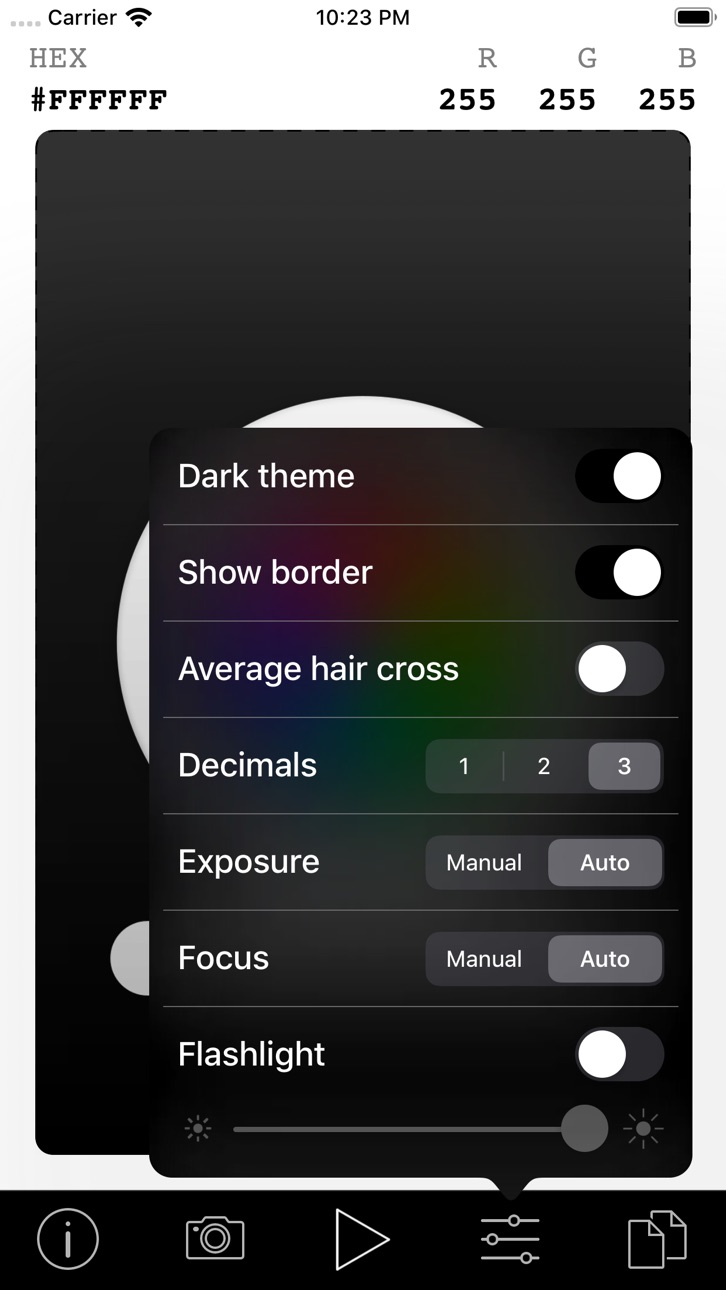
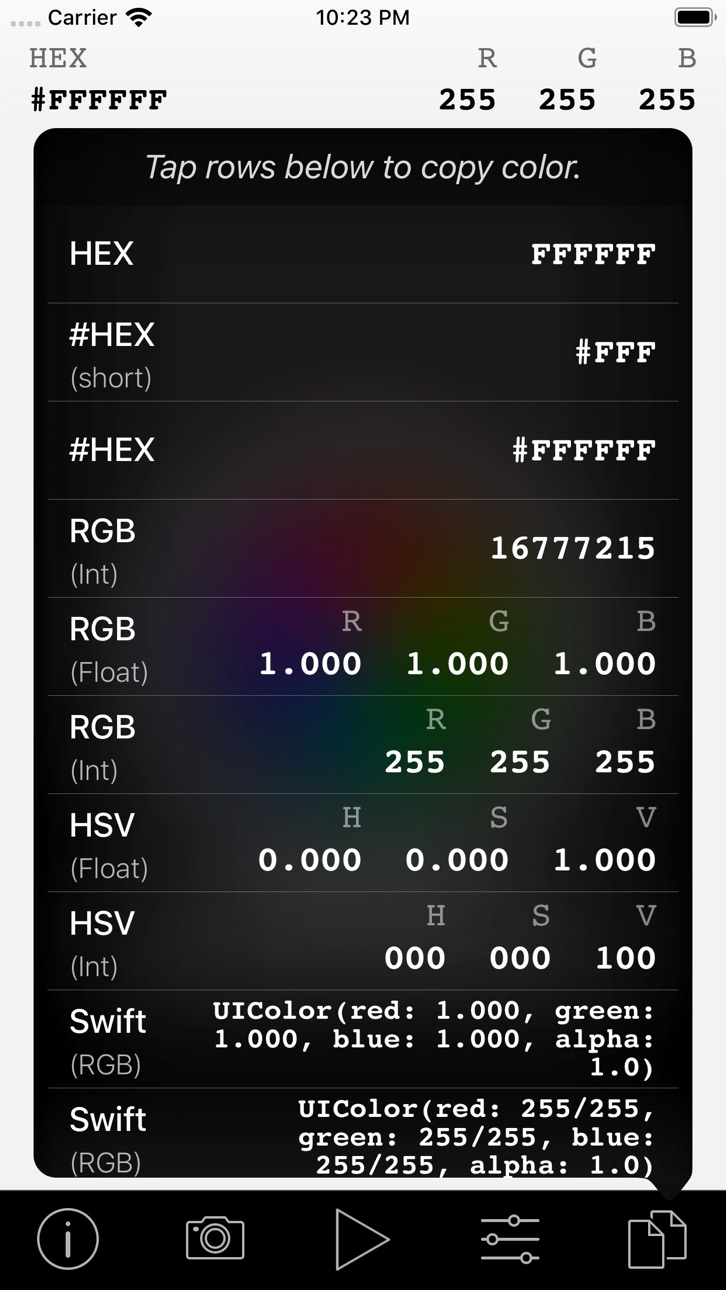
Use your live camera feed to select any color on the screen. You can also load an image from your photo library and select a color from it.
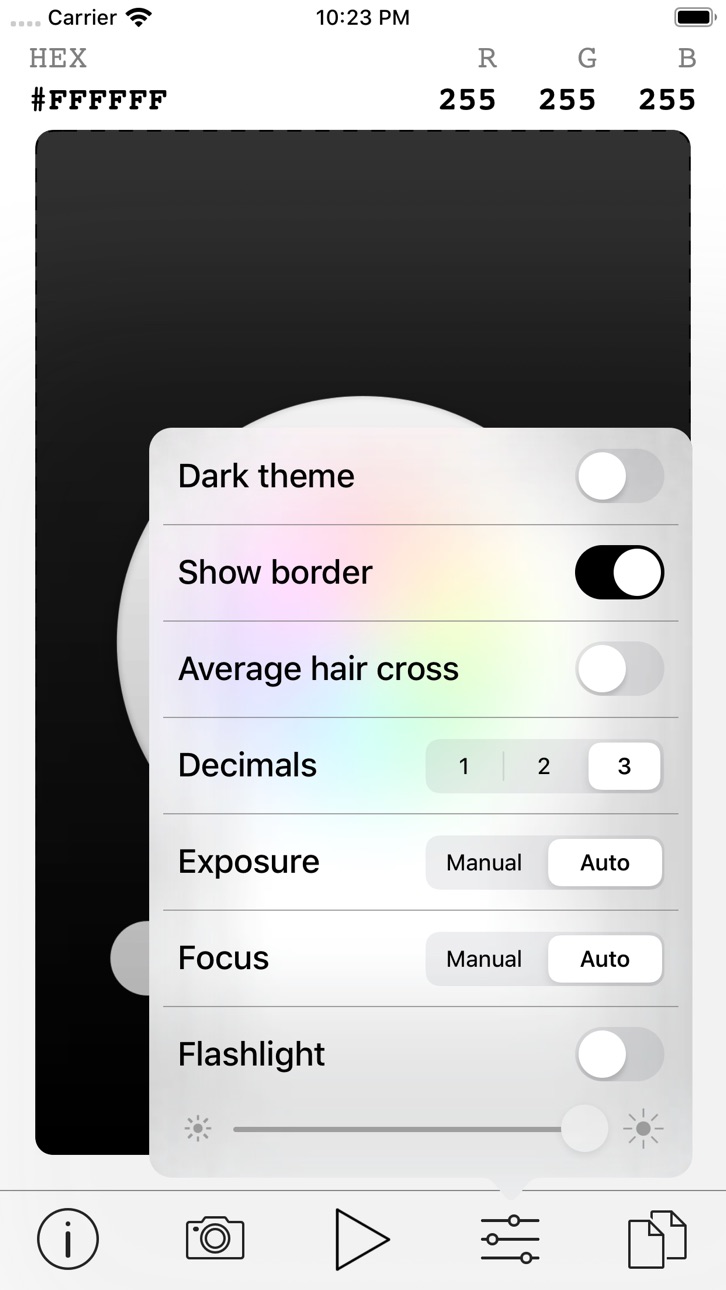
Simple options are available for focus and exposure control. You can set the torch (or flashlight) to a specific luminance to get the correct color balance before you pick it.
You can freeze the live camera feed if needed, to get more precision when choosing your color.
In-App Purchases US pricing
One-Time Purchases
Remove Ads$0.99
Capabilities
In-App Purchases
Accessibility
ipadiphonemacrealityDevicetvoswatch
Version history 5 versions
Build 833828314v1.0.72019-12-02 22:04:52
- Fixed a critical bug: In-app purchases could not be verified after purchase.
Build 832905727v1.0.62019-09-25 22:38:02
- You can now rotate a loaded image.
- Overlaying buttons now move out of the way if the cursor is obscured.
- Support for iOS 13.
- The app will now auto-detect your system preference for Dark mode (on iOS 13) and apply the corresponding app theme (at initial appstart). You can always override the system preference from within the app and switch between light or dark theme at any time.
Build 832351435v1.0.52019-08-13 07:41:36
Fixed an issue where the color code could not be read from a loaded image.
Thank you Donielle, for providing the image causing the issue.
Build 829324950v1.0.42018-11-19 18:40:18
- Rotation (to landscape mode) is now also supported on iPhones.
Fixed issues:
- Picked color was incorrect if image was rotated with EXIF data.
- Some minor interface problems.
- Aspect ratio of camera.
Build 824409944v1.0.02017-11-23 01:21:51
Price history by region
Currency
Show
Columns
Search
Availability 1 of 1 storefronts
| Region | Language | Price | Ratings | Avg | Version |
|---|---|---|---|---|---|
| US | en-US | Free | 2 | 4.5 | 1.0.7 |
Change log 9 changes · US
✎
releaseNotes updated
- Fixed a critical bug: In-app purchases could not be verified after purchase.
✎
description updated
Use your live camera feed to select any color on the screen. You can also load an image from your photo library and select a color from it.
Simple options are
✎
subtitle updated
Pick a color using the camera.
✎
name updated
Live Color Finder
◆
Version 1.0.7 released
- Fixed a critical bug: In-app purchases could not be verified after purchase.
◆
Version 1.0.6 released
- You can now rotate a loaded image.
- Overlaying buttons now move out of the way if the cursor is obscured.
- Support for iOS 13.
- The app will now auto-detect your system preference for Dark mode (on iOS 13) and apply the corresponding a
◆
Version 1.0.5 released
Fixed an issue where the color code could not be read from a loaded image.
Thank you Donielle, for providing the image causing the issue.
◆
Version 1.0.4 released
- Rotation (to landscape mode) is now also supported on iPhones.
Fixed issues:
- Picked color was incorrect if image was rotated with EXIF data.
- Some minor interface problems.
- Aspect ratio of camera.
◆
Version 1.0.0 released