Home › Productivity

 US
US
1 of 1 storefronts
Content in en-US
Content in en-US
Information
Preview 2 platforms


iPhone 5 images


iPad 5 images


What’s New Version 2.0.8
- Stability improvements and bug fixes.
Description
The new MyScript© Calculator 2 makes daily math fun and easy!
Calculator 2 turns your device into an interactive piece of paper. Simply write a calculation and it gets you the result in real time. Develop it further with editing gestures or by adding new elements anywhere. Reuse previous results with drag and drop. Calculator 2 interprets everything you do on the fly.
Calculator 2 is based on MyScript Interactive Ink®, the next step for digital ink. It is the successor of the award-winning first handwriting calculator.
BENEFITS AND FEATURES
· Write calculations in an intuitive and natural way without a keyboard.
· Erase easily by using scratch-out gestures to remove symbols and numbers.
· Drag and drop numbers from and to the canvas, the memory bar or to an external app.
· Copy your results to the clipboard or export them to other apps.
· Fractions: Display results using decimals, fractions or mixed numbers.
· Multi-line: Continue the same calculation on the next line or write several calculations on multiple lines.
· Memory: Save results into memory. Reuse them anytime in your calculations.
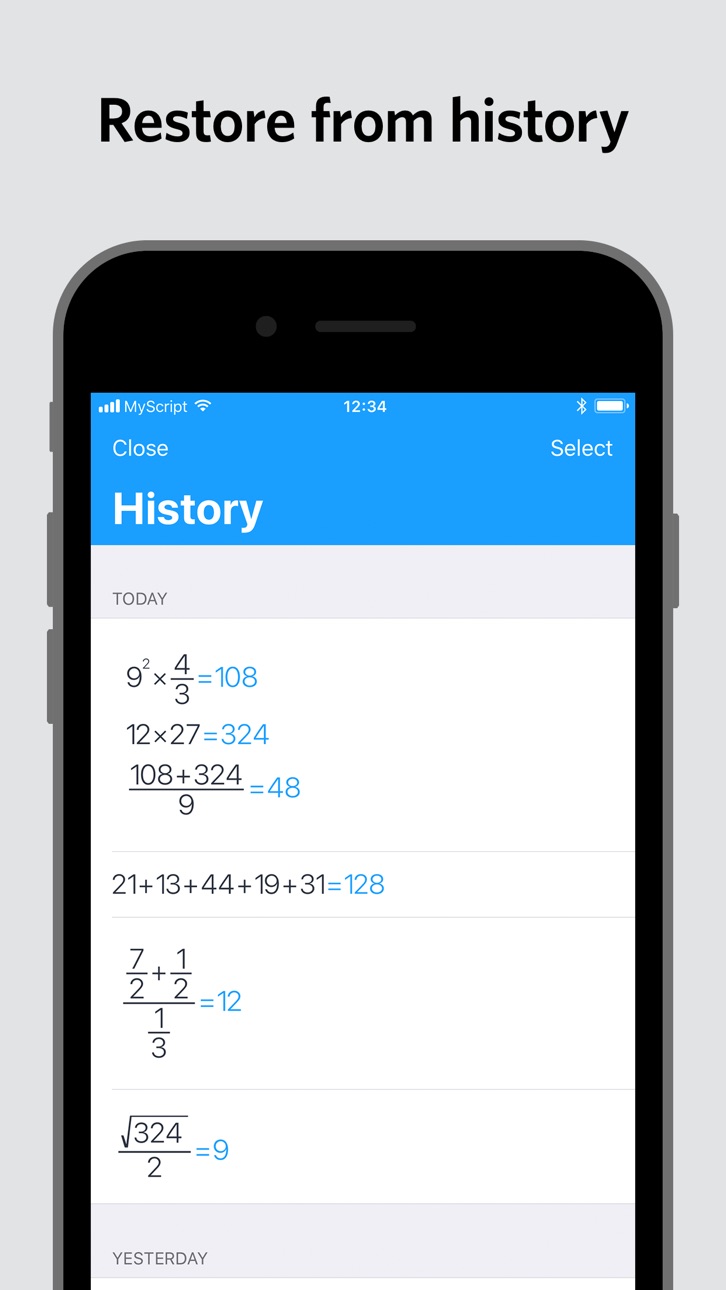
· History: Retrieve all your past calculations to reuse or export.
SUPPORTED OPERATORS
· Basic operations: +, -, ×, ÷, /, ·, :
· Powers, roots, exponentials: 7², √, ∛, e³
· Miscellaneous operations: %, |5|, 3!
· Brackets: ( )
· Trigonometry: sin, cos, tan, cot, cosh, sinh, tanh, coth
· Inverse trigonometry: asin, acos, atan, acot, arcsin, arccos, arctan, arccot, acosh, asinh, atanh, acoth, arcosh, arsinh, artanh, arcoth
· Logarithms: ln, log
· Constants: π, e, phi
Accessibility
ipadiphonemacrealityDevicetvoswatch
Version history 8 versions
Build 835365667v2.0.82022-04-25 10:21:48
- Stability improvements and bug fixes.
Build 829714774v2.0.62018-12-21 16:07:20
Now compatible with the iPad Pro 2018.
Build 826644043v2.0.52018-04-12 07:58:04
Recognition of the multiplication dot is now disabled by default. If you never use the multiplication dot, it will prevent confusion with the decimal sign when it is written too high. You can turn it back on in the settings.
Build 826003195v2.0.42018-02-19 08:20:01
Performance improvement and bug fixing.
Build 825740921v2.0.32018-02-12 10:10:42
New App Store images.
Build 825707784v2.0.22018-01-22 11:10:26
Welcome to Calculator 2.
Build 825529069v2.0.12018-01-15 08:19:21
Welcome to Calculator 2.
Build 824230554v2.02018-01-04 08:45:10
Price history by region
Currency
Show
Columns
Search
Availability 1 of 1 storefronts
| Region | Language | Price | Ratings | Avg | Version |
|---|---|---|---|---|---|
| US | en-US | USD 2.99 | 1.5k | 4.5 | 2.0.8 |
Change log 12 changes · US
✎
releaseNotes updated
- Stability improvements and bug fixes.
✎
description updated
The new MyScript© Calculator 2 makes daily math fun and easy!
Calculator 2 turns your device into an interactive piece of paper. Simply write a calculation and
✎
subtitle updated
Handwriting calculator
✎
name updated
MyScript Calculator
◆
Version 2.0.8 released
- Stability improvements and bug fixes.
◆
Version 2.0.6 released
Now compatible with the iPad Pro 2018.
◆
Version 2.0.5 released
Recognition of the multiplication dot is now disabled by default. If you never use the multiplication dot, it will prevent confusion with the decimal sign when it is written too high. You can turn it back on in the settings.
◆
Version 2.0.4 released
Performance improvement and bug fixing.
◆
Version 2.0.3 released
New App Store images.
◆
Version 2.0.2 released
Welcome to Calculator 2.
◆
Version 2.0.1 released
Welcome to Calculator 2.
◆
Version 2.0 released