Home › Business

 US
US
1 of 1 storefronts
Content in en-US
Content in en-US
Information
Preview 2 platforms
iPhone 6 images


iPad 6 images


What’s New Version 4.0.32
The app now supports PM LEGACY model numbers with the FJ and CJ options for outputs 1 and 2.
Description
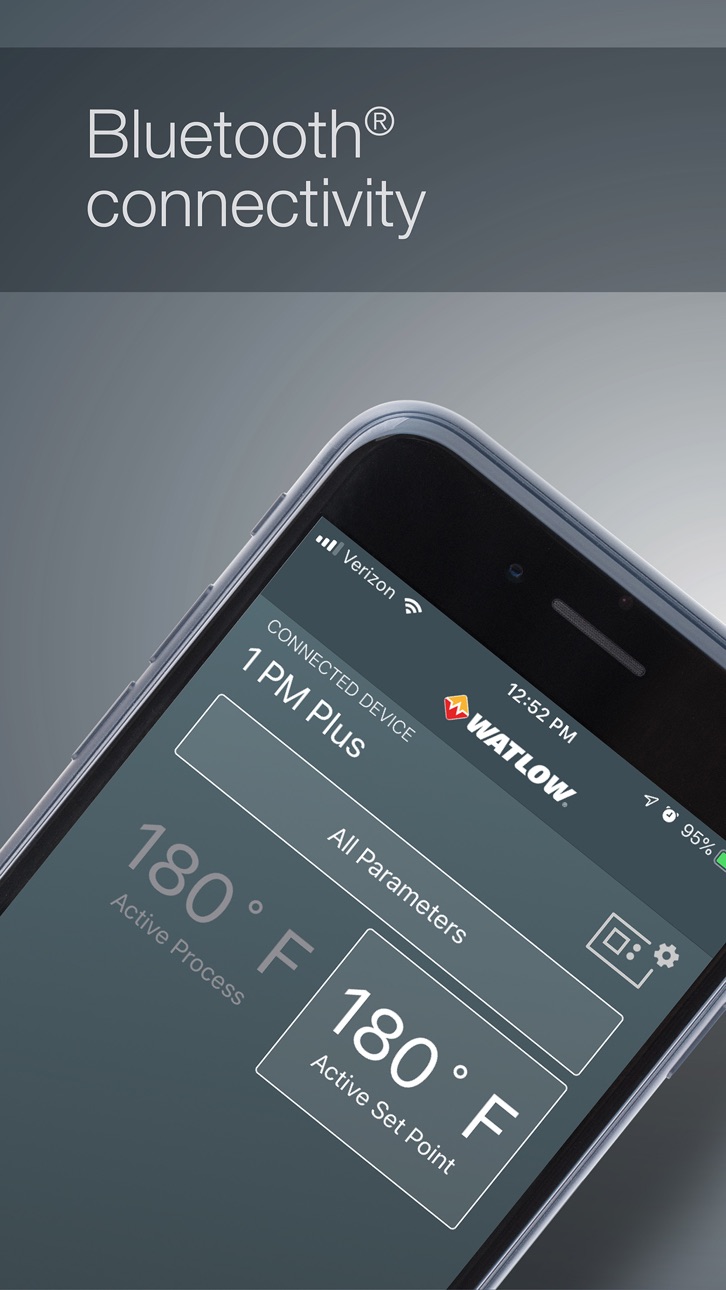
Use EZ-LINK™ to easily set up, monitor and adjust Watlow® PM PLUS and EZ-ZONE® PM controllers via Bluetooth® wireless technology. The app provides access to the controller’s parameters with fully spelled out names in plain text with help topics that explain each parameter and option.
The app’s home page displays the same parameters as the controller’s custom home page. The “All Parameters” button allows you to set up the controller’s inputs, control settings, alarms, outputs and other features and functions.
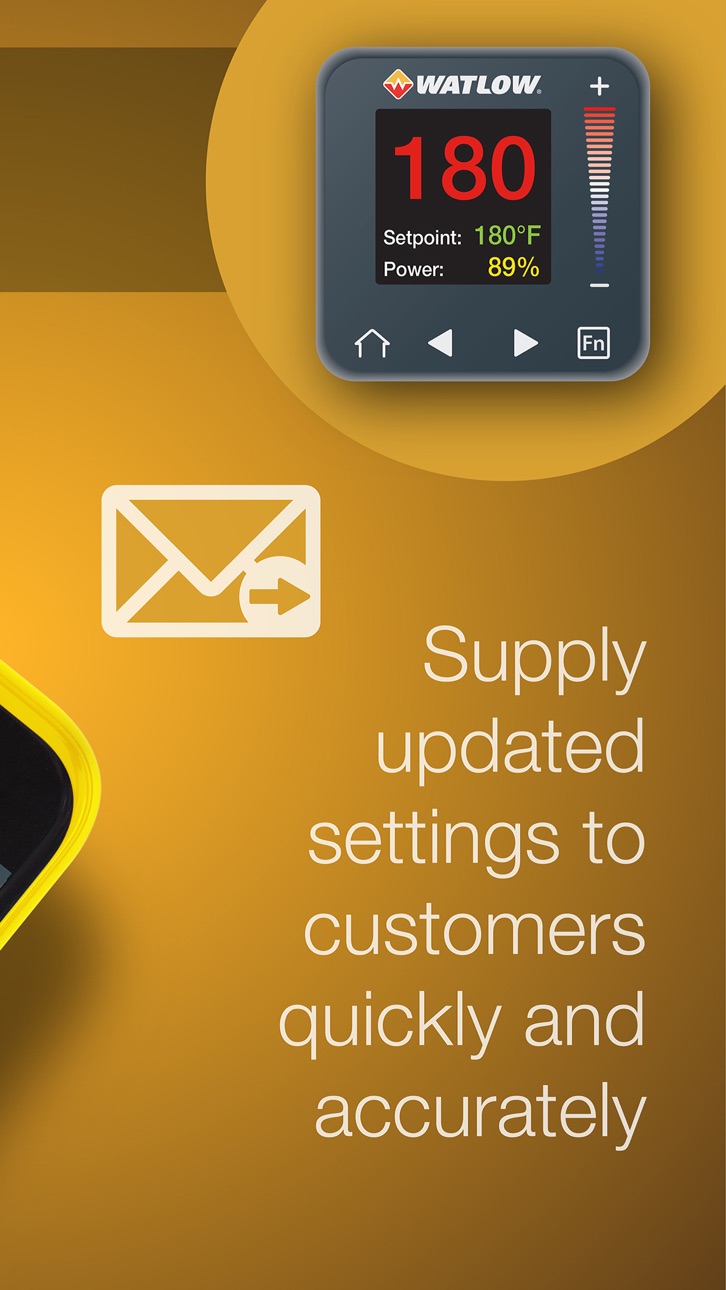
Use the app to save the PM’s settings in a configuration image file. Import the image file into a controller to copy the configuration from one controller to another or to restore the configuration of a controller to an earlier state. You can also share the saved files via email or other file sharing methods. The files are compatible with Watlow’s COMPOSER software which can be used to view the settings on a PC.
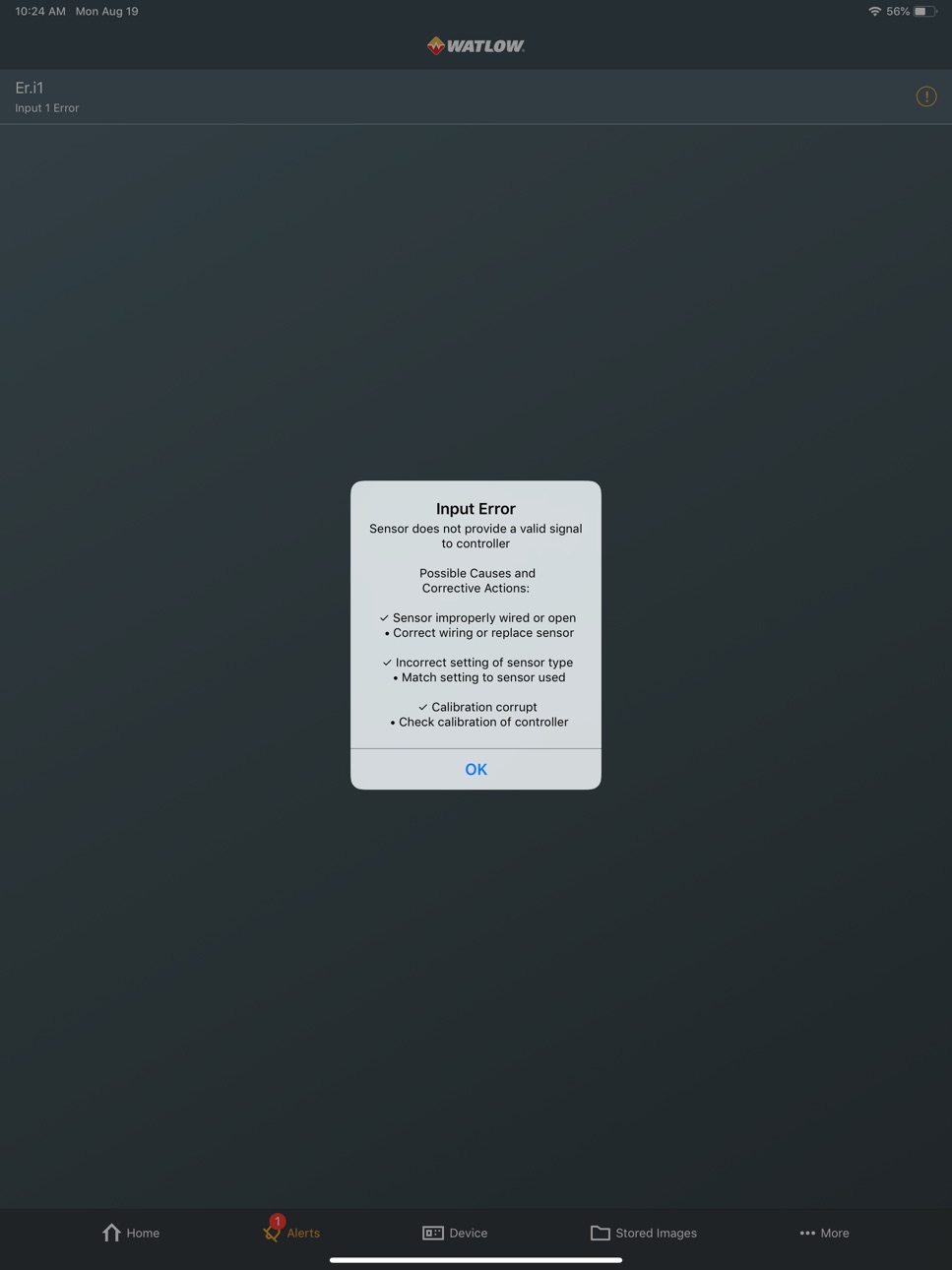
EZ-LINK also provides password protection, alarm and error indicators, connection to Watlow for feedback and support and access to device information such as firmware version, part number and serial number.
The app works with all PM PLUS and 1/16 DIN EZ-ZONE PM controllers and limits with Bluetooth® wireless technology. This option is approved for use in the U.S., Australia, Canada, Columbia, the European Union, Japan, and New Zealand with more locations coming soon.
Accessibility
ipadiphonemacrealityDevicetvoswatch
Version history 7 versions
Build 871621864v4.0.322025-01-09 15:24:29
The app now supports PM LEGACY model numbers with the FJ and CJ options for outputs 1 and 2.
Build 855934026v4.02023-03-31 12:55:14
Allows users to customize the controller home screen.
Parameters are displayed with the number when there is more than one instance of the parameter.
Allow users to change the language displayed throughout EZ-LINK.
The app no longer encounters a file system error when navigating to the stored image view.
Build 844412296v3.02021-10-05 14:44:15
For PM controllers with the profile ramp/soak option, the “All Parameters” list now includes the profile step programming and status menus in addition to the setup menus.
The items on the home page for EZ-ZONE PM EXPRESS and PM LEGACY EXPRESS controllers are protected according to the lockout menu setting. In previous versions parameters on the operations menu were sometimes editable when they should have been read-only.
The home page in the app lists the same parameters as are visible on the controller’s home page. In the previous version in some cases blank parameters were displayed.
Build 834724183v2.12020-03-03 17:13:54
The decimal symbol is displayed correctly based on the device’s region and language settings. In the previous version in some cases both a comma and a period (full stop) were displayed.
Parameters with long lists of enumerated options can be edited as expected. In the previous version, when the list of options was long, the user could not scroll to the enter and cancel buttons.
Build 832382243v2.02019-08-22 14:22:06
Save and import system image files via Bluetooth® wireless technology. Image files save a complete record of controller settings to accurately copy or restore settings from a file into a controller. The save files are compatible with Watlow’s COMPOSER software which can be used to create or view them.
The “Dashboard” tab is now labeled, “Home.”
Build 826452412v1.12018-03-28 21:06:05
Added product demonstration video to app store.
Build 824158272v1.02018-03-16 18:50:40
No pricing data captured yet — comparisons appear once the app has paid storefronts or in-app purchases.
Availability 1 of 1 storefronts
| Region | Language | Price | Ratings | Avg | Version |
|---|---|---|---|---|---|
| US | en-US | Free | 14 | 4.1 | 4.0.32 |
Change log 11 changes · US
✎
releaseNotes updated
The app now supports PM LEGACY model numbers with the FJ and CJ options for outputs 1 and 2.
✎
description updated
Use EZ-LINK™ to easily set up, monitor and adjust Watlow® PM PLUS and EZ-ZONE® PM controllers via Bluetooth® wireless technology. The app provides access to the
✎
subtitle updated
Set up WATLOW PM controllers
✎
name updated
Watlow EZ-LINK
◆
Version 4.0.32 released
The app now supports PM LEGACY model numbers with the FJ and CJ options for outputs 1 and 2.
◆
Version 4.0 released
Allows users to customize the controller home screen.
Parameters are displayed with the number when there is more than one instance of the parameter.
Allow users to change the language displayed throughout EZ-LINK.
The app no longer encoun
◆
Version 3.0 released
For PM controllers with the profile ramp/soak option, the “All Parameters” list now includes the profile step programming and status menus in addition to the setup menus.
The items on the home page for EZ-ZONE PM EXPRESS and PM LEGACY EXPRE
◆
Version 2.1 released
The decimal symbol is displayed correctly based on the device’s region and language settings. In the previous version in some cases both a comma and a period (full stop) were displayed.
Parameters with long lists of enumerated options can b
◆
Version 2.0 released
Save and import system image files via Bluetooth® wireless technology. Image files save a complete record of controller settings to accurately copy or restore settings from a file into a controller. The save files are compatible with Watlow
◆
Version 1.1 released
Added product demonstration video to app store.
◆
Version 1.0 released