Home › Productivity

 US
US
1 of 1 storefronts
Content in en-US
Content in en-US
Information
Preview 2 platforms
iPhone 7 images


iPad 7 images
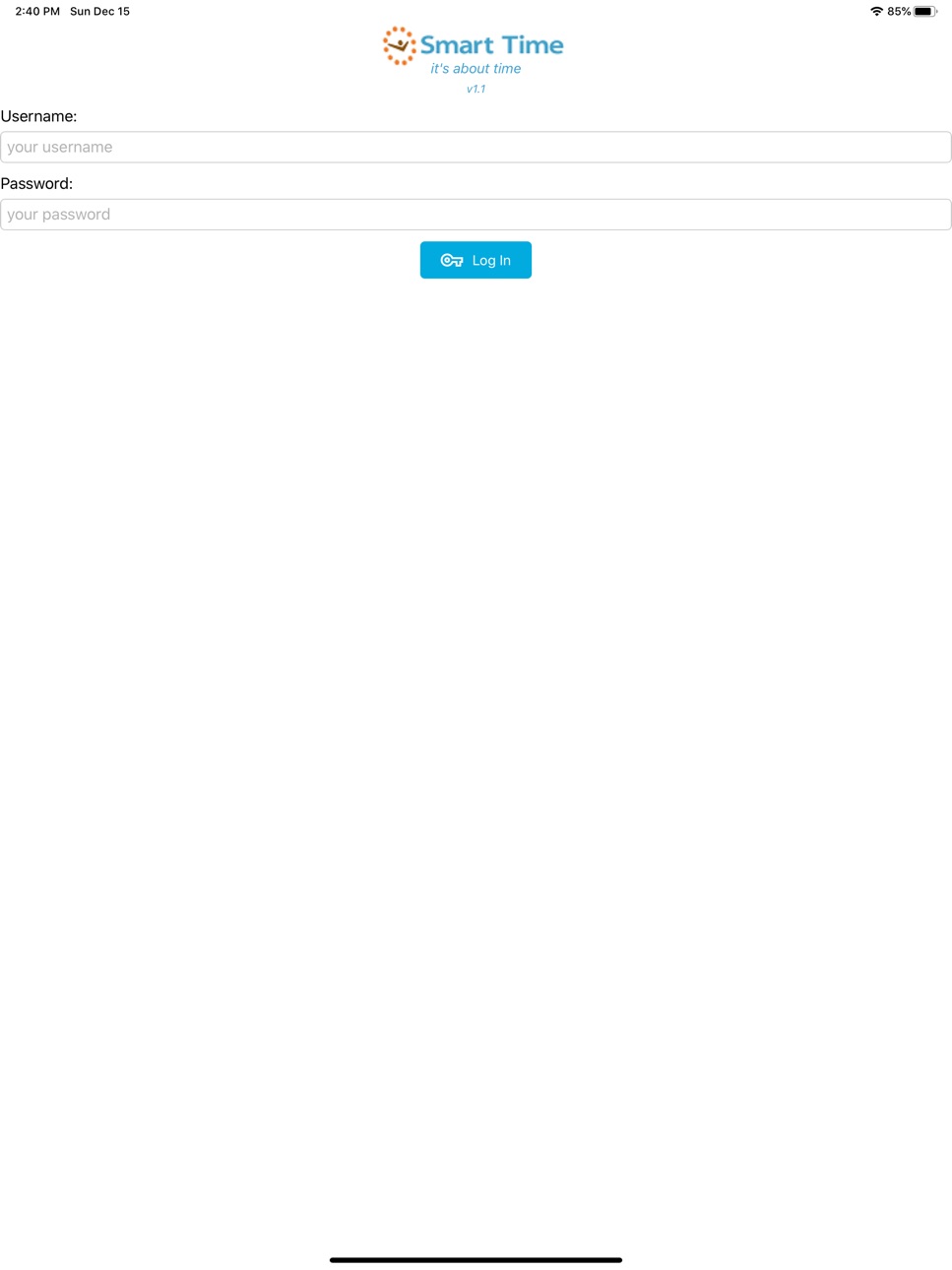


What’s New Version 1.3.8
* Updated colors and logos to align with new corporate branding.
* Addressed some updates to support iOS15+.
* Updated clocking submission date handling.
Description
SmartTime's mobile application provides time and attendance functionality for iOS phones. The app is ideal for companies with mobile employees such as drivers, sales staff or merchandisers and can be accessed by employees or their supervisors from anywhere and at any time via their Smartphone. Employees can clock themselves in and out or a supervisor can clock his team of employees in/out or re-assign employees between teams, change shifts, view work rosters and apply for leave from the SmartTime app. The app keeps record of the time each employee clocks in or out and the actual GPS location at which the employee clocked. A photograph of the employee is taken upon clocking in allowing supervisors to control "buddy clocking" and verify that the employee photograph matches the photograph on the master file. SmartTime's team change functionality allows the supervisor to reassign the employee to his or her team to enable the employee to clock in/out.
SmartTime mobile allows recording of time worked for individual employees and teams. Data is real time and processed in terms of your unique business rules by our powerful SmartTime software streamlining payroll preparation and ensuring that you only pay for time worked, saving you time and saving you money.
Accessibility
ipadiphonemacrealityDevicetvoswatch
Version history 8 versions
Build 865682820v1.3.82024-05-05 16:36:08
* Updated colors and logos to align with new corporate branding.
* Addressed some updates to support iOS15+.
* Updated clocking submission date handling.
Build 851349276v1.3.52022-08-04 21:44:11
Addressed the issue with the session timing out too soon and increased it to 2 minutes.
Build 851132969v1.3.42022-07-29 15:53:29
Increased timeout values.
Build 838383028v1.3.32020-10-28 00:51:29
* Auto logout if not actively using the app
Build 833989444v1.32020-02-15 15:05:02
* Background sync
* Offline support
* Refreshed icons
Build 827541857v1.22018-06-14 18:31:56
- GPS fixes
Build 826369846v1.12018-03-20 23:34:25
- Bug fixes
Build 824129572v1.02018-02-01 21:25:35
No pricing data captured yet — comparisons appear once the app has paid storefronts or in-app purchases.
Availability 1 of 1 storefronts
| Region | Language | Price | Ratings | Avg | Version |
|---|---|---|---|---|---|
| US | en-US | Free | 0 | — | 1.3.8 |
Change log 11 changes · US
✎
releaseNotes updated
* Updated colors and logos to align with new corporate branding.
* Addressed some updates to support iOS15+.
* Updated clocking submission date handling.
✎
description updated
SmartTime's mobile application provides time and attendance functionality for iOS phones. The app is ideal for companies with mobile employees such as drivers,
✎
name updated
SmartTime Mobile (ST)
◆
Version 1.3.8 released
* Updated colors and logos to align with new corporate branding.
* Addressed some updates to support iOS15+.
* Updated clocking submission date handling.
◆
Version 1.3.5 released
Addressed the issue with the session timing out too soon and increased it to 2 minutes.
◆
Version 1.3.4 released
Increased timeout values.
◆
Version 1.3.3 released
* Auto logout if not actively using the app
◆
Version 1.3 released
* Background sync
* Offline support
* Refreshed icons
◆
Version 1.2 released
- GPS fixes
◆
Version 1.1 released
- Bug fixes
◆
Version 1.0 released