Home › Productivity

 US
US
1 of 1 storefronts
Content in en-US
Content in en-US
Information
Preview 2 platforms
iPhone 5 images


iPad 5 images




What’s New Version 3.4.4
- Fix UI issue
Description
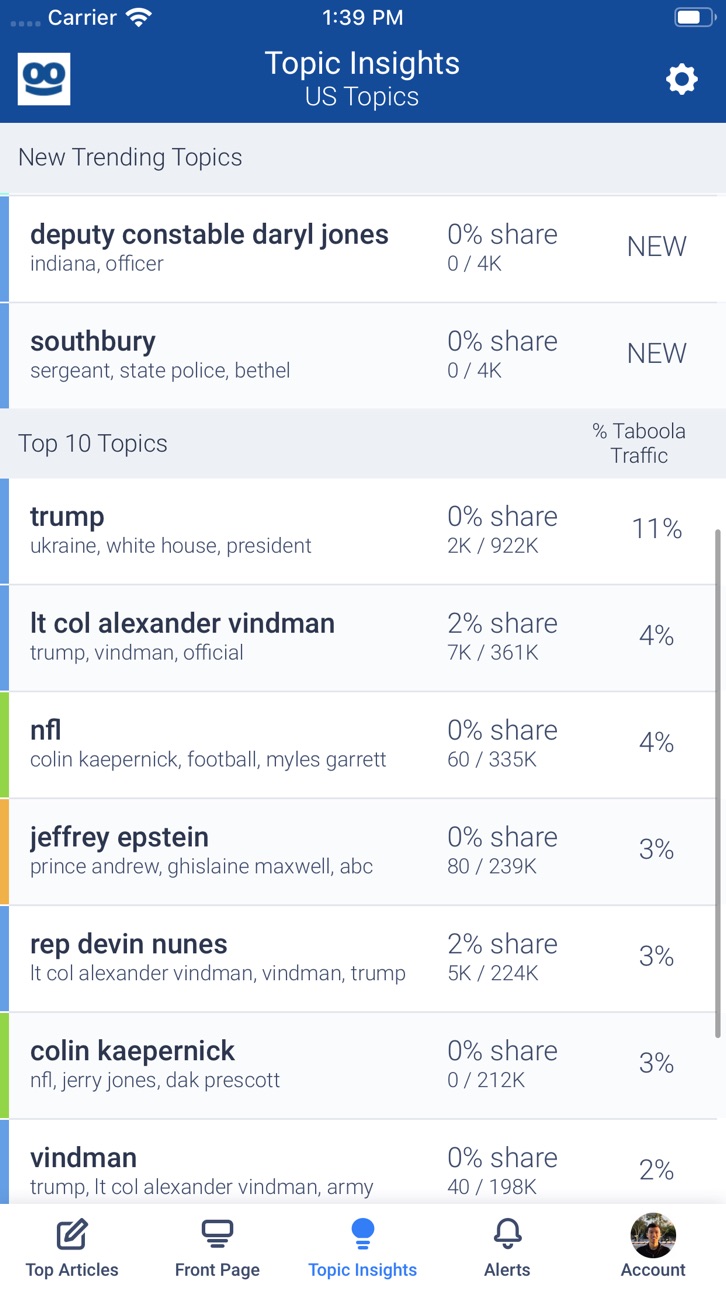
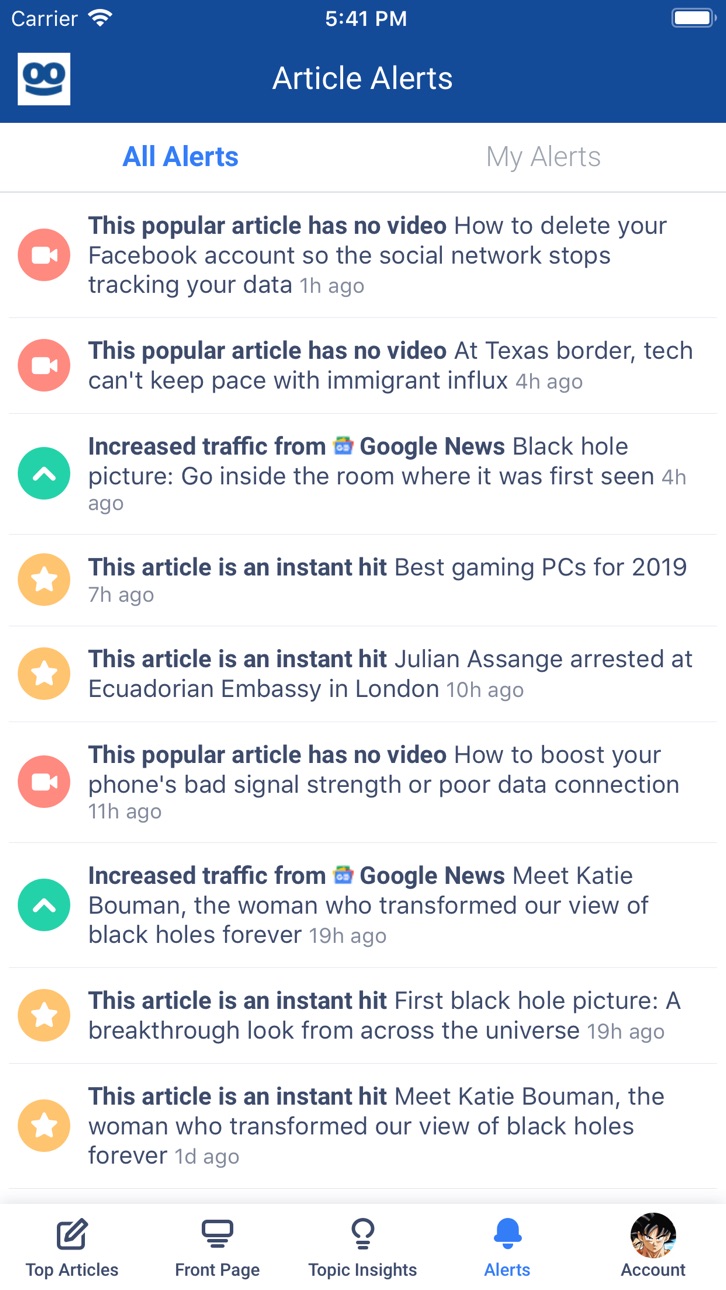
Taboola Newsroom is the fastest way for you to see how your articles are performing and gain crucial insights into the trending topics on the web.
Accessibility
ipadiphonemacrealityDevicetvoswatch
Version history 25 versions
Build 883048322v3.4.42026-04-13 14:41:55
- Fix UI issue
Build 880898636v3.4.32026-01-12 18:19:51
- Minor bug fixed
- Remove redundant flow
Build 877269392v3.1.62025-08-26 01:38:38
- Fix article link issue
Build 875861753v3.1.32025-06-25 21:36:39
Push notification support
Build 874607520v3.1.22025-05-20 07:30:00
- Modify the GA to GA4
Build 871709710v3.0.42025-02-13 00:58:43
- Fix UI issues
Build 845860462v2.592021-12-16 00:55:44
Updates to the dashboard screens for our publisher users
Build 844157150v2.572021-09-17 18:21:22
Added network/market to the new topic alert
Changed the default notification values
Build 843061001v2.552021-07-13 17:35:09
Added support for the real time New Topic alert
Build 841708169v2.532021-04-26 18:06:47
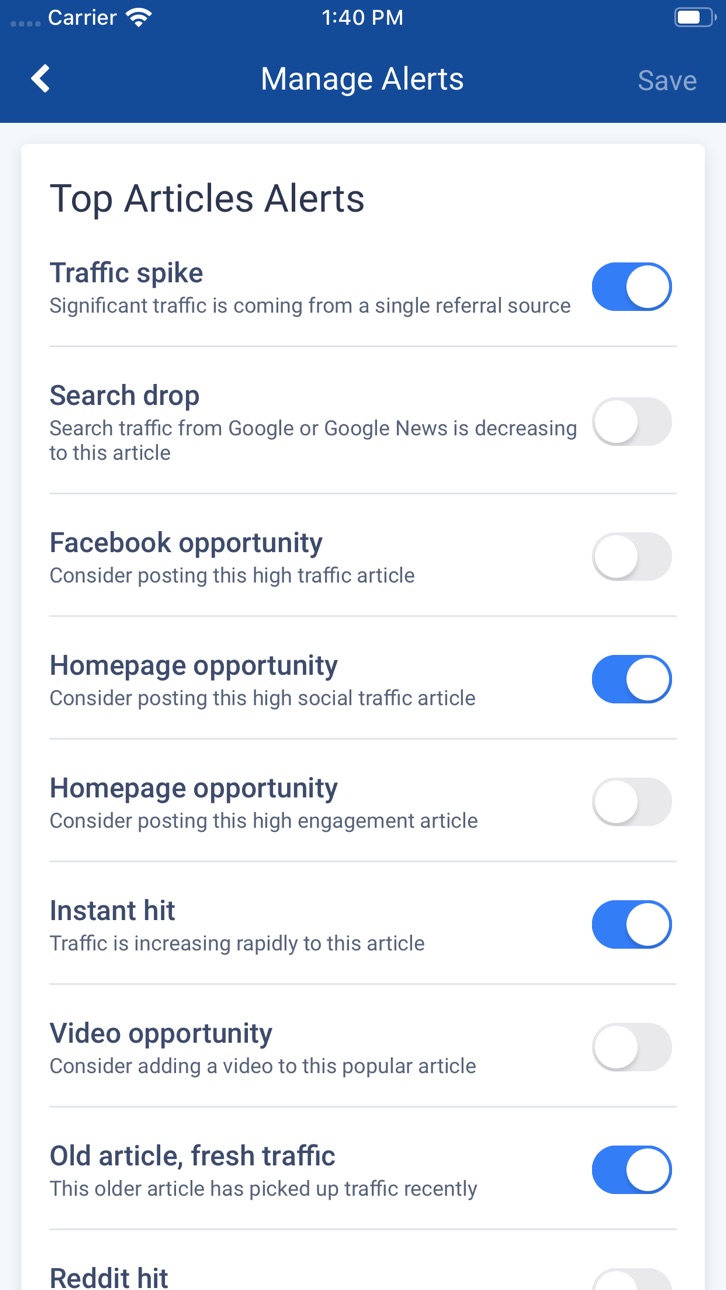
Removed the Reddit alerts from the Alerts Management screen as they are no longer valid
Build 840167198v2.512021-01-27 20:49:48
Fixed an issue using Google oAuth for login.
Build 837591879v2.502020-09-10 21:39:35
Fix for a graphic bug on the Alerts screen
Modify how sections are read on the Top Articles screen
Build 836636623v2.482020-07-16 18:20:44
Alert article detail time range will now be correctly chosen based on how old the alert is
Alerts less than 1 hr old will display Real Time data on the detail screen
Onboarding screen now includes Post on Facebook alert instead of Old Article New Traffic alert
Build 835448856v2.442020-04-14 21:16:19
Top articles now shows if an article has a video present. Additionally, if configured it will show a link box if detected.
Build 835248319v2.39.02020-03-26 23:57:14
- Fixed a bug when opening an alert showed no article data
- Publishers with subscription tracking can now filter by registered or subscribed users in top articles
Build 834463325v2.35.02020-01-23 23:39:05
Minor bug fixes
Build 834371037v2.33.02020-01-17 18:21:07
This release contains the following changes:
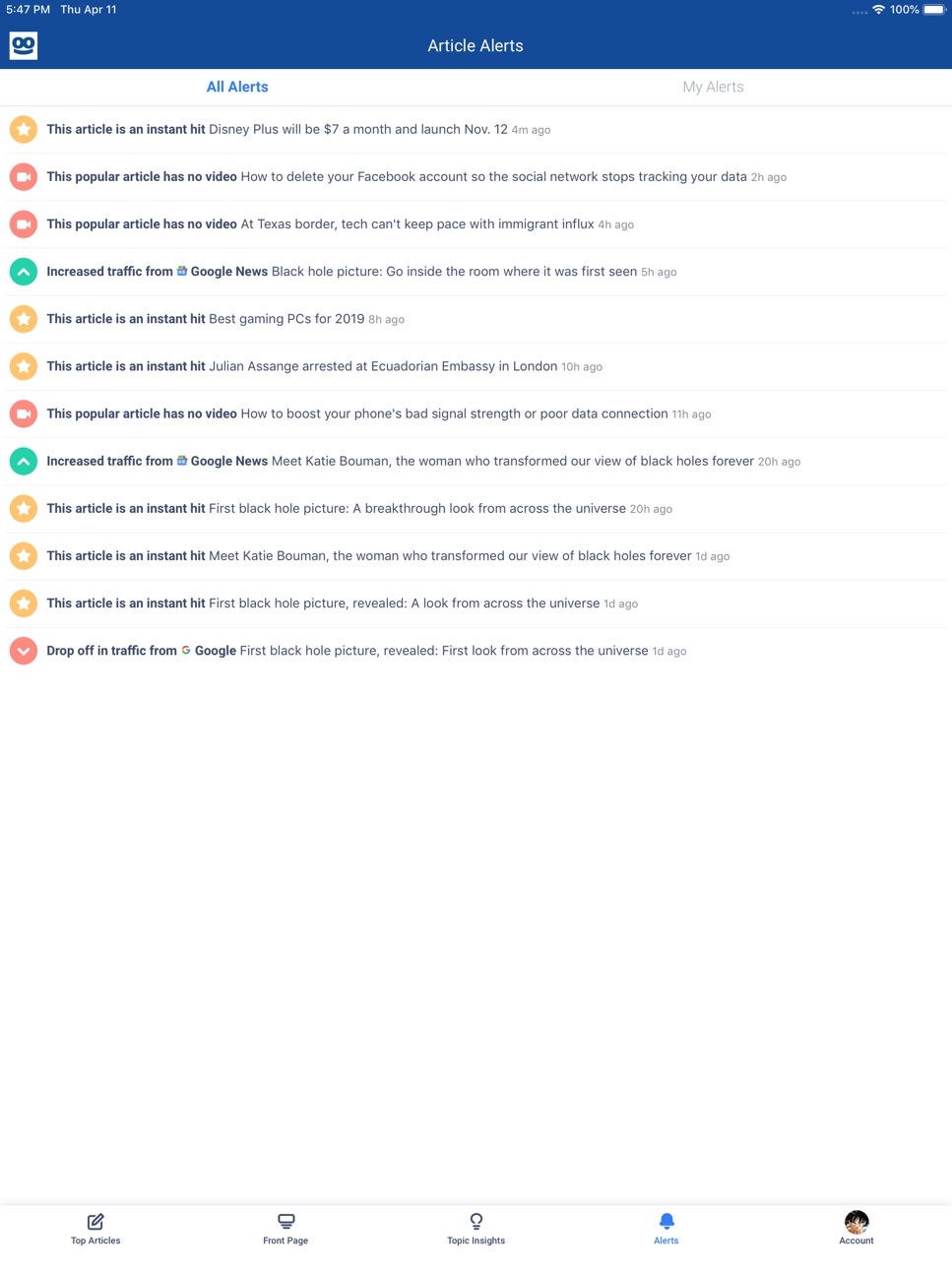
- Included all alerts in the alert view instead of latest one per article
- Fixed bug where Top Articles chart would sometimes display incorrectly
- Fixed bugs that caused a crash on Today View
Build 834034867v2.28.02019-12-18 19:29:03
- Added support for alert for highly converting articles
- Added My Posts dashboard to Top Articles tab
- Added ability to switch between scores and values for engagement metrics
- Updated Article Detail and Alert Detail screens to include engagement metrics
- Minor bug fixes
Build 833861376v2.23.02019-12-05 15:23:57
This release contains:
- New Yesterday's Top 25 Articles dashboard
- Updated timestamps on Top Articles reports
- Enabling users to log in with one-time links from email
Build 833676790v2.18.02019-11-20 23:47:53
- Added support for Front Page alerts. Now you can get notified when positions are over or under performing and when A/B tests are complete.
- Enabled infinite scrolling on Top Articles. Keep scrolling for more articles!
- Added Edit Profile screen under the Account tab.
- Minor UI improvements and bug fixes.
Build 833368276v2.11.02019-10-30 21:10:06
Added on-boarding screens to help users get notified of the alerts that matter most to them. This update also includes minor bug fixes and style updates.
Build 833098533v2.5.02019-10-10 22:57:40
You can now view front page alerts and block insights alerts for specific topics!
- Front page alerts will show up inline on the front page tab
- Insights topics can be blocked using the overflow menu in the Topic Detail screen
Build 832545691v2.1.02019-08-28 23:12:07
We added support for Insights Topic Opportunity push notifications.
Build 832386184v1.54.02019-08-15 21:14:50
We added alerts to the insights screen. You can now view which topics are being read by your repeat users on other sites in the insights topic list.
Build 832118113v1.51.02019-07-25 14:48:28
This update includes improvements to Insights. You can now filter your topic list by category, and tapping on a topic opens up a new screen that shows trend graphs as well as your top articles for this topic.
No pricing data captured yet — comparisons appear once the app has paid storefronts or in-app purchases.
Availability 1 of 1 storefronts
| Region | Language | Price | Ratings | Avg | Version |
|---|---|---|---|---|---|
| US | en-US | Free | 5 | 3.4 | 3.4.4 |
Change log 28 changes · US
✎
releaseNotes updated
- Fix UI issue
✎
description updated
Taboola Newsroom is the fastest way for you to see how your articles are performing and gain crucial insights into the trending topics on the web.
✎
name updated
Taboola Newsroom
◆
Version 3.4.4 released
- Fix UI issue
◆
Version 3.4.3 released
- Minor bug fixed
- Remove redundant flow
◆
Version 3.1.6 released
- Fix article link issue
◆
Version 3.1.3 released
Push notification support
◆
Version 3.1.2 released
- Modify the GA to GA4
◆
Version 3.0.4 released
- Fix UI issues
◆
Version 2.59 released
Updates to the dashboard screens for our publisher users
◆
Version 2.57 released
Added network/market to the new topic alert
Changed the default notification values
◆
Version 2.55 released
Added support for the real time New Topic alert
◆
Version 2.53 released
Removed the Reddit alerts from the Alerts Management screen as they are no longer valid
◆
Version 2.51 released
Fixed an issue using Google oAuth for login.
◆
Version 2.50 released
Fix for a graphic bug on the Alerts screen
Modify how sections are read on the Top Articles screen
◆
Version 2.48 released
Alert article detail time range will now be correctly chosen based on how old the alert is
Alerts less than 1 hr old will display Real Time data on the detail screen
Onboarding screen now includes Post on Facebook alert instead of Old Artic
◆
Version 2.44 released
Top articles now shows if an article has a video present. Additionally, if configured it will show a link box if detected.
◆
Version 2.39.0 released
- Fixed a bug when opening an alert showed no article data
- Publishers with subscription tracking can now filter by registered or subscribed users in top articles
◆
Version 2.35.0 released
Minor bug fixes
◆
Version 2.33.0 released
This release contains the following changes:
- Included all alerts in the alert view instead of latest one per article
- Fixed bug where Top Articles chart would sometimes display incorrectly
- Fixed bugs that caused a crash on Today View
◆
Version 2.28.0 released
- Added support for alert for highly converting articles
- Added My Posts dashboard to Top Articles tab
- Added ability to switch between scores and values for engagement metrics
- Updated Article Detail and Alert Detail screens to include
◆
Version 2.23.0 released
This release contains:
- New Yesterday's Top 25 Articles dashboard
- Updated timestamps on Top Articles reports
- Enabling users to log in with one-time links from email
◆
Version 2.18.0 released
- Added support for Front Page alerts. Now you can get notified when positions are over or under performing and when A/B tests are complete.
- Enabled infinite scrolling on Top Articles. Keep scrolling for more articles!
- Added Edit Profil
◆
Version 2.11.0 released
Added on-boarding screens to help users get notified of the alerts that matter most to them. This update also includes minor bug fixes and style updates.
◆
Version 2.5.0 released
You can now view front page alerts and block insights alerts for specific topics!
- Front page alerts will show up inline on the front page tab
- Insights topics can be blocked using the overflow menu in the Topic Detail screen
◆
Version 2.1.0 released
We added support for Insights Topic Opportunity push notifications.
◆
Version 1.54.0 released
We added alerts to the insights screen. You can now view which topics are being read by your repeat users on other sites in the insights topic list.
◆
Version 1.51.0 released
This update includes improvements to Insights. You can now filter your topic list by category, and tapping on a topic opens up a new screen that shows trend graphs as well as your top articles for this topic.