Home › Utilities

 US
US
1 of 1 storefronts
Content in en-US
Content in en-US
Information
Preview 2 platforms
iPhone 5 images


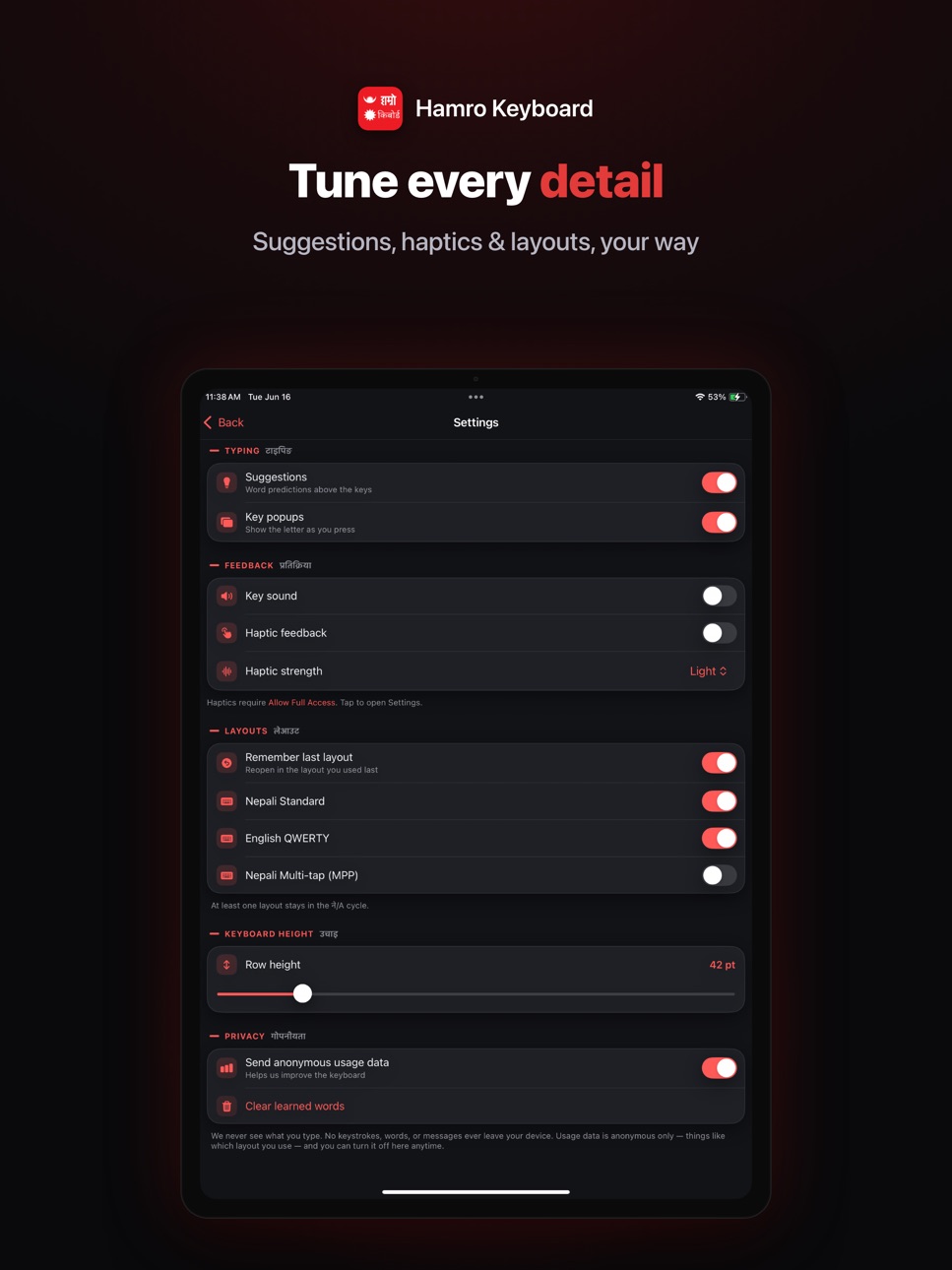
iPad 5 images


What’s New Version 3.0.3
• Faster nasal marks in Romanized typing. Type * for anusvara (ं) and ** for chandrabindu (ँ).
• New "How to type" guide, a built-in reference that teaches Romanized Nepali, switching between नेपाली and English, and using the suggestion bar.
• Minor bug fixes and improvements.
Description
Hamro Keyboard is a Nepali keyboard for all of us who love Nepali language. You can use this keyboard to write Nepali text in any app. No need to copy and paste.
With Hamro Nepali Keyboard, you can type Nepali directly to any app. We support three keyboard layouts, Unicode Transliteration, MPP based Romanized layout, and traditional layout.
We also added Emoji support and Numeric Keypad.
Now, Type in Nepali and help your friends to type in Nepali. Lets promote Nepali language by typing in Nepali.
Accessibility
ipadiphonemacrealityDevicetvoswatch
Version history 6 versions
Build 887421513v3.0.32026-06-25 17:58:23
• Faster nasal marks in Romanized typing. Type * for anusvara (ं) and ** for chandrabindu (ँ).
• New "How to type" guide, a built-in reference that teaches Romanized Nepali, switching between नेपाली and English, and using the suggestion bar.
• Minor bug fixes and improvements.
Build 887285344v3.0.22026-06-22 20:25:44
- Shift Key Fix: Resolved an issue where the shift key would get stuck and fail to revert to the original layout.
- New 'QWERTY' Key for MPP: Added a dedicated 'QWERTY' key to the MPP layout for a quicker, more intuitive experience.
- Snappier Performance: Optimized typing responsiveness to eliminate lag and ensure a more fluid experience.
- Under the Hood: Squashed miscellaneous minor bugs to improve overall app stability.
Build 887178929v3.0.12026-06-19 16:01:54
- Simpler switching between number and letter layouts.
- MPP layout is now enabled by default.
- Improved typing experience to match native system keyboard fluidity.
- General bug fixes and performance improvements.
Build 886980074v3.0.02026-06-17 13:34:23
- Total UI revamp
- New themes feature added
- Stickers added
- Typing experience and performance improvement
- Better suggestion
Build 824416366v2.0.02023-01-27 18:50:52
- Typing made faster
- Now supports dark & light theme
- New design
- Issue fixed while using keyboard on landscape mode
- Sound and vibration not working is now fixed
- Other bug fixes and performance optimization
Build 823487775v1.02017-09-22 06:39:45
This update from Apple will improve the functionality of this app. No new features are included.
No pricing data captured yet — comparisons appear once the app has paid storefronts or in-app purchases.
Availability 1 of 1 storefronts
| Region | Language | Price | Ratings | Avg | Version |
|---|---|---|---|---|---|
| US | en-US | Free | 133 | 3.5 | 3.0.3 |
Change log 10 changes · US
✎
releaseNotes updated
• Faster nasal marks in Romanized typing. Type * for anusvara (ं) and ** for chandrabindu (ँ).
• New "How to type" guide, a built-in reference that teaches Roma
✎
description updated
Hamro Keyboard is a Nepali keyboard for all of us who love Nepali language. You can use this keyboard to write Nepali text in any app. No need to copy and paste
✎
subtitle updated
Hamro Nepali Keyboard
✎
name updated
Hamro Nepali Keyboard
◆
Version 3.0.3 released
• Faster nasal marks in Romanized typing. Type * for anusvara (ं) and ** for chandrabindu (ँ).
• New "How to type" guide, a built-in reference that teaches Romanized Nepali, switching between नेपाली and English, and using the suggestion bar
◆
Version 3.0.2 released
- Shift Key Fix: Resolved an issue where the shift key would get stuck and fail to revert to the original layout.
- New 'QWERTY' Key for MPP: Added a dedicated 'QWERTY' key to the MPP layout for a quicker, more intuitive experience.
- Snapp
◆
Version 3.0.1 released
- Simpler switching between number and letter layouts.
- MPP layout is now enabled by default.
- Improved typing experience to match native system keyboard fluidity.
- General bug fixes and performance improvements.
◆
Version 3.0.0 released
- Total UI revamp
- New themes feature added
- Stickers added
- Typing experience and performance improvement
- Better suggestion
◆
Version 2.0.0 released
- Typing made faster
- Now supports dark & light theme
- New design
- Issue fixed while using keyboard on landscape mode
- Sound and vibration not working is now fixed
- Other bug fixes and performance optimization
◆
Version 1.0 released
This update from Apple will improve the functionality of this app. No new features are included.