Home › Photo & Video

 US
US
1 of 1 storefronts
Content in en-US
Content in en-US
Information
Preview 2 platforms
iPhone 4 images


iPad 4 images


What’s New Version 1.3.3
Fixed bugs
Improved performances
Description
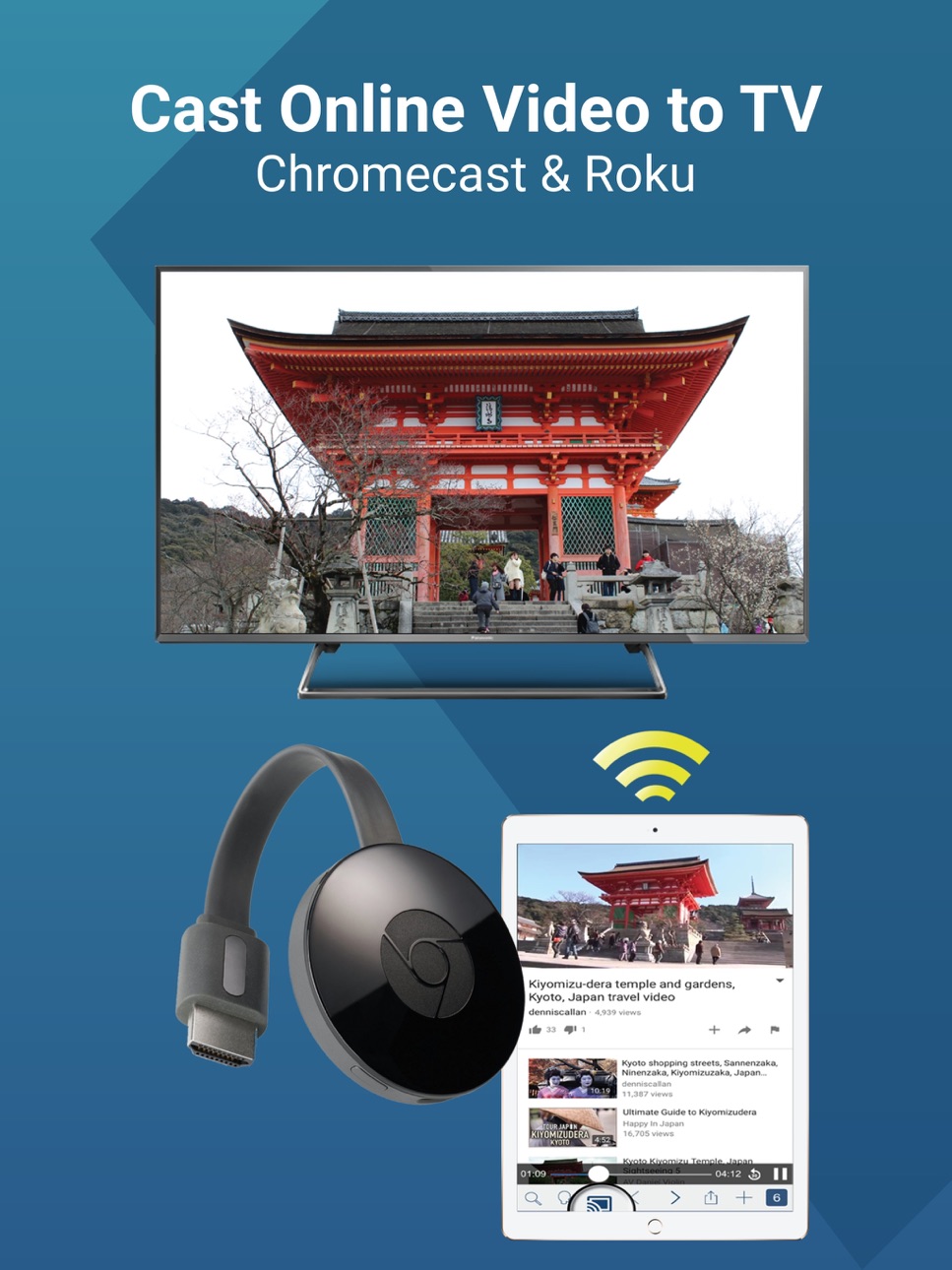
- Streams online videos to your Chromecast device on your big screen TV
- WebCast is totally Free (No In-App Purchases Needed)
- WebCast supports Chromecast 1, 2, 3, Ultra and Roku
[Steps]
1) Start WebCast Browser.
2) Connect your Chromecast.
3) Search videos.
4) Load the video page and play the web video.
5) Wait for the "Play Now" button and tap on it.
6) Watch and enjoy the video on your big TV screen.
[KEY FEATURES]
* Annoying Ads Blocker
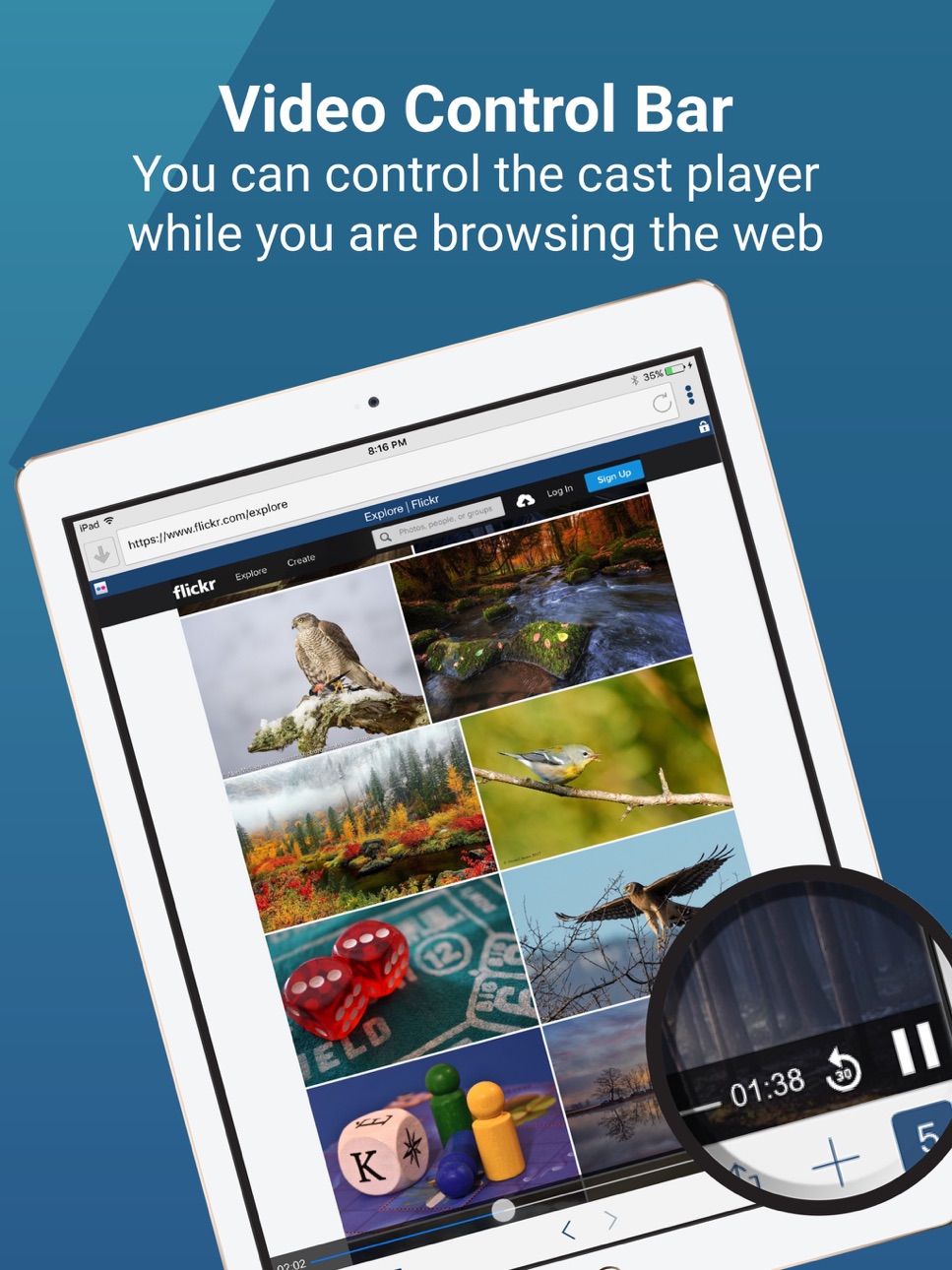
* Chromecast Control Bar allows you to control the playing video on your TV (Play, Pause, Rewind, Forward, 30 Seconds Replay)
* Chromecast Video Queue allows you to add multiple videos to the playing queue
* Multiple Tabs Web Browser
* Full Screen Web Browsing Experience
* Bookmarks, Reading List, Browsing History, Liked Sites Quick Access, Search Suggestions and more
**iTunes movies or other DRM protected videos like HBO are not supported.
Accessibility
ipadiphonemacrealityDevicetvoswatch
Version history 18 versions
Build 837981723v1.3.32020-09-28 22:01:34
Fixed bugs
Improved performances
Build 837758358v1.3.22020-09-15 20:18:49
Improved cast bar functions
Fixed dark mode issue on Settings screen
Fixed bugs
Build 834738177v1.3.12020-02-18 23:16:28
Fixed issues
Build 830691807v1.3.02019-04-10 02:39:24
Multilingual Support
Build 830557778v1.2.92019-03-12 22:45:29
- Added Home Page button on Menu
- Updated app logo
- Updated app screens
Build 830481096v1.2.82019-03-04 23:30:19
Fixed iPhone XR and iPhone XS Max layout issues.
Fixed minor bugs
Build 825802841v1.2.72018-01-30 00:16:57
Added "Play Now" button to cast video instead casts automatically which prevents accidentally cast video to TV.
Bug fixes
Build 825184239v1.2.52017-12-05 03:57:56
Chromecast video queue is now supported.
Build 824889126v1.2.42017-11-29 22:55:16
Improvements
Bug Fixes
Build 824381001v1.2.32017-11-13 23:37:59
Improvements
Bug Fixes
Build 824324537v1.2.22017-11-09 06:05:29
Improvements
Bug Fixes
Build 824215671v1.2.12017-11-01 00:34:34
Added Fast Scrolling option in Settings
Added Cast Control Bar on Full Screen option in Settings
Fixed Issues
Build 824056541v1.2.02017-10-20 00:56:56
Performance Improvements
Supports iPhone X
Build 823430681v1.1.02017-08-25 22:24:43
Added Roku Support
Fixed Issues
Build 823233385v1.0.42017-08-11 00:36:13
Fixed Bugs
Build 822998790v1.0.32017-07-25 20:34:46
App Improvements
Build 822956501v1.0.22017-07-20 22:42:03
App Improvements
Build 822558712v1.0.12017-07-18 23:32:41
No pricing data captured yet — comparisons appear once the app has paid storefronts or in-app purchases.
Availability 1 of 1 storefronts
| Region | Language | Price | Ratings | Avg | Version |
|---|---|---|---|---|---|
| US | en-US | Free | 4.8k | 4.5 | 1.3.3 |
Change log 22 changes · US
✎
releaseNotes updated
Fixed bugs
Improved performances
✎
description updated
- Streams online videos to your Chromecast device on your big screen TV
- WebCast is totally Free (No In-App Purchases Needed)
- WebCast supports Chromecast 1,
✎
subtitle updated
Stream Web Videos To TV
✎
name updated
WebCast TV for Chromecast
◆
Version 1.3.3 released
Fixed bugs
Improved performances
◆
Version 1.3.2 released
Improved cast bar functions
Fixed dark mode issue on Settings screen
Fixed bugs
◆
Version 1.3.1 released
Fixed issues
◆
Version 1.3.0 released
Multilingual Support
◆
Version 1.2.9 released
- Added Home Page button on Menu
- Updated app logo
- Updated app screens
◆
Version 1.2.8 released
Fixed iPhone XR and iPhone XS Max layout issues.
Fixed minor bugs
◆
Version 1.2.7 released
Added "Play Now" button to cast video instead casts automatically which prevents accidentally cast video to TV.
Bug fixes
◆
Version 1.2.5 released
Chromecast video queue is now supported.
◆
Version 1.2.4 released
Improvements
Bug Fixes
◆
Version 1.2.3 released
Improvements
Bug Fixes
◆
Version 1.2.2 released
Improvements
Bug Fixes
◆
Version 1.2.1 released
Added Fast Scrolling option in Settings
Added Cast Control Bar on Full Screen option in Settings
Fixed Issues
◆
Version 1.2.0 released
Performance Improvements
Supports iPhone X
◆
Version 1.1.0 released
Added Roku Support
Fixed Issues
◆
Version 1.0.4 released
Fixed Bugs
◆
Version 1.0.3 released
App Improvements
◆
Version 1.0.2 released
App Improvements
◆
Version 1.0.1 released