Home › Utilities

 US
US
1 of 1 storefronts
Content in en-US
Content in en-US
Information
Apple ID1225071540
Bundle IDnz.co.vista.productivity.InTouchv2
SellerSeller
Min iOS15.1
Min macOS12.0
Device familiesiphone, ipad, ipod
Released2017-07-06
Copyright© Vista Entertainment Solutions
Privacy policyLink ↗
Preview 2 platforms
iPhone 10 images
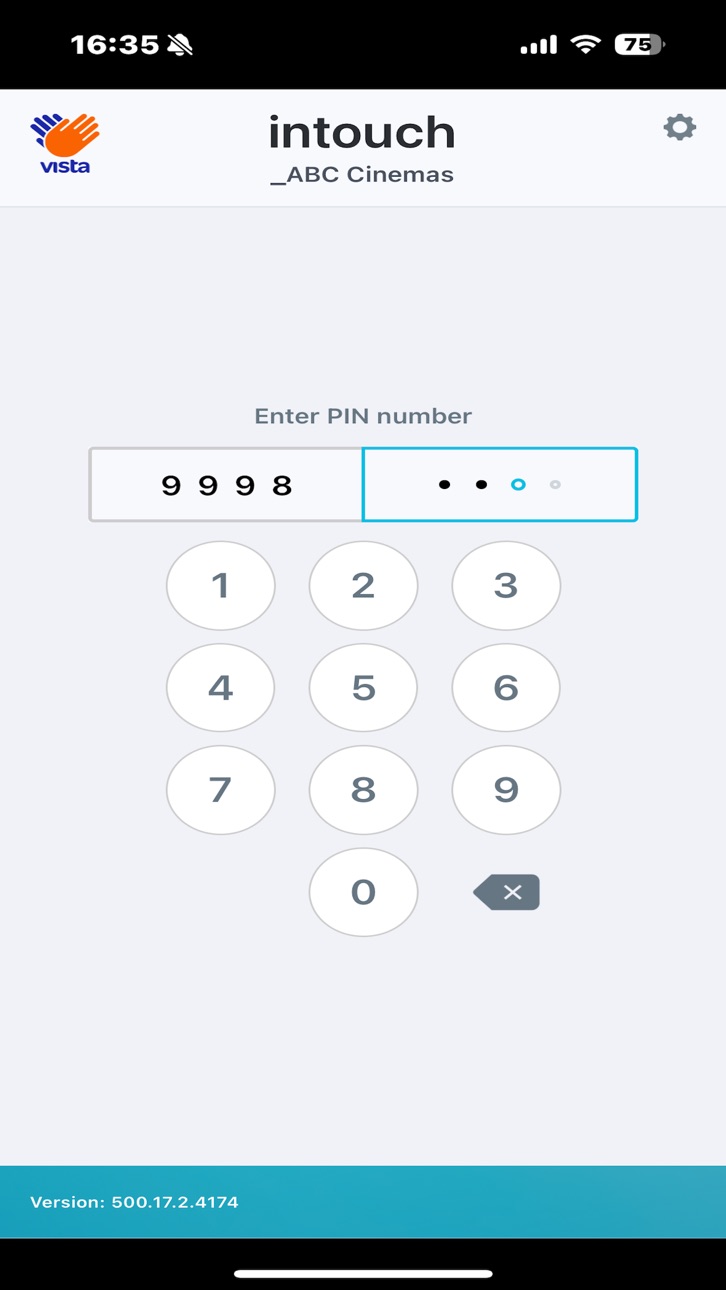

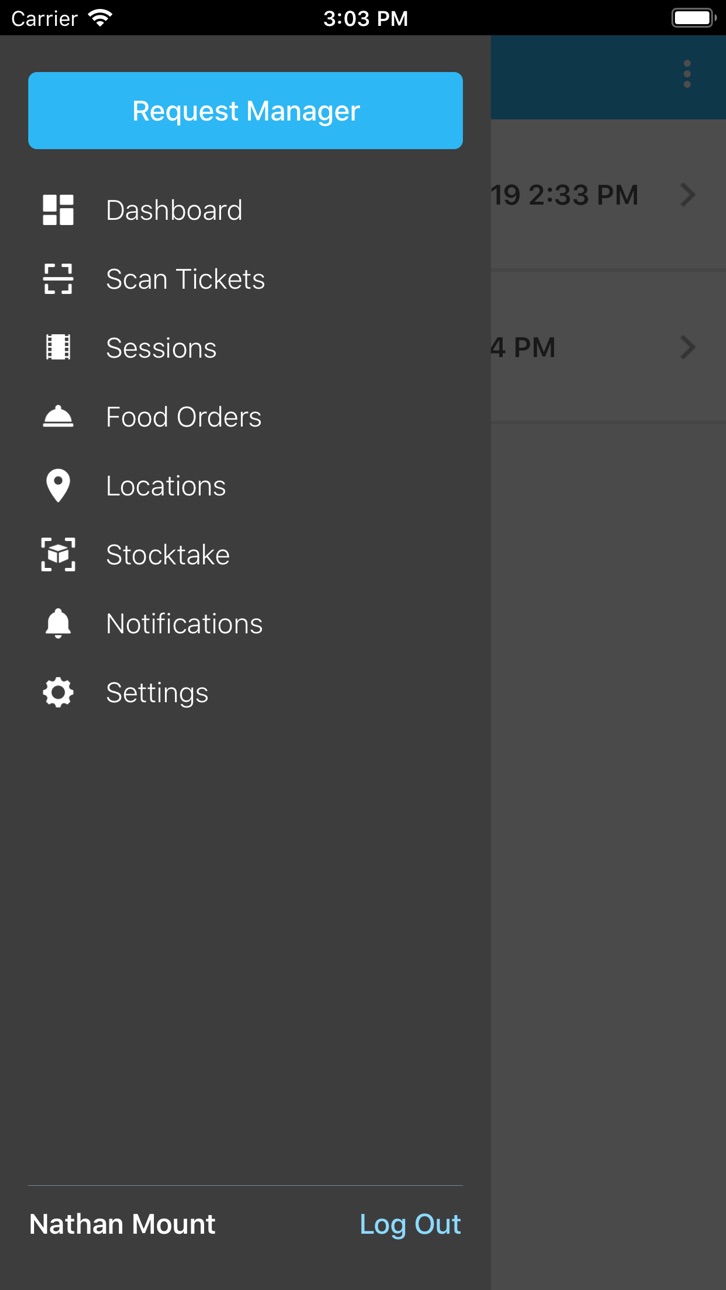

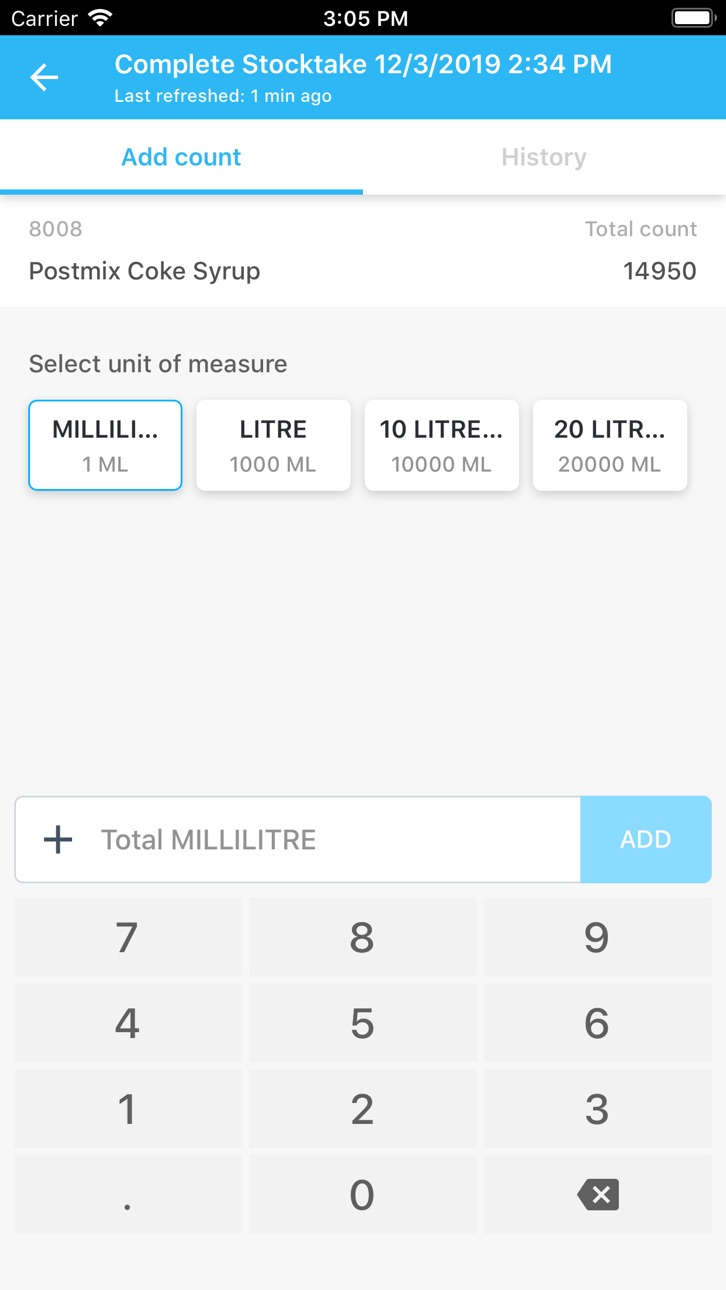


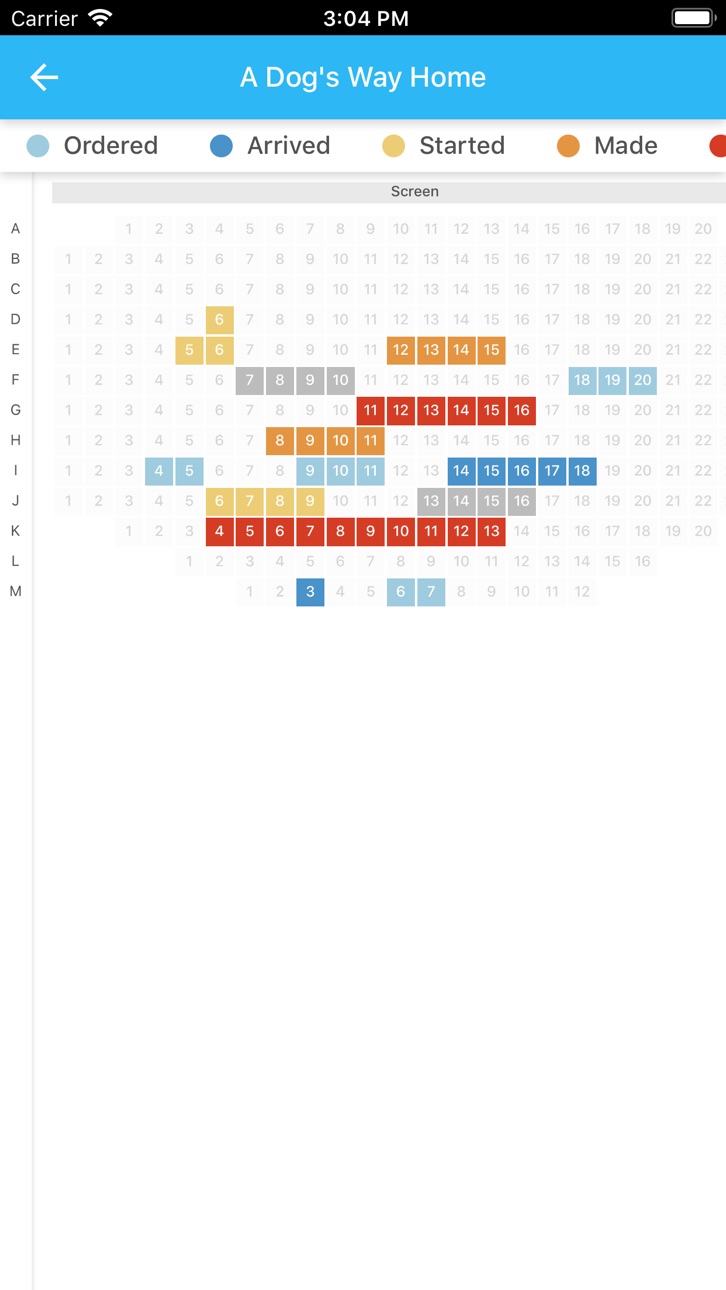

iPad 10 images


What’s New Version 500.17.9
Resolved an issue where session times were displayed incorrectly in Schedule View and List View.
Enhanced booking scan performance when returning from the Locations tab.
Fixed lag issue in the Location List.
Minor UI improvements.
Description
Welcome to InTouch, the cinema mobile app from Vista!
Our latest version connects all your staff, from ushers and floor staff, to managers and executives. InTouch integrates your operations with Head Office and Vista Cinema, and helps you run your cinemas more effectively and efficiently.
InTouch includes the following features:
Fast Scan
Scan tickets faster than ever using your device’s camera or compatible hardware scanners.
Stocktake
Perform your entire stocktake digitally by scanning item barcodes and entering counts on your device. You can even do this without internet!
Dashboard
Keep up to date with our widgets that show essential live information about your site.
Session View
See upcoming showtimes with an intuitive visual display, with 360-degree scroll and zoom.
Break and Swap Seats
Access the seat map for any session, and break or swap seats right on the spot.
Location Checks
Set up locations with a list of items to be checked for each. Leave a comment for a location if it’s not up to standard.
Daily Inspections
Organise locations into a daily inspection that gets checked according to the scheduled time.
Note: You must have Vista Cinema and Sales Server installed in order to run InTouch.
Accessibility
ipadiphonemacrealityDevicetvoswatch
Version history 25 versions
Build 882058299v500.17.92026-06-22 22:27:17
Resolved an issue where session times were displayed incorrectly in Schedule View and List View.
Enhanced booking scan performance when returning from the Locations tab.
Fixed lag issue in the Location List.
Minor UI improvements.
Build 880538518v500.17.52025-12-11 15:14:15
General analytics improvement.
Build 880503009v500.17.42025-12-10 22:38:43
Resolved a minor analytics issue to enhance reporting accuracy.
Build 880256149v500.17.32025-12-02 18:14:29
Enhanced clarity of the PIN expiry notification to ensure users receive precise and comprehensible messaging.
Corrected a defect that resulted in inaccurate numerical values being displayed for Stocktake variance.
Addressed an issue where Alphanumeric seat numbers were incorrectly rendered as “NaN.”
Build 879441774v500.17.22025-11-04 13:02:51
Fixed an issue where the notification list wasn’t refreshing properly.
Resolved a UI glitch causing text misalignment on the enter and text buttons for a cleaner look.
Build 878414152v500.17.02025-09-25 21:08:50
Enhanced Push Notifications Now Available!
We've upgraded push notification support in InTouch for a smoother, more reliable experience.
To take advantage of this improvement, please update your InTouch service to version 500.17.0, included in the VistaCinema 5.0.17.5 installer and above.
Build 850589036v500.16.02022-07-05 18:44:32
We've updated InTouch to support Vista Cloud
Build 844417711v500.15.12022-01-14 16:40:08
Bookings that are created by Vista Loyalty Members now show larger, more user friendly images of Loyalty Members when scanned at InTouch.
Build 840648402v500.14.32021-02-28 23:13:43
In earlier releases, in a cloud or Vista-managed (VMS) environment, the censor-rating image and text sometimes wouldn't be displayed when a ticket was scanned. We've fixed this issue.
Note: You'll also need to upgrade Cinema to the latest version to get this fix.
In earlier releases, when a new device was being set up, the workstation-binding process failed and a permission error was displayed. We've fixed this issue.
Build 840095519v500.14.22021-01-20 03:10:21
InTouch has been enhanced with these features:
- Added default film rating text when CDN film rating image is missing
- Updated the style of seat and row numbering to match the new design
Build 837172290v500.13.02020-09-28 21:31:05
InTouch has been enhanced with these features:
• Improved connection settings page preventing unauthorised users clearing or modifying the settings.
• Anonymous analytics to help us better understand our users, and how they interact with InTouch, so we can provide greater support.
• Improved ticket scanning page, including a graphical indication of any screen, session, and seat changes*
• Improved UI and behaviour for ticket scanning errors.
*Seat change feature requires Vista Cinema 5.0.8
Build 836571376v500.12.42020-06-29 22:45:46
Features:
Bluetooth scanners are now supported for ticket scanning on InTouch
Build 836168423v500.12.32020-06-08 00:31:22
Improved Location Checks:
- General locations with a Schedule type of 'Based on Sessions' now appear in InTouch and are scheduled for 10 minutes before session end time*
- Locations that have an overdue check now also show the next upcoming check*
*Requires Vista Cinema 5.0.4.41, 5.0.5.30, 5.0.6.16, or 5.0.7.8
Bug Fixes:
- Errors when swapping seats are now clearer
- Fixed an issue where certain location checks could not be used
Build 835372484v500.12.12020-04-28 20:59:17
Stocktake enhancements
•Scan item barcodes either via camera or compatible sleds
•Link new barcodes to an item and stock unit*
•View variances to make counting easier*
•Flag and filter items to be recounted
•Notification if offline counts still pending upload when InTouch is closed or device is locked
Various enhancements and UI updates to ticket scanning settings
UI enhancements for sled use
*Requires Vista Cinema 5.0.7.1
Build 834532204v500.11.22020-02-02 20:59:17
Bug fixes:
- Fixed an issue where InTouch would log out when the Android hardware back button was tapped
- Fixed an issue where the Honeywell EDA50 Scanner Settings would be lost when the Android hardware back button was tapped
Build 833845808v500.11.12019-12-08 20:46:22
You can now perform a stocktake using InTouch:
(requires Vista Cinema 5.0.6.1 or later)
- Add item counts by different units of measure
- Find items either by a categories or a search function
- Sort and filter items by location, name, item class, and more
- View the history of your counts and the counts of other staff
- Add counts offline and sync them automatically when you reconnect to WiFi
Re-designed InTouch main menu and page icons
Fixed: 24 hour time display bug
Build 833565547v500.10.02019-11-17 19:28:45
Photos of Vista loyalty members can now be displayed when their bookings are scanned using InTouch, allowing ushers to verify their identity.
*Requires Vista Cinema, Loyalty and Sales Server 5.0.6
Build 832763929v500.9.12019-09-30 17:46:07
We've implemented the following features:
- New designs for the Settings and Login pages
- Support for two-factor authentication*
- Dashboards page - displays widgets to track key cinema metrics*
- Request a manager from any location in your cinema*
*Requires version 5.0.5.1 or later of Vista Cinema
Build 831796593v500.8.12019-06-28 16:23:27
Session attributes are now displayed on the Schedule and List views, as well as within sessions themselves.
The confirmation banner now displays seat numbers when scanning bookings.
Each user can now configure their own preferred start-up page.
The scan page now has a button to turn your phone's flashlight on and off. This helps you to scan tickets in low-light situations.
Build 830955225v500.8.02019-04-15 16:54:03
Ushers will now see loyalty photos of customers as they scan them in thanks to our SalesForce integration. They can make sure member benefits aren't shared with non-members, and that loyalty points are going to the right member.
Ushers now have information about 3D glasses as they scan customers in. They can see how many and what kind of 3D glasses were bought for each booking. This helps them give out the right number of glasses, and also remind patrons to buy glasses if they haven't already.
Build 829526146v500.7.02018-12-09 20:35:36
Improved the offline detection.
Bug fix for Honeywell SL22.
Build 828423741v500.6.12018-09-23 15:12:17
Minor performance improvements.
Build 827998695v500.6.02018-07-26 18:09:39
Users now have the option to enable vibration and sound alerts to indicate whether a barcode scan was successful or not.
Added support for the Honeywell SL22 for iPod touch.
Build 826544647v500.4.22018-04-20 21:59:13
* Get Help – Users can respond to help requests sent from Vista Mobile
* Feedback – Users can share feedback on their experience with the Vista development team
* Location Checks Re-design – Users can filter Screen-based and Non-Screen-based locations; providing a clearer view of only the required information
* Dark Theme – Users can switch between the existing light theme and our new Dark Theme to minimise light disturbance in darkened auditoriums
* Honeywell EDA50 scanner support
Build 826043903v4.5.7.10152018-02-25 23:48:39
Features
* [Tablet only] Food service UI improvements.
* [Tablet only] New ready orders view to help with in-seat order deliveries when you have corresponding version of Vista software installed on your server.
No pricing data captured yet — comparisons appear once the app has paid storefronts or in-app purchases.
Availability 1 of 1 storefronts
| Region | Language | Price | Ratings | Avg | Version |
|---|---|---|---|---|---|
| US | en-US | Free | 5 | 4.6 | 500.17.9 |
Change log 28 changes · US
✎
releaseNotes updated
Resolved an issue where session times were displayed incorrectly in Schedule View and List View.
Enhanced booking scan performance when returning from the Locat
✎
description updated
Welcome to InTouch, the cinema mobile app from Vista!
Our latest version connects all your staff, from ushers and floor staff, to managers and executives. InTo
✎
name updated
Vista Apps InTouch
◆
Version 500.17.9 released
Resolved an issue where session times were displayed incorrectly in Schedule View and List View.
Enhanced booking scan performance when returning from the Locations tab.
Fixed lag issue in the Location List.
Minor UI improvements.
◆
Version 500.17.5 released
General analytics improvement.
◆
Version 500.17.4 released
Resolved a minor analytics issue to enhance reporting accuracy.
◆
Version 500.17.3 released
Enhanced clarity of the PIN expiry notification to ensure users receive precise and comprehensible messaging.
Corrected a defect that resulted in inaccurate numerical values being displayed for Stocktake variance.
Addressed an issue where
◆
Version 500.17.2 released
Fixed an issue where the notification list wasn’t refreshing properly.
Resolved a UI glitch causing text misalignment on the enter and text buttons for a cleaner look.
◆
Version 500.17.0 released
Enhanced Push Notifications Now Available!
We've upgraded push notification support in InTouch for a smoother, more reliable experience.
To take advantage of this improvement, please update your InTouch service to version 500.17.0, included
◆
Version 500.16.0 released
We've updated InTouch to support Vista Cloud
◆
Version 500.15.1 released
Bookings that are created by Vista Loyalty Members now show larger, more user friendly images of Loyalty Members when scanned at InTouch.
◆
Version 500.14.3 released
In earlier releases, in a cloud or Vista-managed (VMS) environment, the censor-rating image and text sometimes wouldn't be displayed when a ticket was scanned. We've fixed this issue.
Note: You'll also need to upgrade Cinema to the lates
◆
Version 500.14.2 released
InTouch has been enhanced with these features:
- Added default film rating text when CDN film rating image is missing
- Updated the style of seat and row numbering to match the new design
◆
Version 500.13.0 released
InTouch has been enhanced with these features:
• Improved connection settings page preventing unauthorised users clearing or modifying the settings.
• Anonymous analytics to help us better understand our users, and how they interact with
◆
Version 500.12.4 released
Features:
Bluetooth scanners are now supported for ticket scanning on InTouch
◆
Version 500.12.3 released
Improved Location Checks:
- General locations with a Schedule type of 'Based on Sessions' now appear in InTouch and are scheduled for 10 minutes before session end time*
- Locations that have an overdue check now also show the next upcoming
◆
Version 500.12.1 released
Stocktake enhancements
•Scan item barcodes either via camera or compatible sleds
•Link new barcodes to an item and stock unit*
•View variances to make counting easier*
•Flag and filter items to be recounted
•Notification if offl
◆
Version 500.11.2 released
Bug fixes:
- Fixed an issue where InTouch would log out when the Android hardware back button was tapped
- Fixed an issue where the Honeywell EDA50 Scanner Settings would be lost when the Android hardware back button was tapped
◆
Version 500.11.1 released
You can now perform a stocktake using InTouch:
(requires Vista Cinema 5.0.6.1 or later)
- Add item counts by different units of measure
- Find items either by a categories or a search function
- Sort and filter items by location, name,
◆
Version 500.10.0 released
Photos of Vista loyalty members can now be displayed when their bookings are scanned using InTouch, allowing ushers to verify their identity.
*Requires Vista Cinema, Loyalty and Sales Server 5.0.6
◆
Version 500.9.1 released
We've implemented the following features:
- New designs for the Settings and Login pages
- Support for two-factor authentication*
- Dashboards page - displays widgets to track key cinema metrics*
- Request a manager from any locatio
◆
Version 500.8.1 released
Session attributes are now displayed on the Schedule and List views, as well as within sessions themselves.
The confirmation banner now displays seat numbers when scanning bookings.
Each user can now configure their own preferred start-up
◆
Version 500.8.0 released
Ushers will now see loyalty photos of customers as they scan them in thanks to our SalesForce integration. They can make sure member benefits aren't shared with non-members, and that loyalty points are going to the right member.
Ushers now
◆
Version 500.7.0 released
Improved the offline detection.
Bug fix for Honeywell SL22.
◆
Version 500.6.1 released
Minor performance improvements.
◆
Version 500.6.0 released
Users now have the option to enable vibration and sound alerts to indicate whether a barcode scan was successful or not.
Added support for the Honeywell SL22 for iPod touch.
◆
Version 500.4.2 released
* Get Help – Users can respond to help requests sent from Vista Mobile
* Feedback – Users can share feedback on their experience with the Vista development team
* Location Checks Re-design – Users can filter Screen-based and Non-Screen-base
◆
Version 4.5.7.1015 released
Features
* [Tablet only] Food service UI improvements.
* [Tablet only] New ready orders view to help with in-seat order deliveries when you have corresponding version of Vista software installed on your server.