Home › Business

 US
US
 DEde-DEUSen-US
 AEen-GB
 AFen-GB
 ALen-GB
 AMen-GB
 ATde-DE
 AUen-AU
 AZen-GB
 BAen-GB
 BEen-GB
 BGen-GB
 BHen-GB
 BMen-GB
 BNen-GB
 BTen-GB
 BYen-GB
 CAen-CA
 CHde-CH
 CNzh-Hans-CN
 CYen-GB
 CZen-GB
 DKen-GB
 EEen-GB
 EGen-GB
 ESes-ES
 FIen-GB
 FJen-GB
 FMen-GB
 FRfr-FR
 GBen-GB
 GEen-GB
 GRen-GB
 HKzh-Hant-HK
 HRen-GB
 HUen-GB
 IDen-GB
 IEen-GB
 ILen-GB
 INen-GB
 IQen-GB
 ISen-GB
 ITit
ITit JOen-GB
 JPja
JPja KGen-GB
 KHen-GB
 KRko
KRko KWen-GB
 KZen-GB
 LAen-GB
 LBen-GB
 LKen-GB
 LTen-GB
 LUen-GB
 LVen-GB
 MDen-GB
 MEen-GB
 MKen-GB
 MMen-GB
 MNen-GB
 MOzh-Hant-HK
 MRen-GB
 MTen-GB
 MVen-GB
 MYen-GB
 NLnl
NLnl NOen-GB
 NPen-GB
 NRen-GB
 NZen-AU
 OMen-GB
 PGen-GB
 PHen-GB
 PKen-GB
 PLen-GB
 PTpt-PT
 PWen-GB
 QAen-GB
 ROen-GB
 RSen-GB
 RUru
RUru SAen-GB
 SBen-GB
 SEsv
SEsv SGen-GB
 SIen-GB
 SKen-GB
 THen-GB
 TJen-GB
 TMen-GB
 TOen-GB
 TRen-GB
 TWzh-Hant-TW
 UAen-GB
 UZen-GB
 VNen-GB
 VUen-GB
 XKen-GB
 YEen-GB
 ZAen-GB
101 of 101 storefronts
Content in en-US
Content in en-US
Information
Preview 2 platforms
iPhone 10 images


iPad 9 images




What’s New Version 3.1
Bugfixes
Description
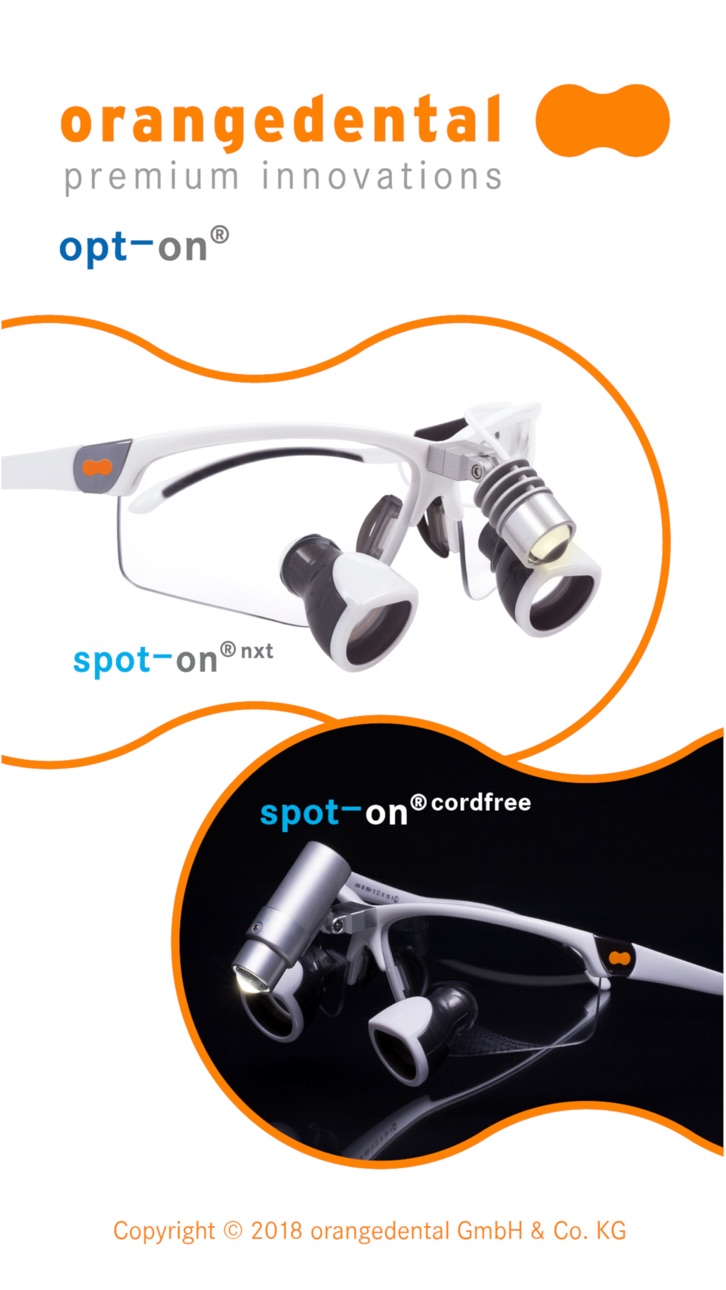
With the opt-on® app you can comfortably configure your personal magnifying glasses.
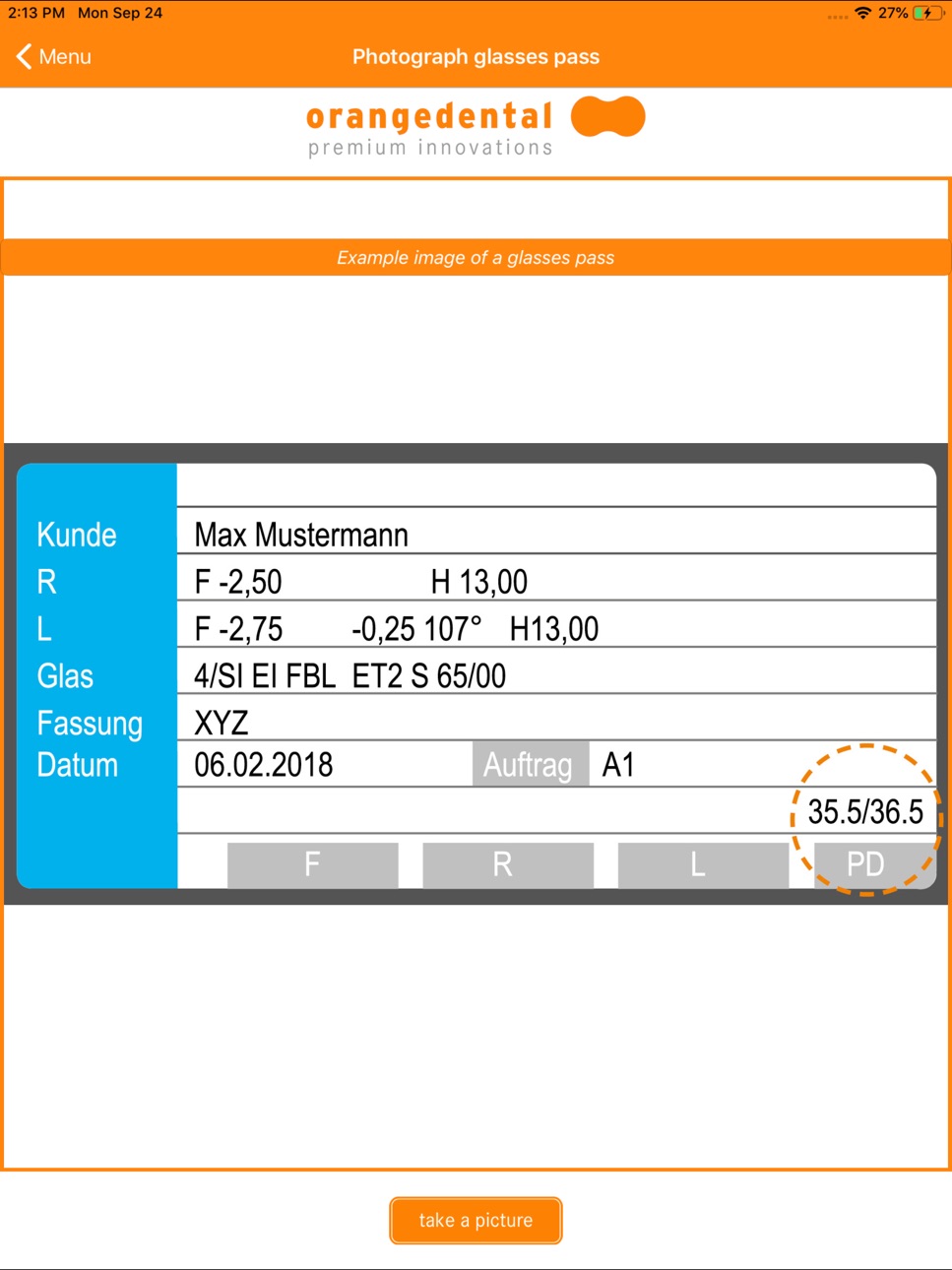
Do you have a glasses pass or prescription, with your pupil distance on it?
- Take a photo of it and configure your individual magnifying glasses!
You don't know your pupil distance? No problem!
- The opt-on® app offers you the possibility, to take optimal photos, so that our optic can exactly calculate your pupil distance.
Optimal photos provides an optimal meassure result, whereby we can fit your individual opt-on® magnifying glasses exactly for your face.
You can simply place your offer request in the app with the new magnifying glasses configurator.
The function "pupil distance unknown" needs specific hardware and has to be pre-tested with every device, so we can actually only support following devices:
- iPhone 6
- iPhone 6 Plus
- iPhone SE
- iPhone 6s
- iPhone 7
- iPhone 7 Plus
- iPad (6th generation)
Requirements for an optimal result:
Photographer:
- Do not take pictures against the light, avoid light sources (lamp, window,...) in the background
- Take the pictures in a bright or well lighted room
- Take the pictures in front of a single-colored (door, wall, …) flat
- The eyes have to be seen clearly
- There should be no shadow over the eyes
- Hold the iPhone straightly
- Stand two steps away from the person who will be photographed
- Stretch your arm out
- Move the device slowly on the basis of the instructions on the display
Customer:
- Put on the original measure temple straightly
- Hold your head straightly
- Focus your gaze on the iPhone
- Keep your eyes open
Accessibility
ipadiphonemacrealityDevicetvoswatch
Version history 4 versions
Build 829482327v3.12018-12-02 19:22:27
Bugfixes
Build 828403210v3.02018-09-28 22:56:42
New main menu
The magnifying glasses configurator
Function "pupil distance known"
FAQ menu
Homepage implemented
Build 825436134v2.02017-12-28 18:23:40
Only two photos will be taken.
The distances got changed to 1.0 and 1.1 meter.
A goal area for the QR code is displayed.
The current distance is illustrated.
Alerts got adjusted.
The iPhone SE is supported.
Build 821428539v1.02017-05-27 00:02:08
No pricing data captured yet — comparisons appear once the app has paid storefronts or in-app purchases.
Availability 101 of 101 storefronts
| Region | Language | Price | Ratings | Avg | Version |
|---|---|---|---|---|---|
| DE | de-DE | Free | 7 | 2.3 | 3.1 |
| US | en-US | Free | 1 | 3.0 | 3.1 |
| AE | en-GB | Free | 0 | — | 3.1 |
| AF | en-GB | Free | 0 | — | 3.1 |
| AL | en-GB | Free | 0 | — | 3.1 |
| AM | en-GB | Free | 0 | — | 3.1 |
| AT | de-DE | Free | 0 | — | 3.1 |
| AU | en-AU | Free | 0 | — | 3.1 |
| AZ | en-GB | Free | 0 | — | 3.1 |
| BA | en-GB | Free | 0 | — | 3.1 |
| BE | en-GB | Free | 0 | — | 3.1 |
| BG | en-GB | Free | 0 | — | 3.1 |
| BH | en-GB | Free | 0 | — | 3.1 |
| BM | en-GB | Free | 0 | — | 3.1 |
| BN | en-GB | Free | 0 | — | 3.1 |
| BT | en-GB | Free | 0 | — | 3.1 |
| BY | en-GB | Free | 0 | — | 3.1 |
| CA | en-CA | Free | 0 | — | 3.1 |
| CH | de-CH | Free | 0 | — | 3.1 |
| CN | zh-Hans-CN | Free | 0 | — | 3.1 |
| CY | en-GB | Free | 0 | — | 3.1 |
| CZ | en-GB | Free | 0 | — | 3.1 |
| DK | en-GB | Free | 0 | — | 3.1 |
| EE | en-GB | Free | 0 | — | 3.1 |
| EG | en-GB | Free | 0 | — | 3.1 |
| ES | es-ES | Free | 0 | — | 3.1 |
| FI | en-GB | Free | 0 | — | 3.1 |
| FJ | en-GB | Free | 0 | — | 3.1 |
| FM | en-GB | Free | 0 | — | 3.1 |
| FR | fr-FR | Free | 0 | — | 3.1 |
| GB | en-GB | Free | 0 | — | 3.1 |
| GE | en-GB | Free | 0 | — | 3.1 |
| GR | en-GB | Free | 0 | — | 3.1 |
| HK | zh-Hant-HK | Free | 0 | — | 3.1 |
| HR | en-GB | Free | 0 | — | 3.1 |
| HU | en-GB | Free | 0 | — | 3.1 |
| ID | en-GB | Free | 0 | — | 3.1 |
| IE | en-GB | Free | 0 | — | 3.1 |
| IL | en-GB | Free | 0 | — | 3.1 |
| IN | en-GB | Free | 0 | — | 3.1 |
| IQ | en-GB | Free | 0 | — | 3.1 |
| IS | en-GB | Free | 0 | — | 3.1 |
| IT | it | Free | 0 | — | 3.1 |
| JO | en-GB | Free | 0 | — | 3.1 |
| JP | ja | Free | 0 | — | 3.1 |
| KG | en-GB | Free | 0 | — | 3.1 |
| KH | en-GB | Free | 0 | — | 3.1 |
| KR | ko | Free | 0 | — | 3.1 |
| KW | en-GB | Free | 0 | — | 3.1 |
| KZ | en-GB | Free | 0 | — | 3.1 |
| LA | en-GB | Free | 0 | — | 3.1 |
| LB | en-GB | Free | 0 | — | 3.1 |
| LK | en-GB | Free | 0 | — | 3.1 |
| LT | en-GB | Free | 0 | — | 3.1 |
| LU | en-GB | Free | 0 | — | 3.1 |
| LV | en-GB | Free | 0 | — | 3.1 |
| MD | en-GB | Free | 0 | — | 3.1 |
| ME | en-GB | Free | 0 | — | 3.1 |
| MK | en-GB | Free | 0 | — | 3.1 |
| MM | en-GB | Free | 0 | — | 3.1 |
| MN | en-GB | Free | 0 | — | 3.1 |
| MO | zh-Hant-HK | Free | 0 | — | 3.1 |
| MR | en-GB | Free | 0 | — | 3.1 |
| MT | en-GB | Free | 0 | — | 3.1 |
| MV | en-GB | Free | 0 | — | 3.1 |
| MY | en-GB | Free | 0 | — | 3.1 |
| NL | nl | Free | 0 | — | 3.1 |
| NO | en-GB | Free | 0 | — | 3.1 |
| NP | en-GB | Free | 0 | — | 3.1 |
| NR | en-GB | Free | 0 | — | 3.1 |
| NZ | en-AU | Free | 0 | — | 3.1 |
| OM | en-GB | Free | 0 | — | 3.1 |
| PG | en-GB | Free | 0 | — | 3.1 |
| PH | en-GB | Free | 0 | — | 3.1 |
| PK | en-GB | Free | 0 | — | 3.1 |
| PL | en-GB | Free | 0 | — | 3.1 |
| PT | pt-PT | Free | 0 | — | 3.1 |
| PW | en-GB | Free | 0 | — | 3.1 |
| QA | en-GB | Free | 0 | — | 3.1 |
| RO | en-GB | Free | 0 | — | 3.1 |
| RS | en-GB | Free | 0 | — | 3.1 |
| RU | ru | Free | 0 | — | 3.1 |
| SA | en-GB | Free | 0 | — | 3.1 |
| SB | en-GB | Free | 0 | — | 3.1 |
| SE | sv | Free | 0 | — | 3.1 |
| SG | en-GB | Free | 0 | — | 3.1 |
| SI | en-GB | Free | 0 | — | 3.1 |
| SK | en-GB | Free | 0 | — | 3.1 |
| TH | en-GB | Free | 0 | — | 3.1 |
| TJ | en-GB | Free | 0 | — | 3.1 |
| TM | en-GB | Free | 0 | — | 3.1 |
| TO | en-GB | Free | 0 | — | 3.1 |
| TR | en-GB | Free | 0 | — | 3.1 |
| TW | zh-Hant-TW | Free | 0 | — | 3.1 |
| UA | en-GB | Free | 0 | — | 3.1 |
| UZ | en-GB | Free | 0 | — | 3.1 |
| VN | en-GB | Free | 0 | — | 3.1 |
| VU | en-GB | Free | 0 | — | 3.1 |
| XK | en-GB | Free | 0 | — | 3.1 |
| YE | en-GB | Free | 0 | — | 3.1 |
| ZA | en-GB | Free | 0 | — | 3.1 |
Change log 7 changes · US
✎
releaseNotes updated
Bugfixes
✎
description updated
With the opt-on® app you can comfortably configure your personal magnifying glasses.
Do you have a glasses pass or prescription, with your pupil distance on it
✎
name updated
opt-on
◆
Version 3.1 released
Bugfixes
◆
Version 3.0 released
New main menu
The magnifying glasses configurator
Function "pupil distance known"
FAQ menu
Homepage implemented
◆
Version 2.0 released
Only two photos will be taken.
The distances got changed to 1.0 and 1.1 meter.
A goal area for the QR code is displayed.
The current distance is illustrated.
Alerts got adjusted.
The iPhone SE is supported.
◆
Version 1.0 released