Home › Photo & Video

 US
US
1 of 1 storefronts
Content in en-US
Content in en-US
Information
Preview 2 platforms
iPhone 6 images



iPad 6 images


What’s New Version 3.1
Resolved an issue where image search results were not displaying correctly.
Description
Reverse Image Search, one of the most convenient apps for photo searching. With the help of this free Reverse Image Search app, searching your images against hundreds of similar images over internet is just a matter of seconds. This simple yet handy image reverse search app works with number of search engines for image searching.
Reverse Image Search, just like Google reverse image search, is an app that helps simplify the process of tracking down similar images, saving and sharing them in your emails or social networking accounts. You can use this efficient reverse photo search app to search for millions of high resolution wallpapers, images and more!
If you have stuck on an image that looks familiar but you have no idea where you have seen it and you wish that you could find more about it? Then you are lucky because it is no longer impossible as there are many tools and apps available now that helps to search similar images. One such app for iOS users is Reverse Image Search that allows them to find the image details by simply giving a sample image to app.
Reverse Image Search is a cool app that will enable you to search for similar images in a single tap. This simple and fast reverse photo search app works on the CBIR (content-based image retrieval) query technique that makes use of the CBIR system by providing a sample image. Later, the search is based on the same sample image, formulating a search query, in terms of information retrieval.
The functionality of this reverse image search iOS app is same as that of the Google reverse image search. The aim behind the reverse photo search app is to allow people to search for the similar images conveniently and quickly. Just like Google image search, it requires you to share or upload the image or provide its URL.
This reverse photo search app has exclusively been designed for all the iOS users with a device that supports the iOS operating system. Quality internet connection is the only requirement for using this simple yet quick reverse image search app. Once the app is downloaded and installed on your iOS device, it is instantly usable, with no trouble at all.
Features of Reverse Image Search app:
- It’s simple, efficient and reliable image search app
- Free Reverse Image Search has same functionality as the Google reverse image search
- Image search with the help of images in the photo gallery
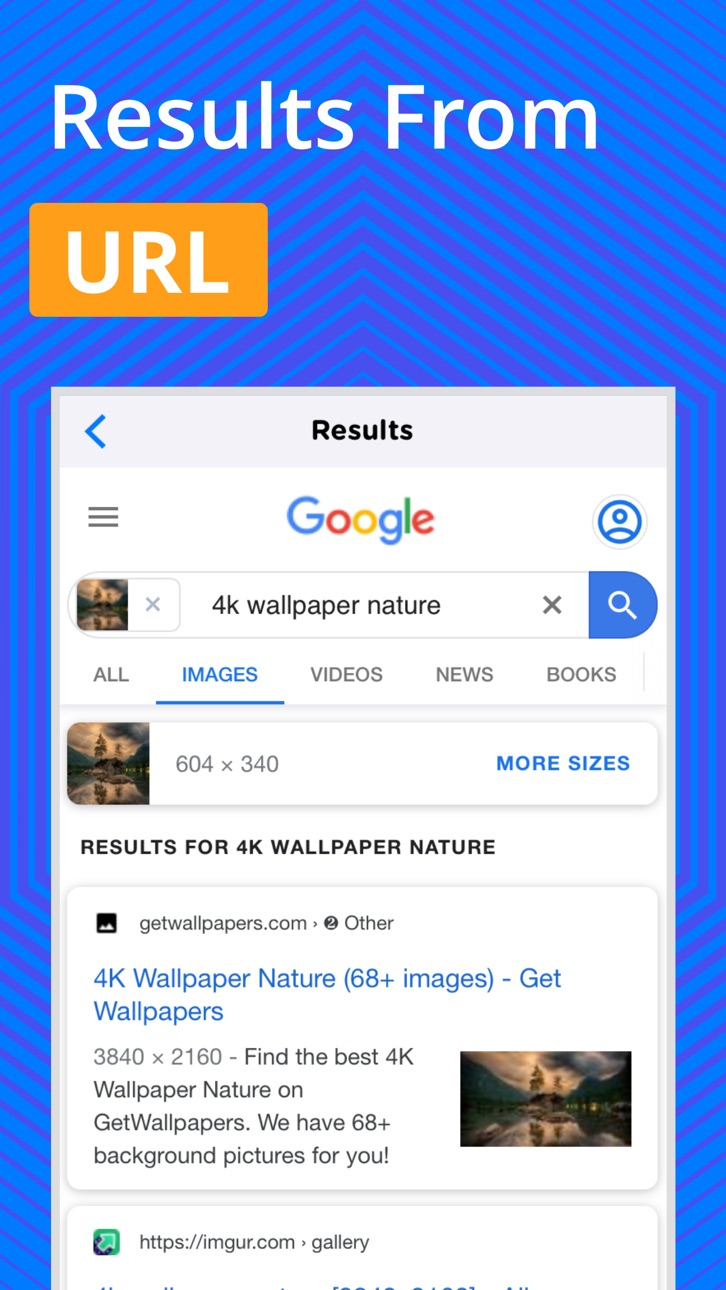
- Image search with the help of the image URL
- Image reverse search by sharing images from Email, Whatsapp, Facebook, Twitter or other apps
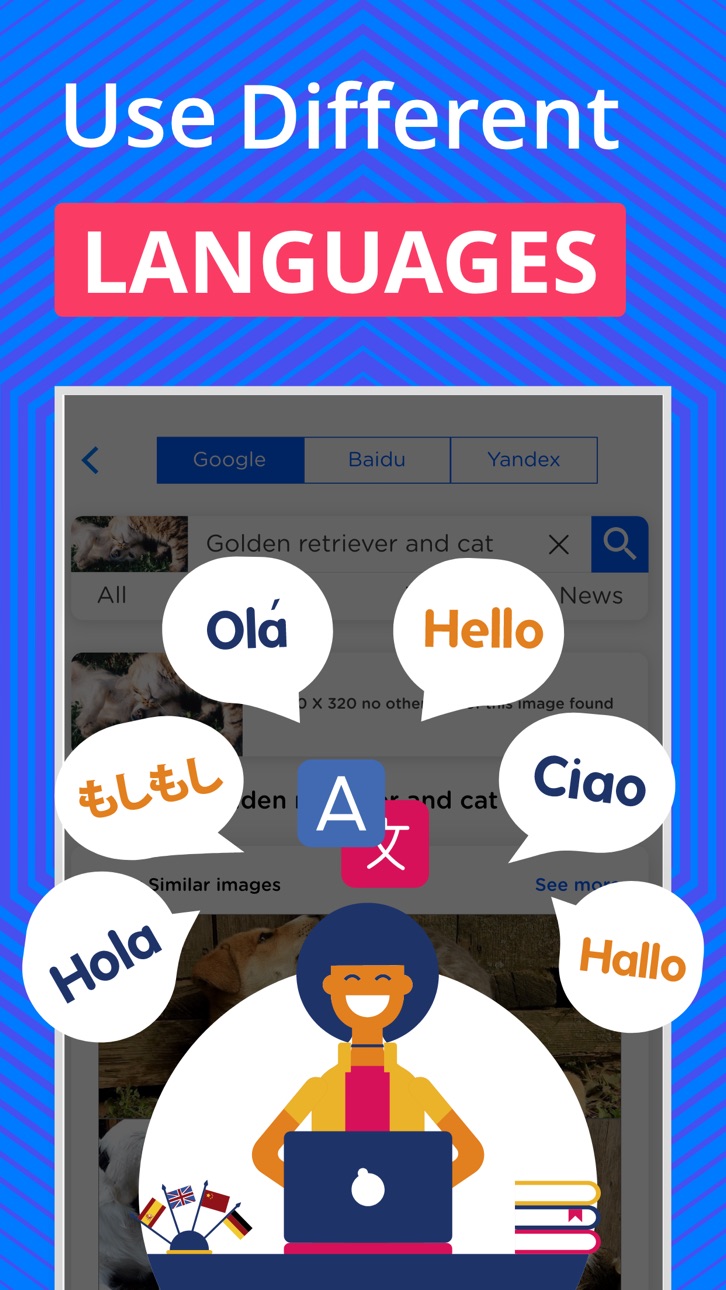
- You can choose your preferred search engine
Steps for using Reverse Image Search app:
- Download/install the Reverse Image Search app on your iOS device
- Open the app and upload the image from the desired folder
Or
Upload the image URL of the image
Or
Directly share the image directly from Whatsapp, Facebook, Twitter or any other app
- Tap on the button “Search Similar Images”
- By your browser, the app will search the entire internet for all the similar images, matching to the given sample image
- Image reverse search results will be redirected in the browser
Some of the quick uses of Reverse Image Search app:
- To identify fake profiles on different social media websites
- To verify the actual identity of an individual on various websites
- Look for the details of a specific image on internet
- To get the information about your favorite celebrities
- To get the image or wallpapers with a better or high resolution
- The Reverse Image Search app can be used by travelers to search for the details of a place or location in a specific
- To find the owner or the contributor of the image
- For tracking an image as an image source finder or an image source locator
Note:
If you come across any issue with the app, please let us know by giving a brief review that describes the problem or you can contact us on our e-mail.
Download this amazing Reverse Image Search app NOW and instantly search for the similar images.
Capabilities
In-App Purchases
Accessibility
ipadiphonemacrealityDevicetvoswatch
Version history 17 versions
Build 858535380v3.12025-12-12 01:42:37
Resolved an issue where image search results were not displaying correctly.
Build 840245004v3.02021-02-02 10:01:13
# Reverse image Search - OCR
- Now you can search your image on Bing
- Issue fixing & Performance Enhancement
Build 833897245v2.92019-12-17 05:46:14
Reverse image Search - OCR
- Issue fixing
- Performance Enhancement
Build 832497017v2.82019-08-28 13:56:51
- Issue fixing and performance Enhancement
Build 831831617v2.72019-06-28 17:05:21
#Reverse Image Search - OCR
- Now you can search your image on more than one search engine simultaneously
- issues fixing & performance enhancements
Build 831238767v2.62019-05-11 05:31:20
- issues fixing & performance enhancements
Build 831206695v2.52019-05-07 07:42:36
- Now you can search your image on more than one search engine simultaneously
- issues fixing & performance enhancements
Build 828696116v2.42018-10-07 20:28:22
- Now you can search your image on more than one search engine simultaneously
- issues fixing & performance enhancements
Build 827634904v2.3.12018-06-22 18:40:36
- Issues fixing & Performance enhancements.
Build 827440716v2.32018-06-06 19:41:44
-IphoneX Supported
-General fixings
Build 827323837v2.22018-05-30 22:41:58
-UI Design improved
-Enhance Performance
-Issues Fixing
Build 827260917v2.12018-05-25 20:47:35
- New & Improved UI
- Import image from Dropbox
- In-app purchase for Ads removal
Build 822457241v2.02017-06-08 22:20:24
- Issues fixing.
- Improved Results.
Build 821719164v1.32017-04-13 18:12:03
- Minor changes
Build 821653222v1.22017-04-07 19:14:01
- Minor changes
Build 821394002v1.12017-03-20 19:45:27
- Crash Fixed.
- Minor issues fixing.
Build 821222155v1.02017-03-11 03:33:02
No pricing data captured yet — comparisons appear once the app has paid storefronts or in-app purchases.
Availability 1 of 1 storefronts
| Region | Language | Price | Ratings | Avg | Version |
|---|---|---|---|---|---|
| US | en-US | Free | 13 | 2.5 | 3.1 |
Change log 21 changes · US
✎
releaseNotes updated
Resolved an issue where image search results were not displaying correctly.
✎
description updated
Reverse Image Search, one of the most convenient apps for photo searching. With the help of this free Reverse Image Search app, searching your images against hu
✎
subtitle updated
Private Photo Search Engine
✎
name updated
Reverse Image Search - OCR
◆
Version 3.1 released
Resolved an issue where image search results were not displaying correctly.
◆
Version 3.0 released
# Reverse image Search - OCR
- Now you can search your image on Bing
- Issue fixing & Performance Enhancement
◆
Version 2.9 released
Reverse image Search - OCR
- Issue fixing
- Performance Enhancement
◆
Version 2.8 released
- Issue fixing and performance Enhancement
◆
Version 2.7 released
#Reverse Image Search - OCR
- Now you can search your image on more than one search engine simultaneously
- issues fixing & performance enhancements
◆
Version 2.6 released
- issues fixing & performance enhancements
◆
Version 2.5 released
- Now you can search your image on more than one search engine simultaneously
- issues fixing & performance enhancements
◆
Version 2.4 released
- Now you can search your image on more than one search engine simultaneously
- issues fixing & performance enhancements
◆
Version 2.3.1 released
- Issues fixing & Performance enhancements.
◆
Version 2.3 released
-IphoneX Supported
-General fixings
◆
Version 2.2 released
-UI Design improved
-Enhance Performance
-Issues Fixing
◆
Version 2.1 released
- New & Improved UI
- Import image from Dropbox
- In-app purchase for Ads removal
◆
Version 2.0 released
- Issues fixing.
- Improved Results.
◆
Version 1.3 released
- Minor changes
◆
Version 1.2 released
- Minor changes
◆
Version 1.1 released
- Crash Fixed.
- Minor issues fixing.
◆
Version 1.0 released