Home › Entertainment

 US
US
1 of 1 storefronts
Content in en-US
Content in en-US
Information
Preview 3 platforms
iPhone 5 images


iPad 1 image
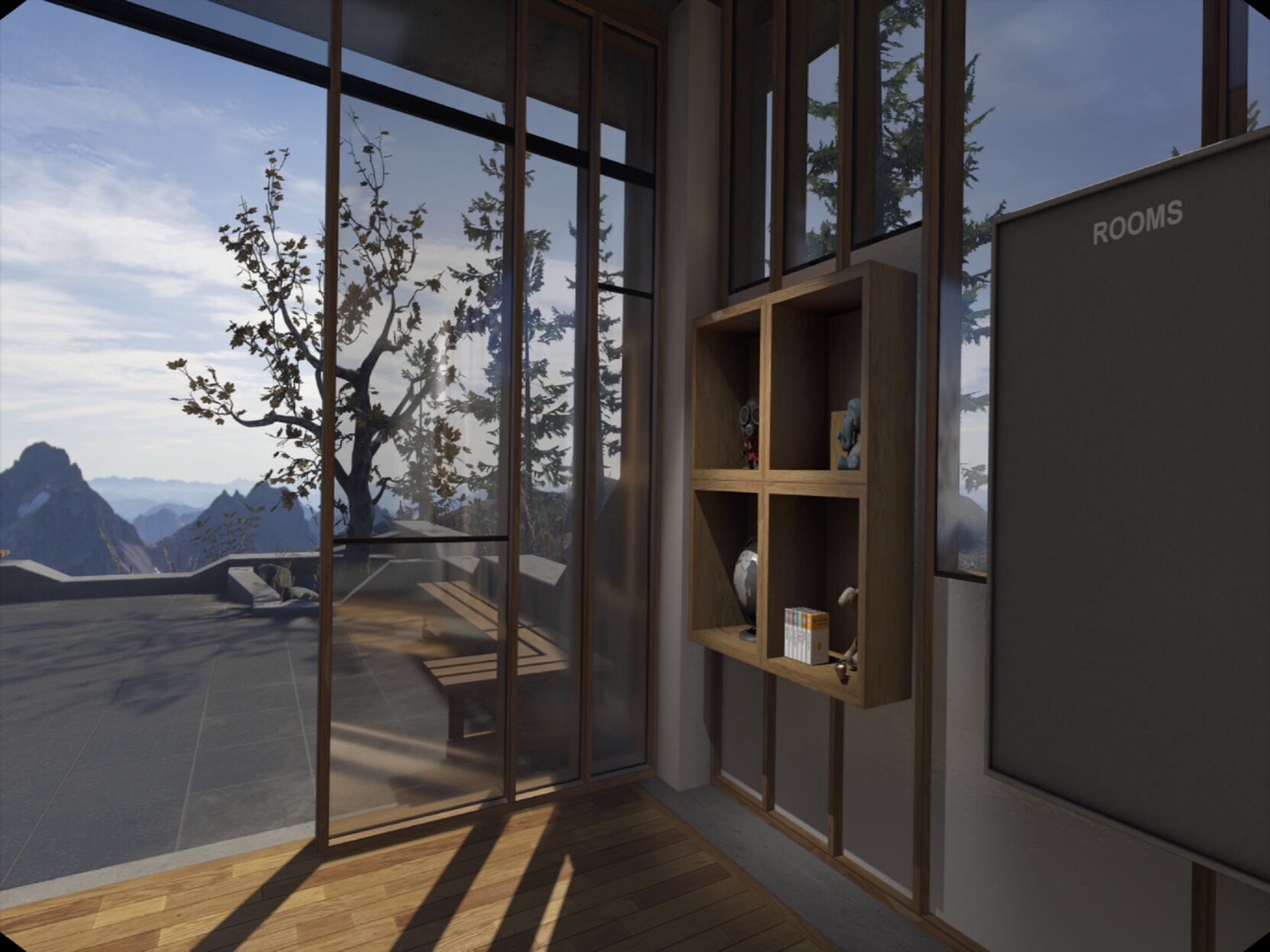
Apple Vision Pro 5 images


What’s New Version 1.1.9.2
- Bug fixes and improvements
Description
What is iVRy?
• iVRy is a SteamVR-compatible Virtual Reality headset app for your iPhone or Vision Pro with a native high-performance driver for Valve's OpenVR / SteamVR.
What does that mean?
• Want to use that stunning iPhone display for something more than sending text messages?
• Want to use that high resolution Vision Pro display for more than watching videos?
• Want to play PC VR* (Virtual Reality) titles without having to buy a dedicated headset?
• With iVRy, an iPhone 6 or later, and a compatible VR headset, or a Vision Pro headset you can!
• Supports Wired (USB) connections (iPhone) or Wired (Ethernet) connections (Vision Pro) for greater visual quality and performance.
• Supports Wireless (Wifi) connections for greater mobility.
• Automatically adjusts quality to maintain optimal frame rates on all connection types.
• User configurable quality and performance options.
• User configurable vignette options (iPhone only).
• Scan your VR headset's Cardboard QR code for optimal lens distortion correction and field-of-view (iPhone only).
• Integrates natively into SteamVR, so no 'manager' / 'server' apps or additional configuration required.
• Compatible with most HTC Vive and Oculus Rift** titles, including 'Robinson: The Journey', 'Adr1ft', 'Project CARS', 'Obduction', 'Elite Dangerous', 'EVE: Valkerie', 'Chronos', 'Assetto Corsa' and many more.
• "Lite" edition has all of the features of "Premium" edition, but will start to reduce color saturation after being connected for more than 5 minutes. Upgrade to "Premium" edition via Steam DLC to remove this limitation.
Download the iVRy OpenVR/SteamVR HMD Device Driver from:
https://store.steampowered.com/app/992490/iVRy_Driver_for_SteamVR/
* Valve OpenVR/SteamVR. Requires Valve Steam & SteamVR on Windows 7 or later.
** Oculus Rift titles require Valve SteamVR, Oculus Home & 3rd party 'Revive' software from:
https://github.com/LibreVR/Revive
iPhone:
• Requires VR headset, compatible with iPhone (eg. Google Cardboard).
• XBox 360/One controller for Windows recommended.
• Additional hardware/software required for positional tracking and motion controllers.
Vision Pro:
• Sony Playstation VR2 Sense or Sony Playstation DualSense controller(s) recommended.
All:
• Requires a PC running Windows 7 (or later) with a DirectX 11 (or later) graphics card with Valve Steam and SteamVR installed.
• Requires installation of iVRy SteamVR HMD Device Driver software.
All trademarks are used for informational purposes, and remain the property of their respective owners.
Accessibility
ipadiphonemacrealityDevicetvoswatch
Version history 25 versions
Build 884278570v1.1.9.22026-05-25 07:28:37
- Bug fixes and improvements
Build 877286946v1.1.9.02025-12-12 15:33:42
- Add support for using touchscreen as laser mouse "click"
- Add support for all framerates supported by device
- Improve H264/5 performance and compatibility
- Improve TCP/IP performance and compatibility
- Improve USB (wired) handling
- Bug fixes and improvements
- Add support for latest devices
- Update Cardboard to latest version
Build 876927382v1.1.8.22025-08-04 02:10:43
- Improves performance, image quality, compatibility and stability.
Build 876646253v1.1.8.12025-07-30 12:29:10
- Improves performance, image quality, compatibility and stability.
Build 870135690v1.1.7.92024-11-02 07:38:11
- Adds support for latest devices
- Bug fixes and improvements
Build 859805955v1.1.7.52023-09-11 12:43:31
Bug fixes and improvements
Build 858006560v1.1.7.42023-06-22 14:04:20
Fix issues with scanning Cardboard QR codes
Build 855265363v1.1.7.32023-03-01 19:12:50
Bug fixes and improvements
Build 853696433v1.1.7.22022-12-03 22:55:19
- Adds support for latest iOS devices
- Adds support for refresh rates up to 120Hz on ProMotion displays
Build 850886219v1.1.7.12022-07-18 18:50:05
- Add Google Cardboard SDK (successor to Google VR) renderer
- Bug fixes and improvements
Build 850195447v1.1.6.32022-06-18 13:22:44
- Adds support for ARKit 6DOF AR/camera tracking
- Adds monoscopic/2D "magic window" support for viewing VR content without headset
- Support for latest devices
- Bug fixes and improvements
Build 849819537v1.1.6.02022-06-07 19:10:46
- Adds support for ARKit 6DOF AR/camera tracking
- Adds monoscopic/2D "magic window" support for viewing VR content without headset
- Support for latest devices
- Bug fixes and improvements
Build 840147175v1.1.5.32021-02-07 13:53:58
- Improve support for latest devices
- Minor bug fixes and improvements
Build 839943788v1.162021-01-07 21:54:23
- Fix issues with In-App Purchase on some devices
Build 839795741v1.152020-12-31 15:01:28
- Adds H265 video support
- Adds audio streaming
- Fix GoogleVR tracking issue with iOS 14+
- Fix Bonjour issue with iOS 14+
- Minor bug fixes and improvements
Build 836272240v1.142020-06-07 16:18:36
- Add support for OpenGL & GoogleVR rendering
- Bug fixes and improvements
Build 829036078v1.132018-10-24 19:16:29
- Performance improvements
- Minor bug fixes and improvements
Build 828948818v1.122018-10-18 09:45:35
- Add support for latest devices
- Add hardware H264 frame decoding
- Improve lens distortion
- Improve performance
- Minor bug fixes and improvements
Build 827781622v1.112018-07-06 19:16:05
- Bug fixes
Build 827609051v1.102018-06-22 17:21:25
- Add support for changing settings via SteamVR UI overlay
- Add option for restoring app defaults
- Add option for restarting SteamVR
- Add iPad "tourist" mode (lets you use your iPad as a giant viewfinder)
- Minor bug fixes and improvements
Build 825927940v1.092018-02-09 21:54:53
- Disable volume buttons
- Add settings for enabling/disabling auto-quality
- Add settings for enabling/disabling "fit to screen"
- Minor bug fixes and improvements
Build 825501630v1.082018-01-03 23:54:52
- Added automatic resolution adjustment
- Bug fixes and improvements
Build 824682141v1.072017-11-28 15:10:09
- Adds iPhone X support
- Bug fixes and improvements
Build 823702436v1.062017-09-19 21:36:46
- Adds support for latest devices and iOS 11
- Improved support for external tracking (eg. NoloVR)
- Improved performance
- Defaults to 'Direct' driver mode for improved compatibility with some SteamVR titles
- Minor bug fixes and improvements
Build 822232249v1.052017-05-25 10:41:46
- Add support for new OpenVR/SteamVR 'Virtual' driver mode.
- Improved lens distortion handling
- Fix issue that prevented some QR codes from scanning.
No pricing data captured yet — comparisons appear once the app has paid storefronts or in-app purchases.
Availability 1 of 1 storefronts
| Region | Language | Price | Ratings | Avg | Version |
|---|---|---|---|---|---|
| US | en-US | Free | 151 | 3.9 | 1.1.9.2 |
Change log 29 changes · US
✎
releaseNotes updated
- Bug fixes and improvements
✎
description updated
What is iVRy?
• iVRy is a SteamVR-compatible Virtual Reality headset app for your iPhone or Vision Pro with a native high-performance driver for Valve's OpenV
✎
subtitle updated
Mobile VR Headset for your PC
✎
name updated
iVRy
◆
Version 1.1.9.2 released
- Bug fixes and improvements
◆
Version 1.1.9.0 released
- Add support for using touchscreen as laser mouse "click"
- Add support for all framerates supported by device
- Improve H264/5 performance and compatibility
- Improve TCP/IP performance and compatibility
- Improve USB (wired) handling
◆
Version 1.1.8.2 released
- Improves performance, image quality, compatibility and stability.
◆
Version 1.1.8.1 released
- Improves performance, image quality, compatibility and stability.
◆
Version 1.1.7.9 released
- Adds support for latest devices
- Bug fixes and improvements
◆
Version 1.1.7.5 released
Bug fixes and improvements
◆
Version 1.1.7.4 released
Fix issues with scanning Cardboard QR codes
◆
Version 1.1.7.3 released
Bug fixes and improvements
◆
Version 1.1.7.2 released
- Adds support for latest iOS devices
- Adds support for refresh rates up to 120Hz on ProMotion displays
◆
Version 1.1.7.1 released
- Add Google Cardboard SDK (successor to Google VR) renderer
- Bug fixes and improvements
◆
Version 1.1.6.3 released
- Adds support for ARKit 6DOF AR/camera tracking
- Adds monoscopic/2D "magic window" support for viewing VR content without headset
- Support for latest devices
- Bug fixes and improvements
◆
Version 1.1.6.0 released
- Adds support for ARKit 6DOF AR/camera tracking
- Adds monoscopic/2D "magic window" support for viewing VR content without headset
- Support for latest devices
- Bug fixes and improvements
◆
Version 1.1.5.3 released
- Improve support for latest devices
- Minor bug fixes and improvements
◆
Version 1.16 released
- Fix issues with In-App Purchase on some devices
◆
Version 1.15 released
- Adds H265 video support
- Adds audio streaming
- Fix GoogleVR tracking issue with iOS 14+
- Fix Bonjour issue with iOS 14+
- Minor bug fixes and improvements
◆
Version 1.14 released
- Add support for OpenGL & GoogleVR rendering
- Bug fixes and improvements
◆
Version 1.13 released
- Performance improvements
- Minor bug fixes and improvements
◆
Version 1.12 released
- Add support for latest devices
- Add hardware H264 frame decoding
- Improve lens distortion
- Improve performance
- Minor bug fixes and improvements
◆
Version 1.11 released
- Bug fixes
◆
Version 1.10 released
- Add support for changing settings via SteamVR UI overlay
- Add option for restoring app defaults
- Add option for restarting SteamVR
- Add iPad "tourist" mode (lets you use your iPad as a giant viewfinder)
- Minor bug fixes and improvemen
◆
Version 1.09 released
- Disable volume buttons
- Add settings for enabling/disabling auto-quality
- Add settings for enabling/disabling "fit to screen"
- Minor bug fixes and improvements
◆
Version 1.08 released
- Added automatic resolution adjustment
- Bug fixes and improvements
◆
Version 1.07 released
- Adds iPhone X support
- Bug fixes and improvements
◆
Version 1.06 released
- Adds support for latest devices and iOS 11
- Improved support for external tracking (eg. NoloVR)
- Improved performance
- Defaults to 'Direct' driver mode for improved compatibility with some SteamVR titles
- Minor bug fixes and improveme
◆
Version 1.05 released
- Add support for new OpenVR/SteamVR 'Virtual' driver mode.
- Improved lens distortion handling
- Fix issue that prevented some QR codes from scanning.