Home › Productivity

 US
US
1 of 1 storefronts
Content in en-US
Content in en-US
Information
Preview 2 platforms
iPhone 7 images



iPad 7 images





What’s New Version 1.1.4
Includes binary updates, new store screenshots, updated Changelog. Primary changes are some security updates.
Description
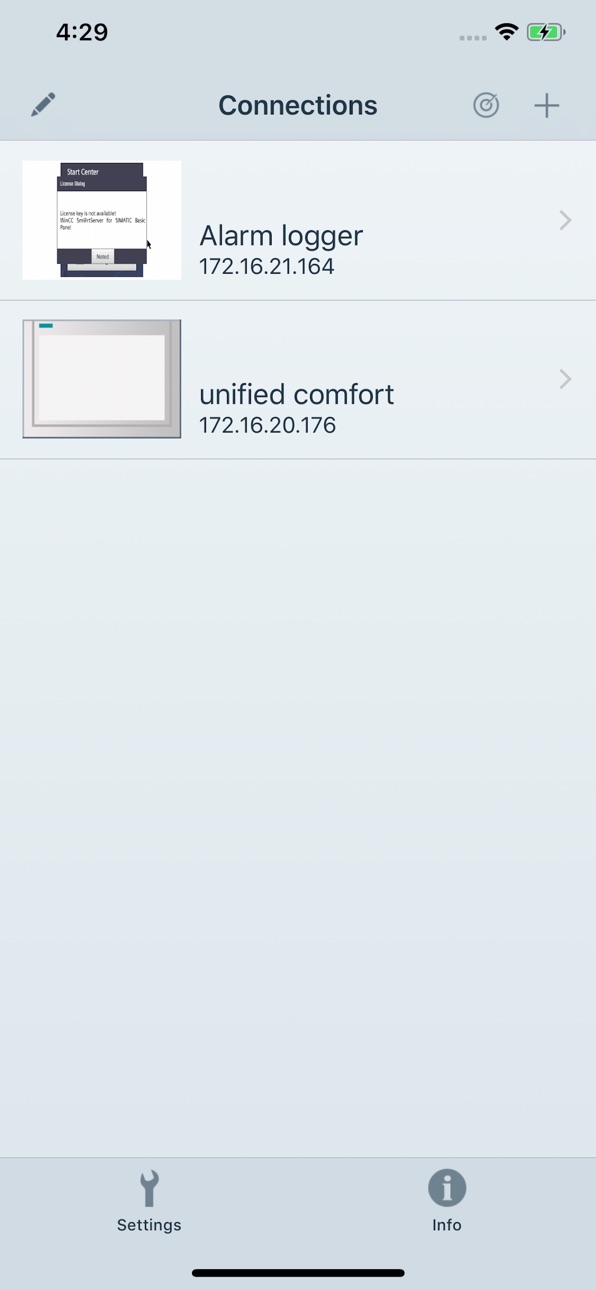
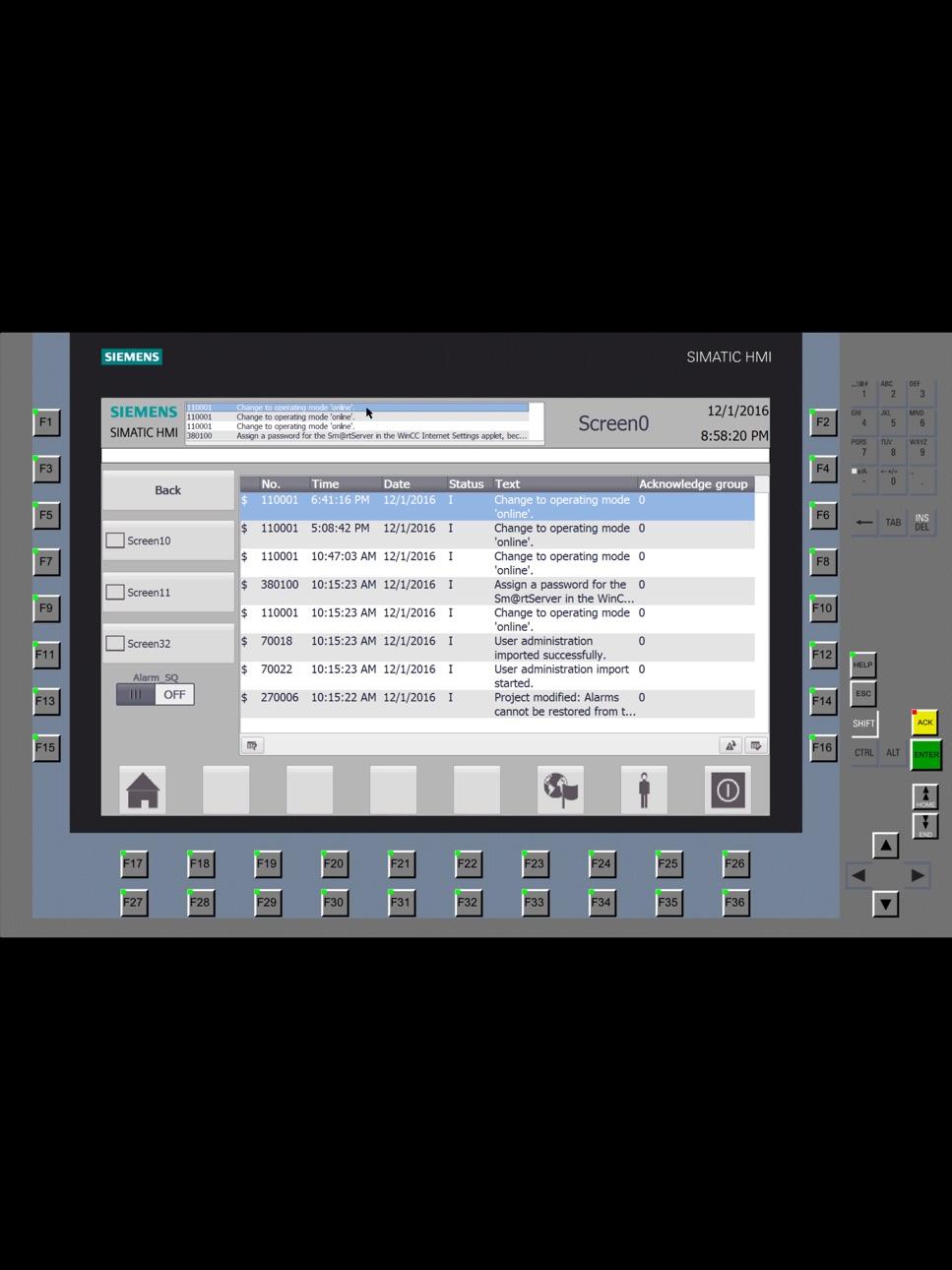
The SIMATIC WinCC Sm@rtClient App, in combination with the SIMATIC WinCC Sm@rtServer, allows remote mobile operation and observation of SIMATIC HMI-systems over Industrial Ethernet/WLAN (wireless). The app is available for SIMATIC HMI Comfort Panels and SIMATIC WinCC Runtime Ad-vanced.
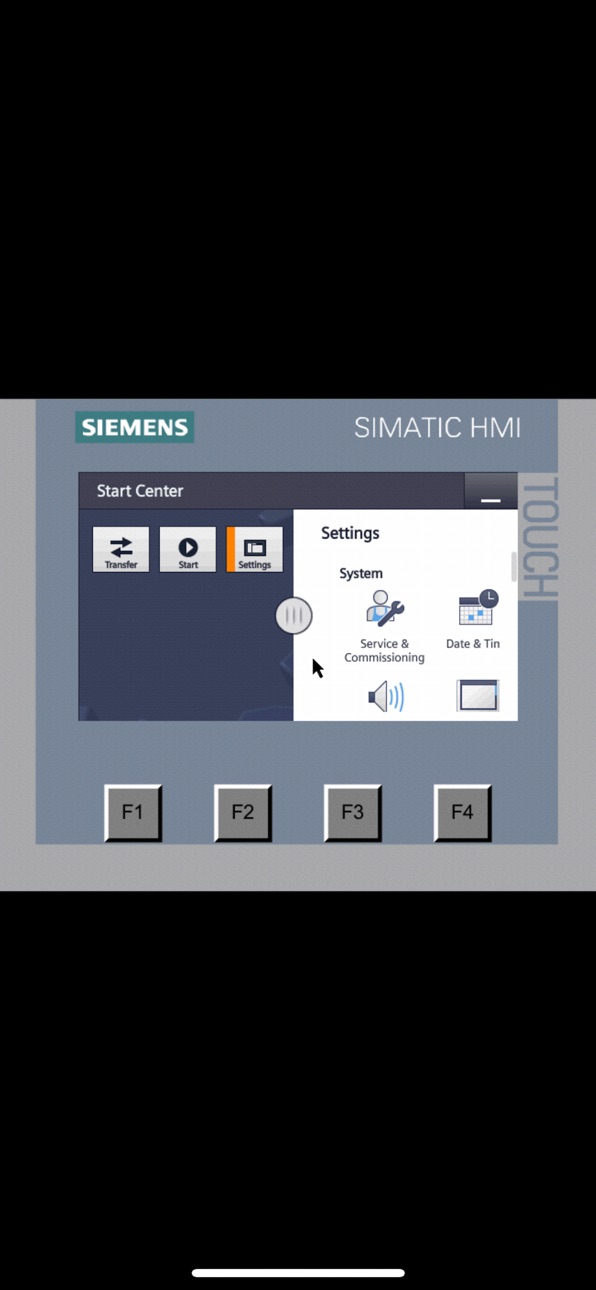
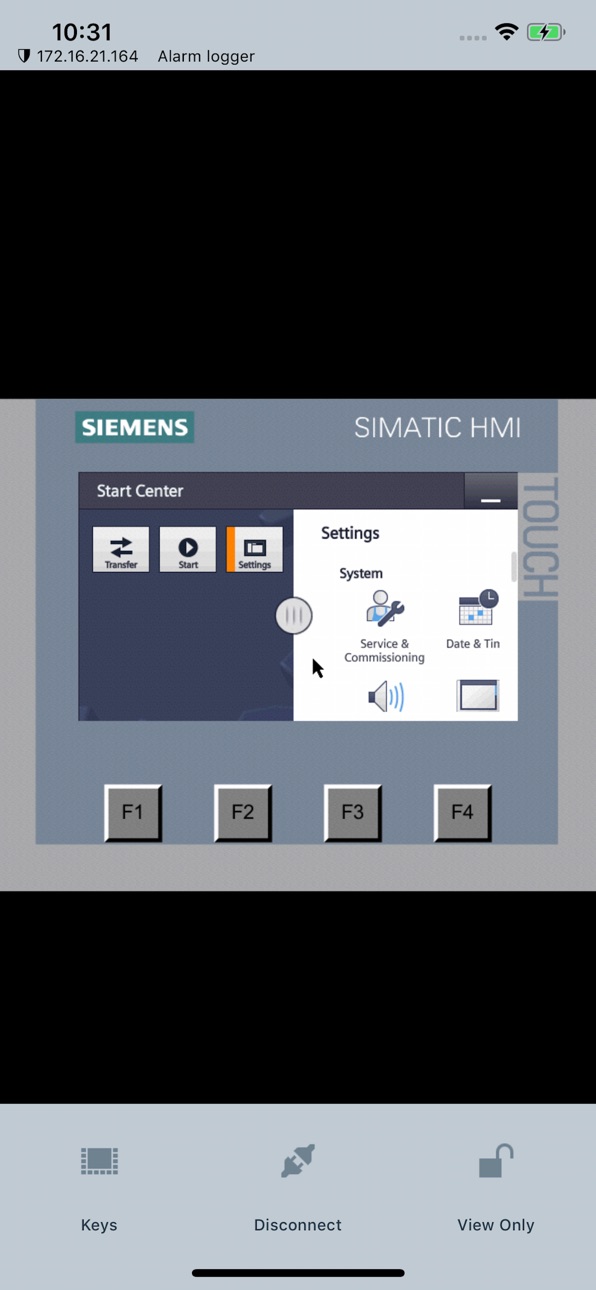
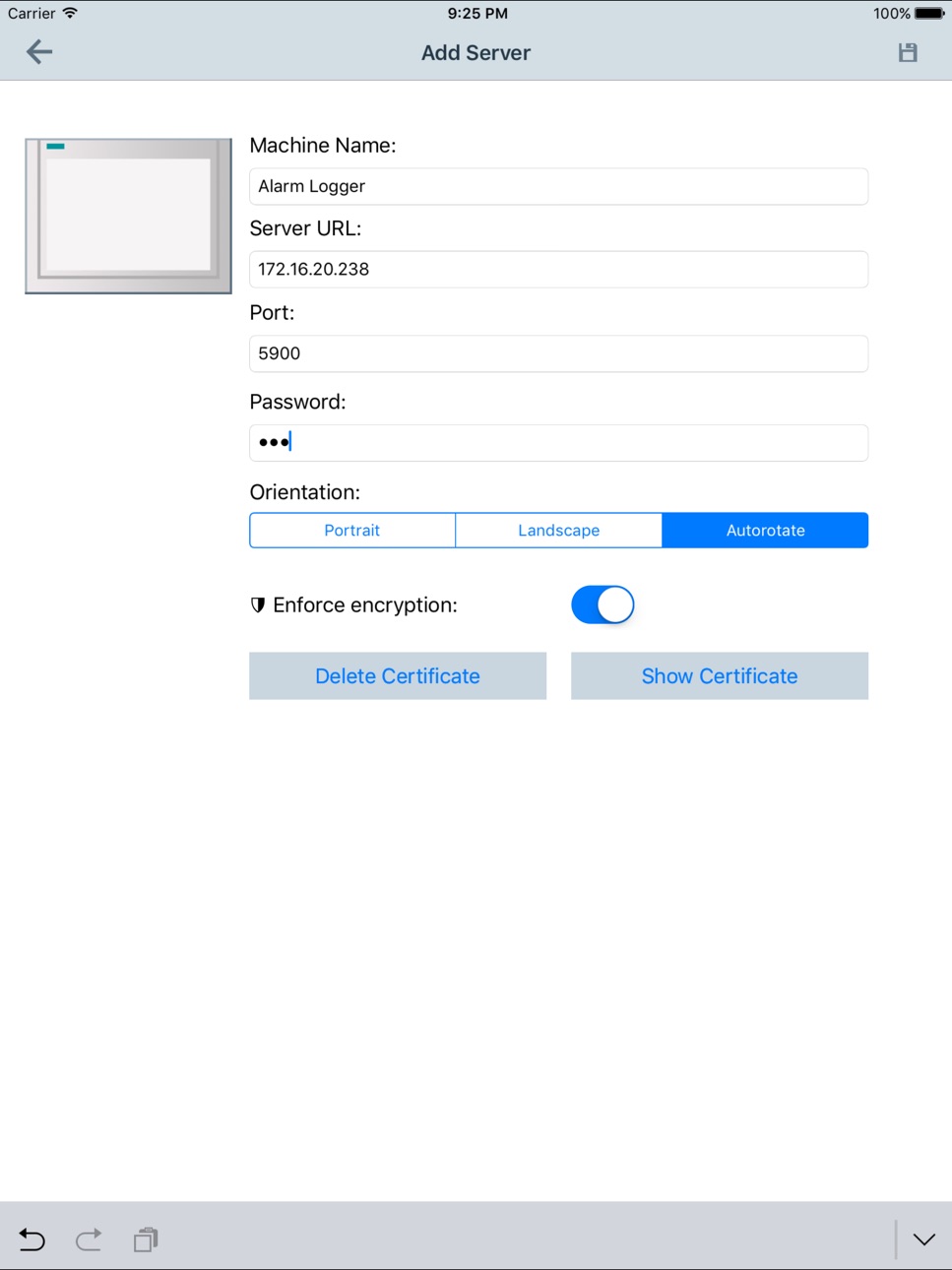
The scope of the Sm@rtClient concept allows an operation station to make its display available to the app. The station takes on the role of a Sm@rtServer, while the Smartphone/Tablet takes on the role of the Sm@rtClient. Sm@rtServer functionality can easily be activated with a single mouse click in the device’s configuration settings. The screen can be displayed on the Sm@rtClient by means of a Sm@rtClient display in "View only" mode, but a full-fledged, coordinated operation can be set up as well. "Coordinated operation" implies that at any one time only one user has the right of operation, i.e. either the operator station with Sm@rtServer function or the Sm@rtClient app. Additionally the app supports easy connection configuration by automatic HMI panel detection.
Not only does the Sm@rtClient app show a selected display, but it additionally shows the complete layout of the station device, including any functional hardware buttons on the device. As such, device operation may be performed as if the user was directly in front of the device, only that the buttons aren’t actually pressed, but rather are activated with a press on the display of a Smartphone or tablet.
SIMATIC WinCC Sm@rtServer: http://www.industry.siemens.com/topics/global/en/tia-portal/hmi-sw-tia-portal/wincc-tia-portal-options/simatic-wincc-smartserver/Pages/Default.aspx
Accessibility
ipadiphonemacrealityDevicetvoswatch
Version history 5 versions
Build 833631924v1.1.42019-12-04 10:24:56
Includes binary updates, new store screenshots, updated Changelog. Primary changes are some security updates.
Build 827863174v1.1.32018-07-13 14:30:27
Bug fixes.
Build 825709080v1.1.22018-01-20 00:57:07
Bug Fixing
Build 823527512v1.1.12017-09-04 17:36:25
• Security Improvements
• Bug Fixing
Build 820860248v1.1.02017-02-13 16:40:14
No pricing data captured yet — comparisons appear once the app has paid storefronts or in-app purchases.
Availability 1 of 1 storefronts
| Region | Language | Price | Ratings | Avg | Version |
|---|---|---|---|---|---|
| US | en-US | Free | 6 | 3.0 | 1.1.4 |
Change log 8 changes · US
✎
releaseNotes updated
Includes binary updates, new store screenshots, updated Changelog. Primary changes are some security updates.
✎
description updated
The SIMATIC WinCC Sm@rtClient App, in combination with the SIMATIC WinCC Sm@rtServer, allows remote mobile operation and observation of SIMATIC HMI-systems over
✎
name updated
WinCC Sm@rtClient
◆
Version 1.1.4 released
Includes binary updates, new store screenshots, updated Changelog. Primary changes are some security updates.
◆
Version 1.1.3 released
Bug fixes.
◆
Version 1.1.2 released
Bug Fixing
◆
Version 1.1.1 released
• Security Improvements
• Bug Fixing
◆
Version 1.1.0 released