Home › Music

 US
US
1 of 1 storefronts
Content in en-US
Content in en-US
Information
Apple ID1201807055
Bundle IDfr.axefx.fr.axefx.fracpademo
SellerSeller
Min iOS11.0
Min macOS11.0
Device familiesiphone, ipad, ipod
Released2017-02-02
Copyright© 2024 Alexandre GRANVAUD
Privacy policyLink ↗
Preview 2 platforms
iPhone 4 images


iPad 4 images



What’s New Version 3.52
Supports AxeFx III® firmware 27.00, FM9® firmware 8.00 and FM3® 9.00
Description
Control your AxeFx®, AX8®, FX8® or FM3/FM9®.
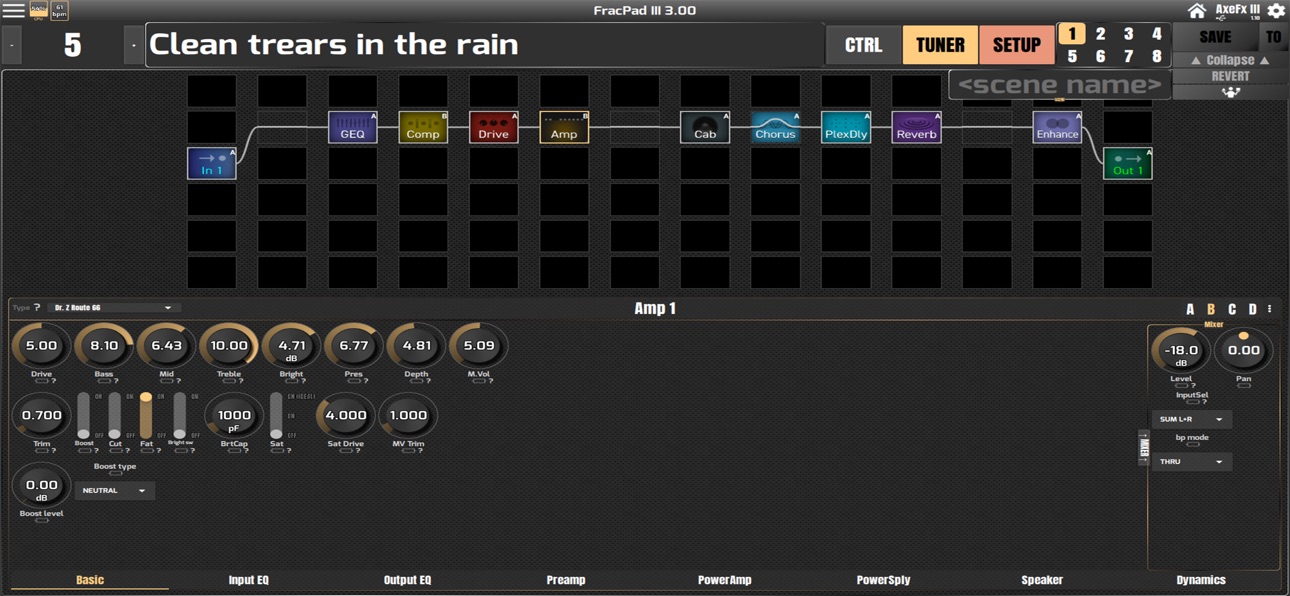
Modify your presets layout, name and blocks settings, load or save presets, and many more functions !
For FM3, AxeFx II/XL/XL+ control you will need a 3rd party MIDI interface.
For AX8/FX8, direct USB connection is needed as the AX8/FX8 does not support MIDI port sysex anymore !
For AxeFx III/FM9, direct USB connection is recommended
AxeFx generation 1 are not supported.
A full description of the connection options is available here : http://wiki.fractalaudio.com/axefx2/index.php?title=FracPad
Accessibility
ipadiphonemacrealityDevicetvoswatch
Version history 13 versions
Build 869127526v3.522024-09-19 18:05:10
Supports AxeFx III® firmware 27.00, FM9® firmware 8.00 and FM3® 9.00
Build 858753793v3.482023-07-26 15:27:13
- Adds recent firmwares support
- Adds FM9 support
Build 838043257v3.332020-10-01 23:41:54
Now FM3 compatible
Build 834237252v3.252020-01-07 09:23:42
- All parameters for all blocks/effects are now available ! (some are readonly though)
- Bluetooth MIDI devices direct access from FracPad ! (midimittr not needed anymore)
- iTunes filesharing compatibility
- AxeFx III Firmware 11.02b4 compatibility
- AX8 midi settings access
- AxeFx III Per-preset and global Perform screens can now be displayed in Perform Mode New relative circular editing mode
- New relative circular editing mode
- Graphs everywhere ! Now Amp, PEQ, TMA etc display graphs on AxeFx III AND ON AxeFx II/AX8/FX8 :)
Build 830156974v3.112019-01-31 21:38:52
- Adds Custom Screen mode
- RTA and VuMeters can now be displayed !
- Compatible with AxeFx III 3.00
- Lot of UI improvements
- Bug fixes
Build 829019474v3.022018-10-23 17:21:29
Fixes AxeFx II/XL/XL+ crash
Build 828966576v3.02018-10-19 00:49:39
AxeFx III support !
Build 827691936v1.232018-06-27 20:32:44
- Better FX8 compatibility
- Adds horizontal faders editing mode
- Supports Q10.01
- Adds iOS 8/9/10 compatibility (back)
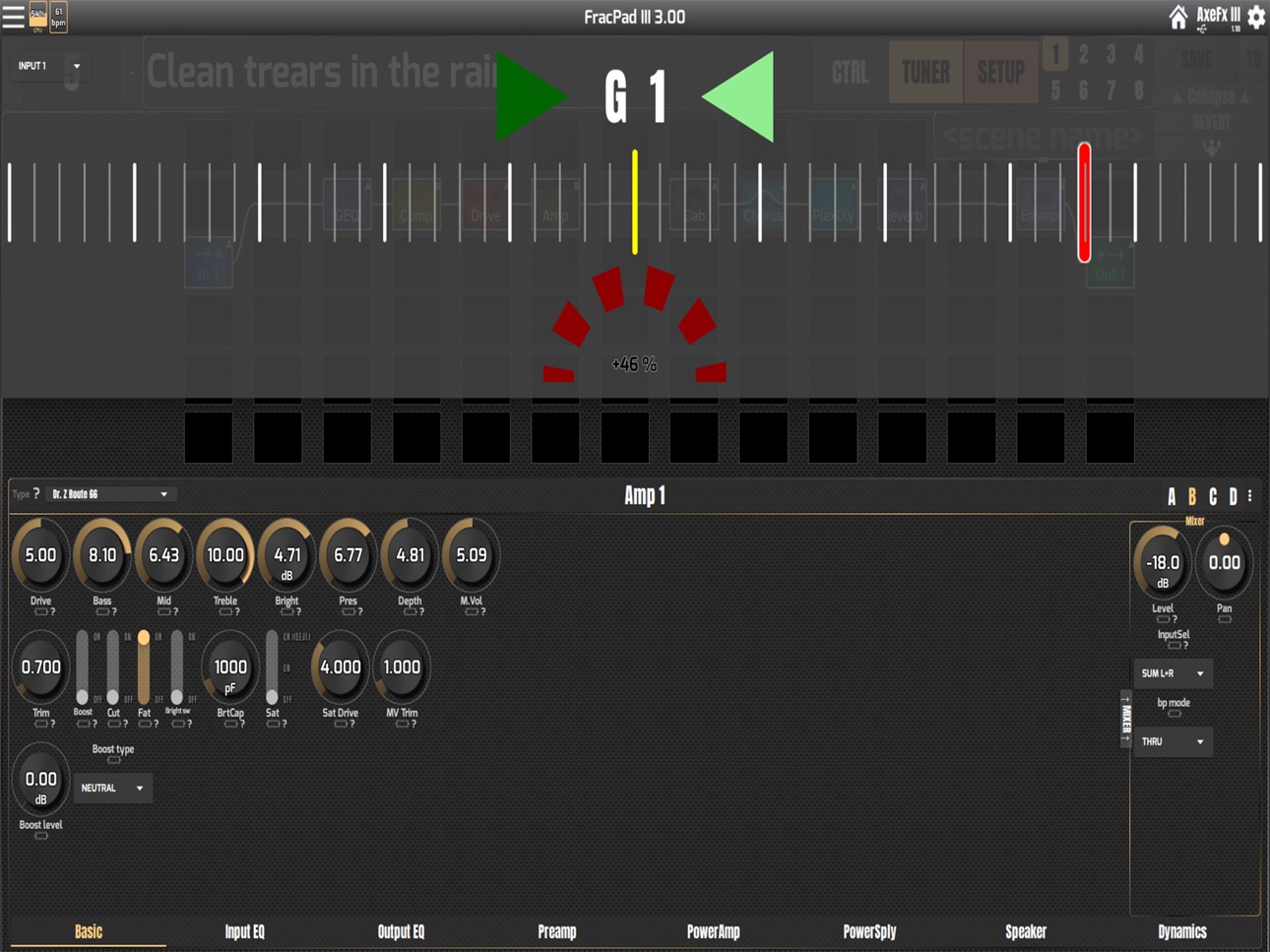
- New AxeFx III-styled tuner
Build 826744861v1.182018-04-19 20:18:26
- Adds a new AX8/FX8 switches mode
- Allows OCD mode increments setting
- Clicking on red bar in slider zoom sets to original value
- Songs in Performance Mode can now embed custom CCs !
- iOS screen dimmer is now disabled while using FracPad
- Q9.04 (AxeFx/AX8) compatibility
- Better FX8 support
- Introduces new AxeFx III-styled tuner !
Build 824119751v1.132017-10-23 23:40:48
Now supports FX8 !
Also handles firmware updates, cabs uploading and much more
A lot of fixes and new functionalities added since the last FracPad Lite version ;)
Definitely check this new version.
Build 822016068v1.102017-05-04 22:53:14
- Adds Performance Mode : Crzte Sets and songs with their associated preset/scene/tempo and use it like a song manager in live situation !
- Fixes Save To
- Adds AxeChange window scrolling ability for small screens or long descriptions
- Fixes grid blocks moves
- Fixes preset searchs
- Handles firmware files
- Fixes startup crash when no network available
- Fixes clicks on grid links
Build 821036125v1.082017-03-27 19:56:15
All amp block parameters are accessible, a lot of other features are now accessible.
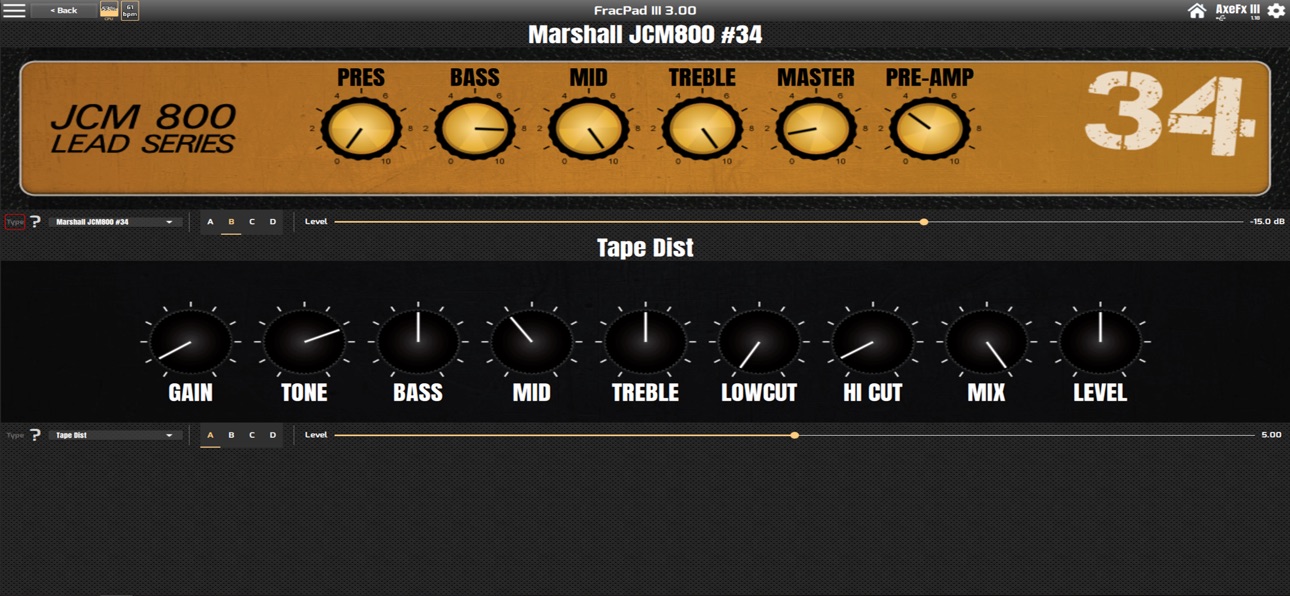
The new Real Amp UI is also available !
Build 820798109v1.062017-02-02 18:17:12
No pricing data captured yet — comparisons appear once the app has paid storefronts or in-app purchases.
Availability 1 of 1 storefronts
| Region | Language | Price | Ratings | Avg | Version |
|---|---|---|---|---|---|
| US | en-US | Free | 1 | 5.0 | 3.52 |
Change log 17 changes · US
✎
releaseNotes updated
Supports AxeFx III® firmware 27.00, FM9® firmware 8.00 and FM3® 9.00
✎
description updated
Control your AxeFx®, AX8®, FX8® or FM3/FM9®.
Modify your presets layout, name and blocks settings, load or save presets, and many more functions !
For FM3, Axe
✎
subtitle updated
Now AxeFx III compatible!
✎
name updated
FracPad Lite
◆
Version 3.52 released
Supports AxeFx III® firmware 27.00, FM9® firmware 8.00 and FM3® 9.00
◆
Version 3.48 released
- Adds recent firmwares support
- Adds FM9 support
◆
Version 3.33 released
Now FM3 compatible
◆
Version 3.25 released
- All parameters for all blocks/effects are now available ! (some are readonly though)
- Bluetooth MIDI devices direct access from FracPad ! (midimittr not needed anymore)
- iTunes filesharing compatibility
- AxeFx III Firmware 11.02b4 comp
◆
Version 3.11 released
- Adds Custom Screen mode
- RTA and VuMeters can now be displayed !
- Compatible with AxeFx III 3.00
- Lot of UI improvements
- Bug fixes
◆
Version 3.02 released
Fixes AxeFx II/XL/XL+ crash
◆
Version 3.0 released
AxeFx III support !
◆
Version 1.23 released
- Better FX8 compatibility
- Adds horizontal faders editing mode
- Supports Q10.01
- Adds iOS 8/9/10 compatibility (back)
- New AxeFx III-styled tuner
◆
Version 1.18 released
- Adds a new AX8/FX8 switches mode
- Allows OCD mode increments setting
- Clicking on red bar in slider zoom sets to original value
- Songs in Performance Mode can now embed custom CCs !
- iOS screen dimmer is now disabled while using FracP
◆
Version 1.13 released
Now supports FX8 !
Also handles firmware updates, cabs uploading and much more
A lot of fixes and new functionalities added since the last FracPad Lite version ;)
Definitely check this new version.
◆
Version 1.10 released
- Adds Performance Mode : Crzte Sets and songs with their associated preset/scene/tempo and use it like a song manager in live situation !
- Fixes Save To
- Adds AxeChange window scrolling ability for small screens or long descriptions
- Fi
◆
Version 1.08 released
All amp block parameters are accessible, a lot of other features are now accessible.
The new Real Amp UI is also available !
◆
Version 1.06 released