Home › Business

 US
US
1 of 1 storefronts
Content in en-US
Content in en-US
Information
Preview 2 platforms
iPhone 6 images



iPad 6 images


What’s New Version 2.7.12
Minimum Version Requirements - iOS 9.0 or higher
- App store preview and screenshot updates
- To see the full release notes, please visit our support website: https://releasenotes.cxtsoftware.com/
Description
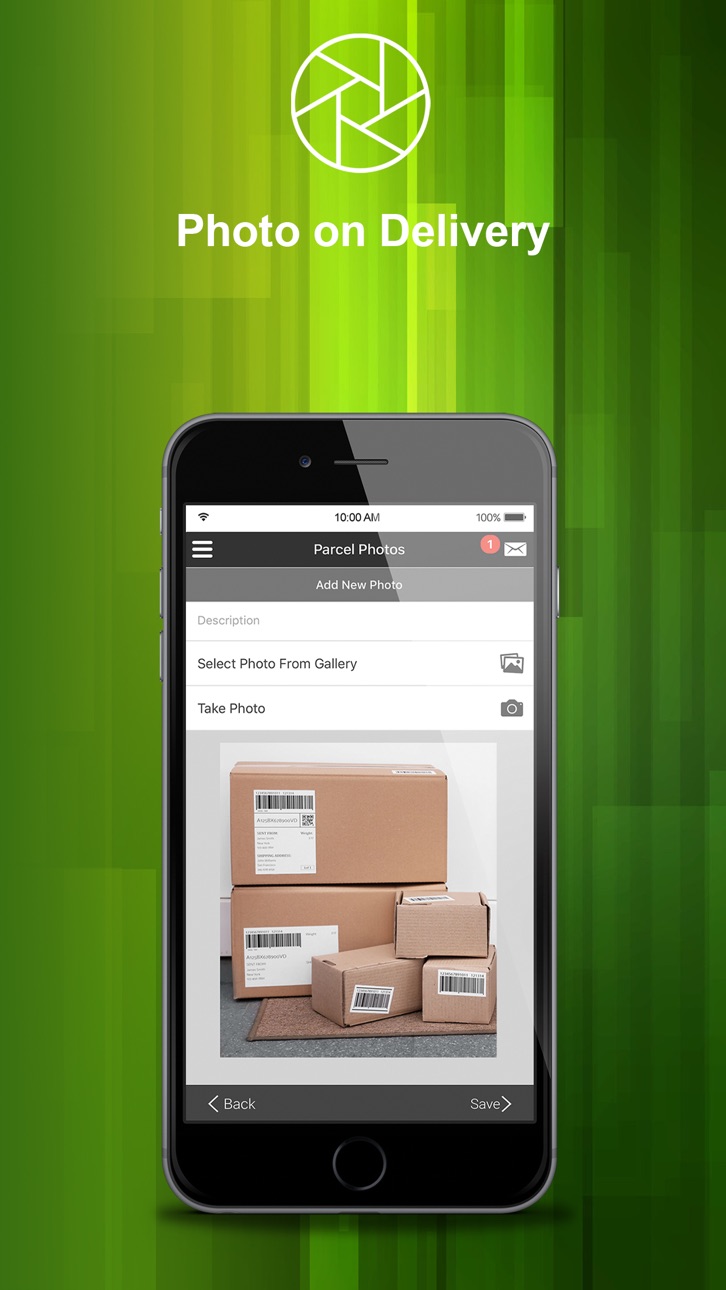
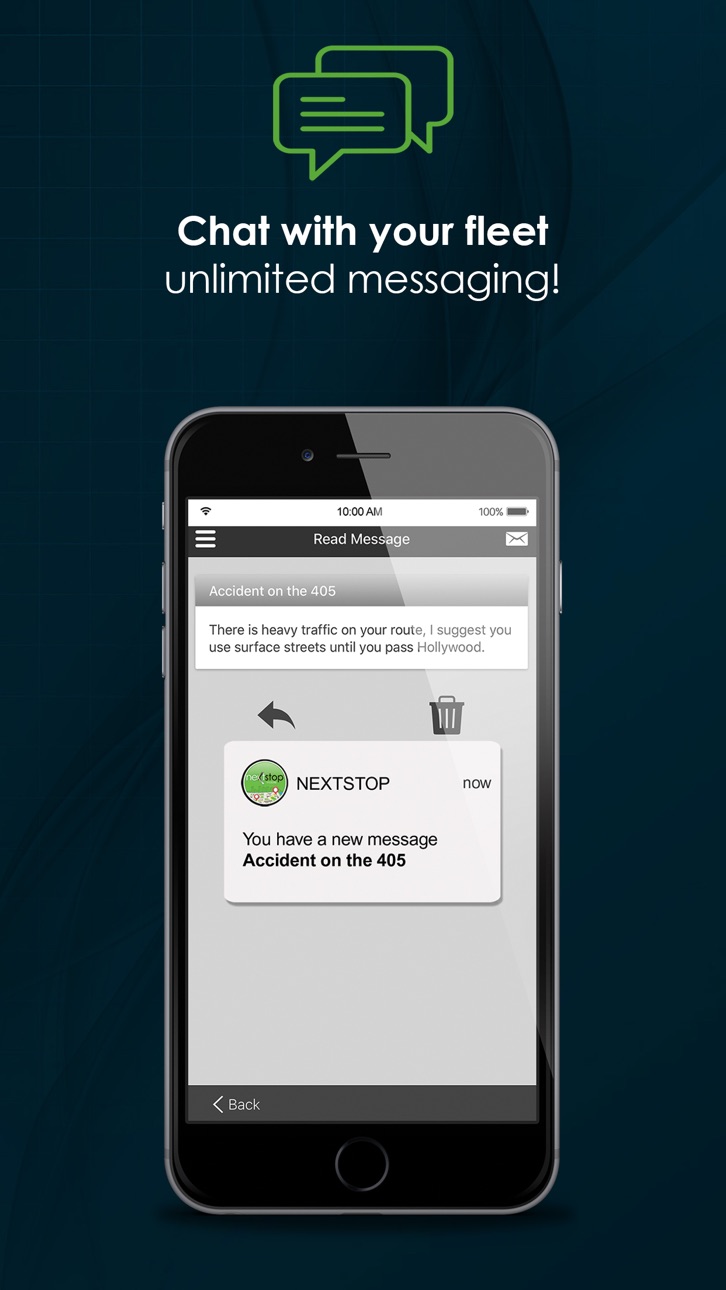
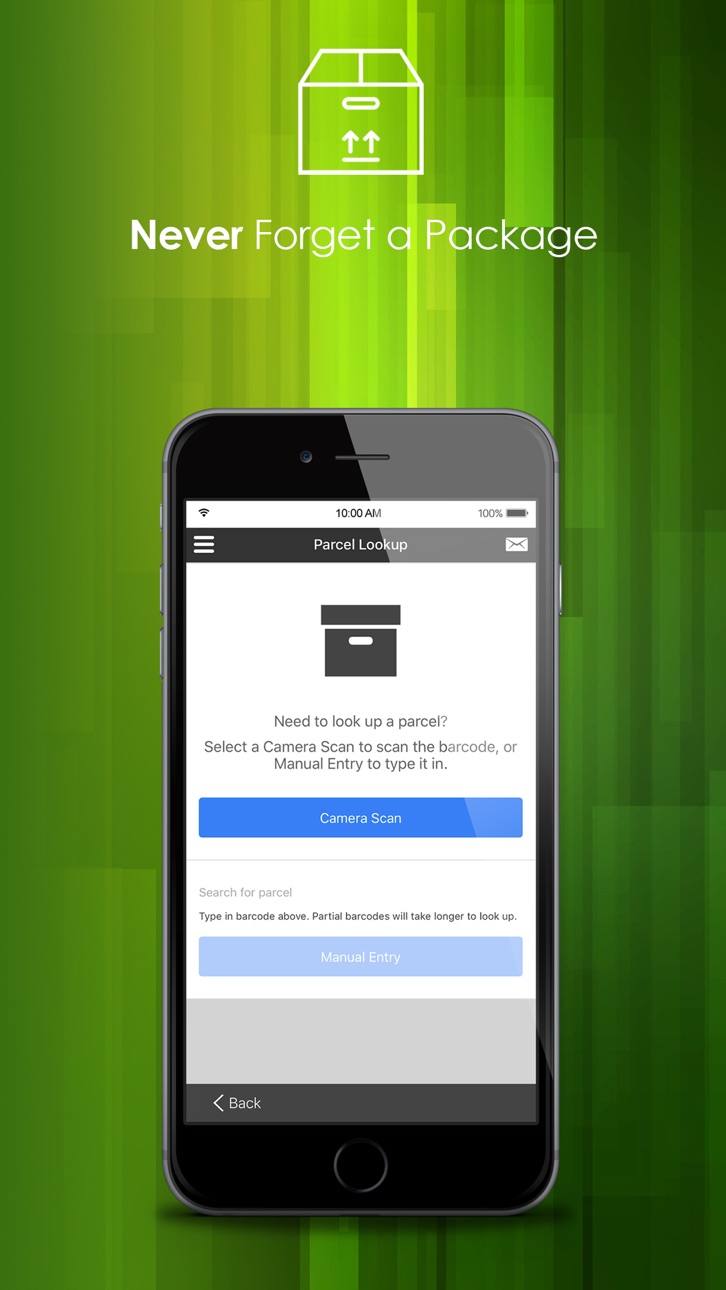
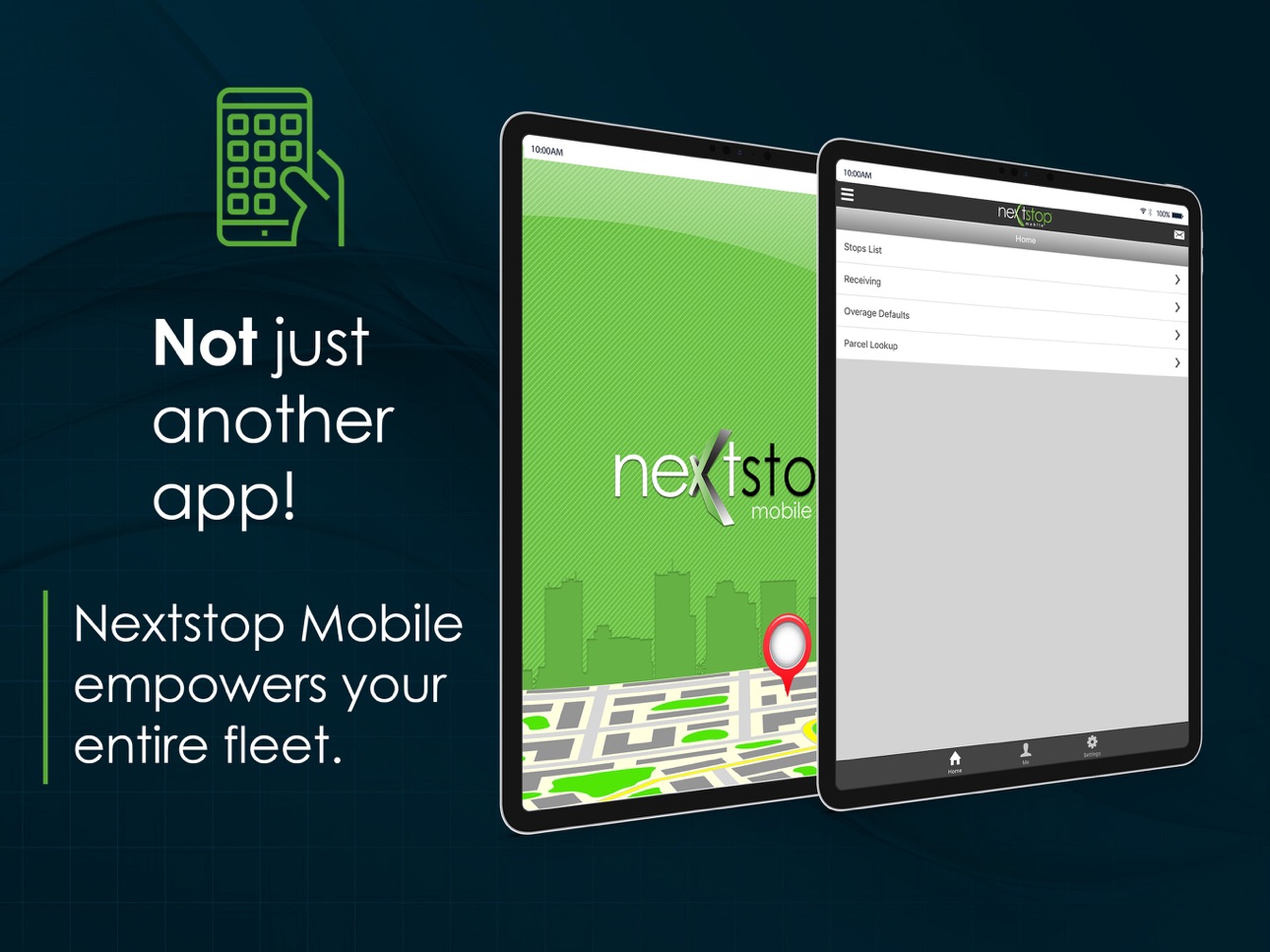
Nextstop Mobile is CXT Software’s easy-to-use smartphone app that connects with X Dispatch. Nextstop Mobile includes all the features you expect including detailed stop-level information, GPS tracking, signature capture, photo on delivery, barcode scanning, real-time data transfer, two-way messaging and so much more.
Nextstop Mobile is designed to be straightforward and intuitive making it easy to complete each step of the delivery or pickup process.
If you're new to CXT Software or have not yet switched your fleet to Nextstop Mobile, please contact your sales representative or account manager for a demonstration.
Contact Sales: Sales@cxtsoftware.com
Contact Account Management: AccountManagement@cxtsoftware.com
** Nextstop Mobile requires an "active business account with CXT Software" to function. Drivers, please see your carrier's driver management resources for assistance.
** For optimal performance, please keep Nextstop Mobile in the foreground when using the application and make sure it's exempt from any battery optimization on your handset.
* Continually Updated
* GPS Tracking
* Signature Capture
* Stop Consolidation
* Bluetooth and Camera Bar-code Scanning
* Scan Summary Views
* Over, Short, and Damaged (OS&D)
* Dispatch Messaging
* Parcel Photos
* Driver Check-in/out
* Job Confirmation and Rejection
* Location Scanning
* Parcel and Stop Status Codes
* Simple Stop List Search
* Multi-user Receive Scanning
* Tap-to-Map Turn by Turn Directions
* Tap-to-Call
Accessibility
ipadiphonemacrealityDevicetvoswatch
Version history 24 versions
Build 832796818v2.7.122019-10-24 15:34:05
Minimum Version Requirements - iOS 9.0 or higher
- App store preview and screenshot updates
- To see the full release notes, please visit our support website: https://releasenotes.cxtsoftware.com/
Build 830634791v2.7.112019-03-28 15:50:30
Minimum Version Requirements - iOS 9.0 or higher
- Fixed an issue where some stops weren't updating with completion data
- Fixed an issue where some parcels weren't pairing properly
- Fixed an issue where Required Driver Input prompts could be bypassed
- To see the full release notes, please visit our support website: https://releasenotes.cxtsoftware.com/
Build 830210978v2.7.82019-02-06 19:30:53
Minimum Version Requirements - iOS 9.0 or higher
- Improved NSM discard logic for 403 and 404 events received from driver updates.
- To see the full release notes, please visit our support website: http://releasenotes.cxtsoftware.com/
Build 829186800v2.7.32018-11-06 16:26:31
Minimum Version Requirements - iOS 9.0 or higher
- Improved error logging for driver issues
- Updated order detail data on Stop Info screen
- To see the full release notes, please visit our support website: http://releasenotes.cxtsoftware.com/
Build 828653214v2.6.32018-09-20 20:16:00
Minimum Version Requirements - iOS 9.0 or higher
- Improved functionality for the "Number of Stops to Display in the Stops List" mobile option set.
- Fixed an issue where some parcels weren't pairing when scanned.
- Added GPS grace time functionality for geofencing.
- Added a 15 second time out for obtaining geofencing to avoid driver delays when no location can be found.
- To see the full release notes, please visit our support website: http://releasenotes.cxtsoftware.com/
Build 827708705v2.5.32018-06-29 16:02:52
Minimum Version Requirements - iOS 9.0 or higher
- Geofencing
- Parcel Scan Shortage Alert
- Location Scan on Stop Completion
- Unconfirmed Order Alerts
- To see the full release notes, please visit our support website: http://releasenotes.cxtsoftware.com/
Build 826822284v2.4.152018-04-26 16:42:38
Minimum Version Requirements - iOS 9.0 or higher
- Updated configurations
- To see the full release notes, please visit our support website: http://releasenotes.cxtsoftware.com/
Build 826376847v2.4.132018-03-30 15:57:59
Minimum Version Requirements - iOS 9.0 or higher
- New continuous scanning functionality for field scans
- Fixed a rare issue where a white screen occasionally appeared upon login
- Fixed issue where drivers could bypass a required POD
- Fixed issue with driver's bypassing required driver input
- To see the full release notes, please visit our support website: http://releasenotes.cxtsoftware.com/
Build 826179439v2.4.72018-03-06 15:31:05
Minimum Version Requirements - iOS 9.0 or higher
- Fixed log in issue
- Fixed issue where editing scanned parcels affected scanned timestamp
- To see the full release notes, please visit our support website: http://releasenotes.cxtsoftware.com/
Build 825119757v2.4.42018-01-23 15:45:26
Minimum Version Requirements - iOS 9.0 or higher
- New Required Driver Input functionality
- New Master Barcode functionality
- New accessorial capabilities
- Resolved a minor bug with location scanning
- Resolved issue where itinerary view was blank due to having more than one post date for routed work
- To see the full release notes, please visit our support website: http://releasenotes.cxtsoftware.com/
Build 824057879v2.3.162017-10-25 16:36:28
- Resolved several issues related to the iOS 11 release
- Improved NSM sync logic
Build 823865518v2.3.132017-10-10 07:01:11
We are working on resolving an issue with iOS 11. If you are experiencing the app crashing at the splash screen, please uninstall and reinstall NSM.
To see the full release notes, please visit our support website: http://releasenotes.cxtsoftware.com/
Build 823608561v2.3.122017-09-12 16:22:38
Introducing Session GPS Info - Nextstop Mobile will now calculate miles driven throughout the day, and report this information to the user.
Build 823120767v2.3.112017-09-05 14:00:59
For complete release notes, please visit releasenotes.cxtsoftware.com
Build 822678709v2.3.82017-07-31 13:00:53
For full release notes, please visit our support website.
Build 821993533v2.3.42017-05-05 16:31:07
For full release notes, please visit our support website.
Build 820740421v2.3.02017-04-26 02:00:57
For all details on new features and bug fixes, please see our release notes site
Build 820278649v2.2.42017-01-25 15:48:59
New Features and Improvements
-Added support for the Amerisource Bergen EEM integration. Drivers who have been using X Mobile for this work may now upgrade
-Introducing a new section, “Help”. Receive instructions on the use of the application, and answers to frequently asked questions without leaving the app. We will continue to expand this section with as many helpful tips and instructions as we can
-Implemented the Keyboard Accessory Bar for the NextStop keyboard for both iOS and Android. This allows users to easily close the keyboard when in the way of other fields. Please remember that if you are not using a bluetooth scanner with Nextstop, “HID Scanning” should be set to ‘off’
-Moved the “HID Scanning” left menu item higher in the list, so users can easily turn it off when the on-screen keyboard is displayed
-Receive Scanning just got a bit easier. You may now consolidate the parcel lists for multiple receive stops into one. No more switching back and forth when two linehauls arrive at the same time
-Stops that force a location barcode scan upon arrival can no longer be consolidated. This is to prevent users from circumventing the requirement on one stop by consolidating the stop set to force the user to scan the location barcode with another stop that does not have the same requirement
-Receive workers can now manually mark a parcel as scanned in the event that the barcode is unreadable, or destroyed
-Other minor UI updates to the Receive section
-Receiving an audio notification from Nextstop will no longer pause other audio already playing on the device. The volume will be lowered while the Nextstop audio alert plays, then resume it’s original volume
-Address points that do not contain a valid latitude and longitude will no longer attempt to calculate distance
-Improvements to stop consolidation/de-consolidation logic
These features require X Dispatch v16.3.0 or higher
-NSM Users who have permission to update accessorial charges are able to update the pieces and weight quantities on a stop. This can be done manually, by scanning parcels, or creating generic parcels. Functionality to add other accessorial items is coming soon!
-Driver Pay is now an option to display on the Stop Info Screen and Confirm Stop screen. This is controlled through the Mobile Options, and the default setting is ‘off’
-Route Stop “Notes” will now appear on the Stop Info screen.
-Receive workers can now edit parcels, similar to all other stops
-Managers can now set the frequency of the GPS collection interval, server sync interval, in the NSM Mobile Option Sets
Bug Fixes
-Consolidated Stops were showing the pieces and weight count for only one stop, and not the sum value of all stops in the consolidated list.
-Resolved an issue with Nextstop Android which had a windows cursor limit of 1mb, resulting in application instability for users with a large number of stops
-Manually entered barcodes were being created with the incorrect Creation Type.
-When entering the Receive Scan screen, if the device is unable to connect to the server the app could crash without warning.
-Scrolling too far on the Signature Collection screen causes the form to become “stuck” off the top of the screen.
-Logging into Nextstop with a leading zero in the driver number would cause several authentication and sync issues.
-Other minor bug fixes
Build 820083461v2.1.122016-12-12 13:00:52
New Features
▪We currently use the mobile device's native font size option to determine the font size to use for Nextstop. This could cause the font within the app to increase in size until it was unusable, so we have set a maximum font size for Nextstop.
Bug Fixes and Improvements:
▪Resolved an issue where attachments which were added while the device is not connected to the internet, and subsequently removed while the device is still offline, were incorrectly uploaded to the server
▪Attachments with similar descriptions are longer incorrectly identified as a duplicate
▪Unconfirmed stops will now display the badge on the left menu icon immediately upon logging in, and will not wait for subsequent syncs with the server
▪Returning to the stops list after manually removing stops from a consolidated order will no longer display two headers for one order when initially returning to the Stops List
▪Resolved an issue where stops which were manually removed from a consolidated stop were not able to be marked as "Arrived"
▪On Demand Orders which had status updates applied to them out of sequence (e.g. marking the order as arrived before marking it as confirmed) would always display in the stops list as "Unconfirmed", regardless of status
▪Other improvements related to stop consolidation, and manual removal of individual stops from a consolidated stop
▪Other minor bug fixes and improvements
Build 819418436v2.1.82016-10-26 22:36:05
Bug Fixes and Improvements
- The Itinerary Sort option will no longer fail to sync stops for Routes with similar RouteIDs (e.g. ABC123, and ABC12).
- Drivers who use a leading zero for the DriverID portion of their login (e.g. 0000000123) will no longer experience sync issues. In addition, this was preventing the full list of stops to sync with Nextstop. Drivers can now use a leading zero to login, however, we recommend that they omit the leading zeros.
- Resolved an issue where a Consolidated Stop's POD information could be unintentionnally transferred to incomplete orders
- We have implemented a maximum number of retry events for parcel assignments. This change is to prevent Nextstop from retrying the same update unsuccessfully, and potentially blocking other updates that would be successful
- Resolved an issue where Nextstop could enter an infinite loop if expected data were not present on the device (potentially due to sync issues)
- Other code improvements and stability enhancements
Build 819297652v2.1.72016-10-14 19:36:35
Fixed an issue where a completed stop could show up on the stops list after a manual sync. Also other minor bug fixes.
Build 819020532v2.1.62016-09-24 16:22:32
New app icon, fixed issue with receive stops disappearing after midnight and and issue with location barcode scanning.
Build 818938516v2.1.42016-09-20 00:00:51
To help reduce database storage, we've limited the maximum size of image attachments to 640x640
Build 818876451v2.1.32016-09-16 21:30:37
No pricing data captured yet — comparisons appear once the app has paid storefronts or in-app purchases.
Availability 1 of 1 storefronts
| Region | Language | Price | Ratings | Avg | Version |
|---|---|---|---|---|---|
| US | en-US | Free | 101 | 2.1 | 2.7.12 |
Change log 28 changes · US
✎
releaseNotes updated
Minimum Version Requirements - iOS 9.0 or higher
- App store preview and screenshot updates
- To see the full release notes, please visit our support website: h
✎
description updated
Nextstop Mobile is CXT Software’s easy-to-use smartphone app that connects with X Dispatch. Nextstop Mobile includes all the features you expect including detai
✎
subtitle updated
Driver Mobile App
✎
name updated
Nextstop by CXT Software
◆
Version 2.7.12 released
Minimum Version Requirements - iOS 9.0 or higher
- App store preview and screenshot updates
- To see the full release notes, please visit our support website: https://releasenotes.cxtsoftware.com/
◆
Version 2.7.11 released
Minimum Version Requirements - iOS 9.0 or higher
- Fixed an issue where some stops weren't updating with completion data
- Fixed an issue where some parcels weren't pairing properly
- Fixed an issue where Required Driver Input prompts could
◆
Version 2.7.8 released
Minimum Version Requirements - iOS 9.0 or higher
- Improved NSM discard logic for 403 and 404 events received from driver updates.
- To see the full release notes, please visit our support website: http://releasenotes.cxtsoftware.com/
◆
Version 2.7.3 released
Minimum Version Requirements - iOS 9.0 or higher
- Improved error logging for driver issues
- Updated order detail data on Stop Info screen
- To see the full release notes, please visit our support website: http://releasenotes.cxtsoftware.c
◆
Version 2.6.3 released
Minimum Version Requirements - iOS 9.0 or higher
- Improved functionality for the "Number of Stops to Display in the Stops List" mobile option set.
- Fixed an issue where some parcels weren't pairing when scanned.
- Added GPS grace time fun
◆
Version 2.5.3 released
Minimum Version Requirements - iOS 9.0 or higher
- Geofencing
- Parcel Scan Shortage Alert
- Location Scan on Stop Completion
- Unconfirmed Order Alerts
- To see the full release notes, please visit our support website: http://releasenotes
◆
Version 2.4.15 released
Minimum Version Requirements - iOS 9.0 or higher
- Updated configurations
- To see the full release notes, please visit our support website: http://releasenotes.cxtsoftware.com/
◆
Version 2.4.13 released
Minimum Version Requirements - iOS 9.0 or higher
- New continuous scanning functionality for field scans
- Fixed a rare issue where a white screen occasionally appeared upon login
- Fixed issue where drivers could bypass a required POD
- Fi
◆
Version 2.4.7 released
Minimum Version Requirements - iOS 9.0 or higher
- Fixed log in issue
- Fixed issue where editing scanned parcels affected scanned timestamp
- To see the full release notes, please visit our support website: http://releasenotes.cxtsoftware.
◆
Version 2.4.4 released
Minimum Version Requirements - iOS 9.0 or higher
- New Required Driver Input functionality
- New Master Barcode functionality
- New accessorial capabilities
- Resolved a minor bug with location scanning
- Resolved issue where itinerary vie
◆
Version 2.3.16 released
- Resolved several issues related to the iOS 11 release
- Improved NSM sync logic
◆
Version 2.3.13 released
We are working on resolving an issue with iOS 11. If you are experiencing the app crashing at the splash screen, please uninstall and reinstall NSM.
To see the full release notes, please visit our support website: http://releasenotes.cxts
◆
Version 2.3.12 released
Introducing Session GPS Info - Nextstop Mobile will now calculate miles driven throughout the day, and report this information to the user.
◆
Version 2.3.11 released
For complete release notes, please visit releasenotes.cxtsoftware.com
◆
Version 2.3.8 released
For full release notes, please visit our support website.
◆
Version 2.3.4 released
For full release notes, please visit our support website.
◆
Version 2.3.0 released
For all details on new features and bug fixes, please see our release notes site
◆
Version 2.2.4 released
New Features and Improvements
-Added support for the Amerisource Bergen EEM integration. Drivers who have been using X Mobile for this work may now upgrade
-Introducing a new section, “Help”. Receive instructions on the use of the applicati
◆
Version 2.1.12 released
New Features
▪We currently use the mobile device's native font size option to determine the font size to use for Nextstop. This could cause the font within the app to increase in size until it was unusable, so we have set a maximum font siz
◆
Version 2.1.8 released
Bug Fixes and Improvements
- The Itinerary Sort option will no longer fail to sync stops for Routes with similar RouteIDs (e.g. ABC123, and ABC12).
- Drivers who use a leading zero for the DriverID portion of their login (e.g. 0000000123)
◆
Version 2.1.7 released
Fixed an issue where a completed stop could show up on the stops list after a manual sync. Also other minor bug fixes.
◆
Version 2.1.6 released
New app icon, fixed issue with receive stops disappearing after midnight and and issue with location barcode scanning.
◆
Version 2.1.4 released
To help reduce database storage, we've limited the maximum size of image attachments to 640x640
◆
Version 2.1.3 released