Home › Productivity

 US
US
1 of 1 storefronts
Content in en-US
Content in en-US
Information
Preview 2 platforms
iPhone 6 images




iPad 6 images



What’s New Version 2.2
A lot of other small issues were fixed.
Description
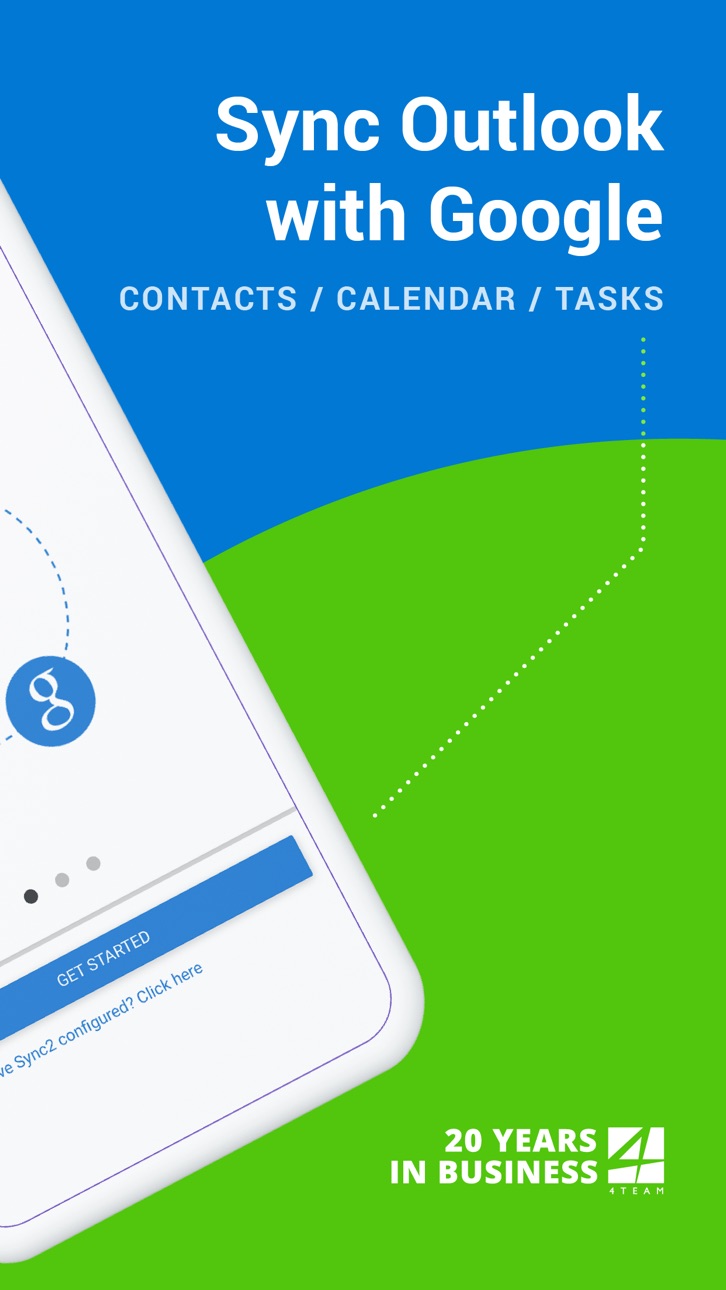
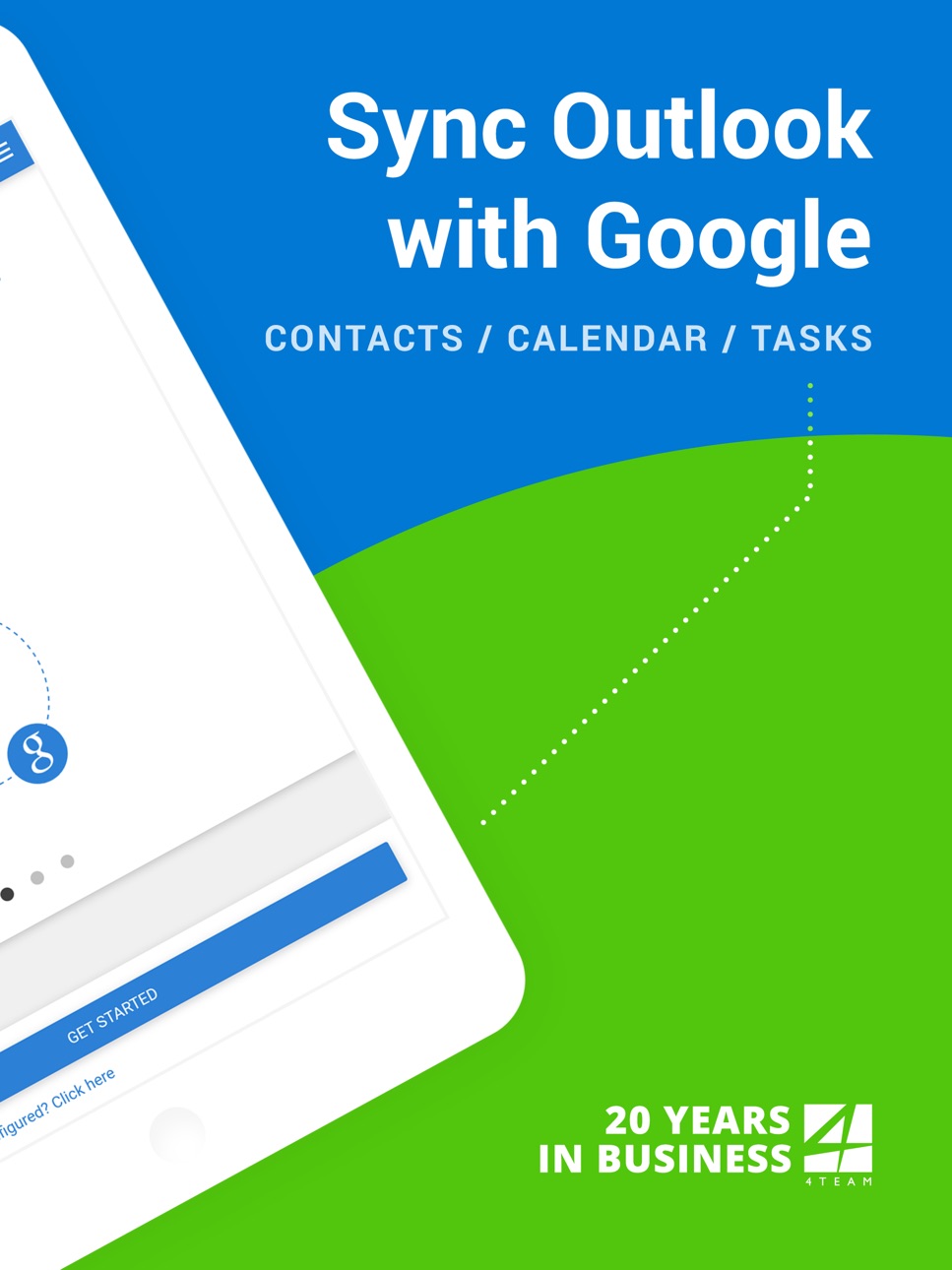
This is a Complimentary Companion that helps you set up synchronization for Outlook with iCloud, Google, Office 365, Exchange and iPhone/iPad sync with iCloud and other cloud services. With Sync2 you will be able to synchronize your iPhone/iPad with Microsoft Outlook using your Google Account.
PLEASE NOTE: THE SOFTWARE DOES NOT SUPPORT MICROSOFT OUTLOOK FOR MAC.
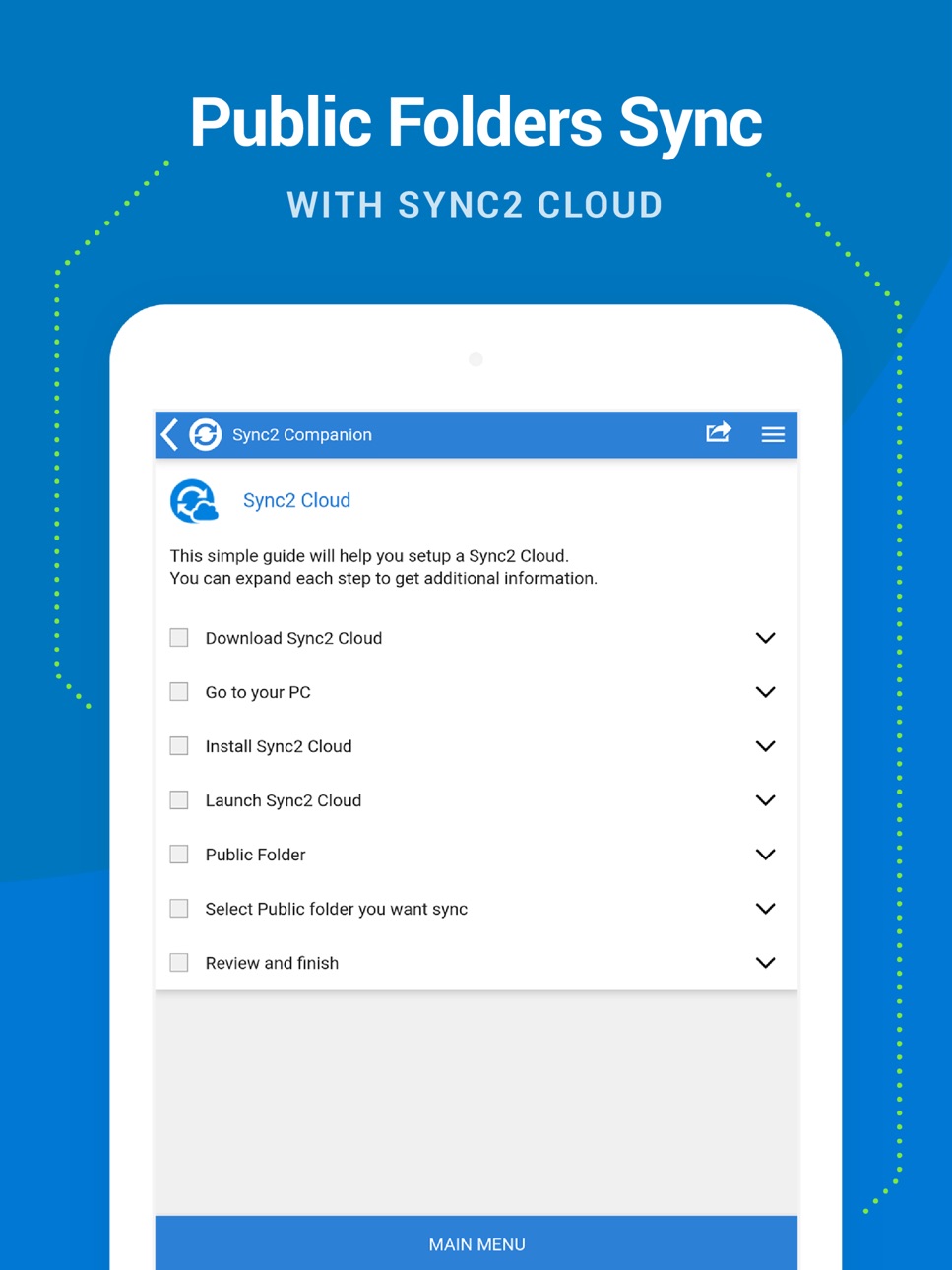
Public Folder Sync to smartphones
Public Folders sync solution. Microsoft Exchange Public Folders are not displayed natively on smartphones. Choose sync type “Public Folders on Mobile Device" and you will be guided to set up Sync2 Cloud. The new Sync2 Cloud helps to sync Public Folders. Sync & Share Public Folders on multiple platforms or smartphones (iPhone, iPad). Sync any type of Public folders (calendars, contacts, tasks, emails, notes).
Sync Microsoft Outlook with your iPhone/iPad using Google account. Use Sync2 to set up synchronization of your Google account and Microsoft Outlook. Set up the Google account on your iPhone or iPad and have your data synchronized both ways.
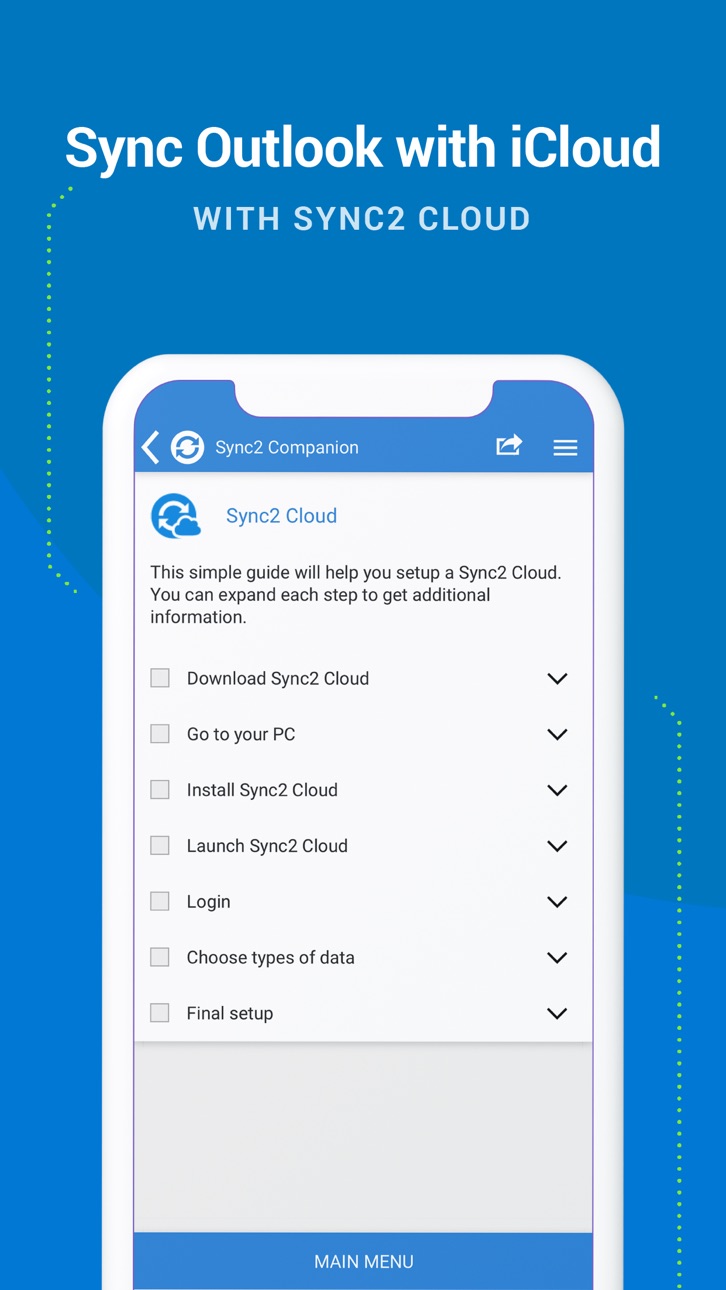
Set up the Sync2 PC application for Microsoft Outlook with Sync2 Companion in a few simple steps. Go through all the necessary settings to set up Sync2 on your PC. Get familiar with Sync2 functionality easily and without any trouble.
About the Sync2 desktop app:
The PC Microsoft Outlook synchronization software keeps your Emails, Calendar, Contacts and Tasks in sync between your Outlook, Google, iPhone, iPad and any other smartphone, tablet or PC. You can schedule automatic Outlook synchronization, perform manual sync on demand, or use an instant sync feature for changes made in Outlook to be moved immediately.
Sync2 is the right tool for you if you are looking for a way to:
- Sync Outlook with your iPhone or iPad using your Google account;
- Sync your Outlook Contacts, Calendars and/or Tasks using one-way or two-way synchronization;
- Easily sync your Outlook data, such as emails, calendars, contacts, tasks, notes, Outlook journals, between multiple PCs without the Microsoft Exchange server;
- Synchronize specific Outlook folders with different workgroups.
Main Sync2 features:
- Sync Outlook with iPhone or iPad using a Google account.
- Sync Outlook Calendar with Google Calendars.
- Sync Microsoft Outlook between PC‘s without a server.
- Instant synchronization of changes made in Microsoft Outlook.
- Synchronize Microsoft Outlook Contacts with Google Contacts.
- Sync Outlook Tasks with Google Tasks Lists.
- Back up Contacts and Calendar folders automatically before each synchronization.
- Synchronize data even when Microsoft Outlook is closed.
- Manual or scheduled synchronization.
- Sync Exchange folders.
Accessibility
ipadiphonemacrealityDevicetvoswatch
Version history 9 versions
Build 869617167v2.22024-10-10 10:44:35
A lot of other small issues were fixed.
Build 839781064v2.12020-12-29 19:14:18
• Issue where notifications were not working was fixed.
• A lot of other small issues were fixed.
Build 838519152v2.02020-11-06 00:15:10
Added additional sources:
• Shared Folders
• Yahoo Calendars, tasks
• Zoho Calendar
• CalDav Calendars, tasks
Build 825935799v1.92020-03-19 00:16:46
• Added explanation on how to make Exchange Public Folders visible on your smartphone.
• Fixed Login to Google
• UI/UX fixes
Build 825843627v1.82018-02-02 21:16:49
New Sync2 Upgrade!
What's new:
- Improved performance after in-depth QA testing
- Some UI fixes and changes are included
- Customer reported issues were fixed
Build 822639486v1.72017-06-24 00:02:14
New feature: Synchronization with iCloud set up wizard
Build 818724435v1.62017-04-20 20:51:36
Thanks for using Sync2 Companion!
Here's what's new:
- Google login fix
Build 818365061v1.52016-08-10 15:56:05
App performance has been improved, some bugs were fixed.
Build 817642555v1.42016-07-18 15:22:04
No pricing data captured yet — comparisons appear once the app has paid storefronts or in-app purchases.
Availability 1 of 1 storefronts
| Region | Language | Price | Ratings | Avg | Version |
|---|---|---|---|---|---|
| US | en-US | Free | 113 | 4.1 | 2.2 |
Change log 13 changes · US
✎
releaseNotes updated
A lot of other small issues were fixed.
✎
description updated
This is a Complimentary Companion that helps you set up synchronization for Outlook with iCloud, Google, Office 365, Exchange and iPhone/iPad sync with iCloud a
✎
subtitle updated
Sync Calendar, Gmail, Contacts
✎
name updated
Sync2 Outlook Google & iCloud
◆
Version 2.2 released
A lot of other small issues were fixed.
◆
Version 2.1 released
• Issue where notifications were not working was fixed.
• A lot of other small issues were fixed.
◆
Version 2.0 released
Added additional sources:
• Shared Folders
• Yahoo Calendars, tasks
• Zoho Calendar
• CalDav Calendars, tasks
◆
Version 1.9 released
• Added explanation on how to make Exchange Public Folders visible on your smartphone.
• Fixed Login to Google
• UI/UX fixes
◆
Version 1.8 released
New Sync2 Upgrade!
What's new:
- Improved performance after in-depth QA testing
- Some UI fixes and changes are included
- Customer reported issues were fixed
◆
Version 1.7 released
New feature: Synchronization with iCloud set up wizard
◆
Version 1.6 released
Thanks for using Sync2 Companion!
Here's what's new:
- Google login fix
◆
Version 1.5 released
App performance has been improved, some bugs were fixed.
◆
Version 1.4 released