Home › Utilities

 US
US
1 of 1 storefronts
Content in en-US
Content in en-US
Information
Preview 2 platforms
iPhone 5 images



iPad 3 images


What’s New Version 5.8.0
1. Added support for one-click migration of iPhone Notes to new devices, making data transfer easy when switching devices.
2. Added cloud transfer function, allowing remote transfer by logging into the same account, without distance limitations.
Description
EasyShare – Experience the best data-free file transferring and sharing app on APP Store. It is fast, ads-free and it works without internet connection.
With 200,000,000+ users download worldwide & 100,000+ 5-star-rating, EasyShare is one of the best file transfer tools in the world! Let's EasyShare Now!
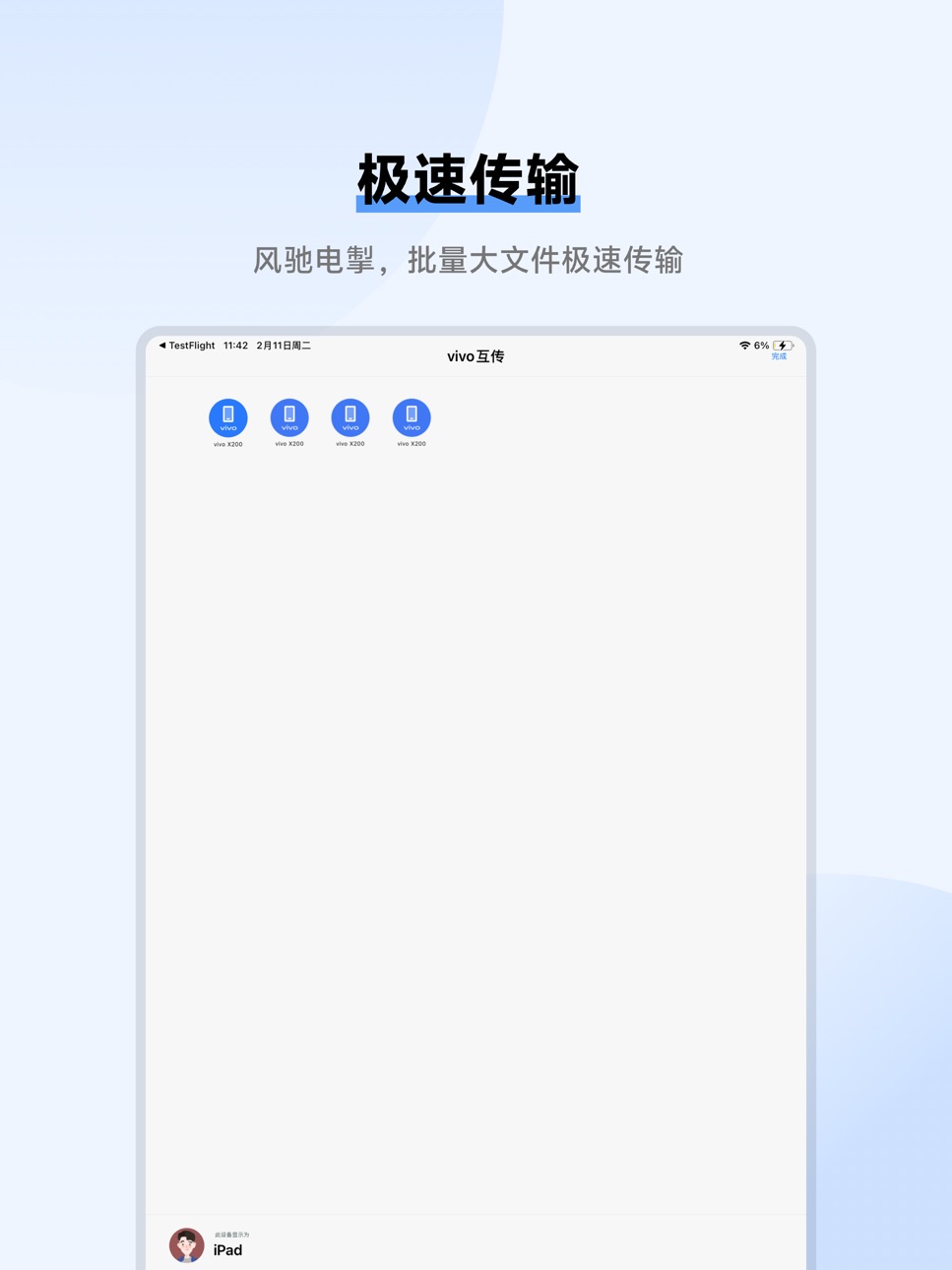
Lightning-fast speed, Up to 40Mbps
No internet connection required
Share and transfer file anywhere and anytime
Ultrafast speed phone replacement (From Photos to Apps)
File sharing and transferring app that has No Ads at all
Support All Operating System
vivo official app: secure, stable and reliable
【Main Features】
Ultrafast speed
Experience the lighting-fast transfer speed with EasyShare! Speed can be up to 40 Mb per second .
Cross-platform
Transfer and share all kinds of files with different formats (like MP4, AVI, JPEG, APK, etc) to your friends by just one tap! EasyShare support all Operating Systems.
No internet Required
Transfer and share all kinds of files through wireless LAN or Bluetooth. No internet required! Send whatever you like at anywhere and anytime
Phone Clone
With just a few steps, you can migrate your content automatically and securely from your old phone to your new phone
No file size limitation
Transferring and Sharing any types of file with no size limitation.
No Ads
simple and easy-to-use interface with No Ads at all
Contact us if you have any surprising thoughts to share with:
Website: https://www.vivo.com/en/
Gmail: easyshare@vivo.com
FB Page: https://www.facebook.com/groups/VivoGlobalFans/
* Please take note of the speed was compared with others app in the same category and it may be affected by the actual network environment.
Accessibility
ipadiphonemacrealityDevicetvoswatch
Version history 25 versions
Build 887317822v5.8.02026-06-24 02:26:27
1. Added support for one-click migration of iPhone Notes to new devices, making data transfer easy when switching devices.
2. Added cloud transfer function, allowing remote transfer by logging into the same account, without distance limitations.
Build 886764546v5.7.42026-06-15 02:12:21
Optimized known issues and improved user experience.
Build 885957071v5.7.32026-05-27 06:17:15
Optimized known issues and improved user experience
Build 885552105v5.7.22026-05-13 09:24:18
Fixed known issues and enhanced user experience.
Build 884826749v5.7.12026-04-24 06:28:16
1.Optimized the cross-device backup function, allowing iPhone users to select specific albums for backup to vivo devices.
2.Fixed known issues and enhanced user experience.
Build 884348157v5.7.02026-04-16 13:32:57
Optimized known issues and enhanced user experience.
Build 883893337v5.6.12026-04-07 06:43:08
Optimized known issues and improved user experience.
Build 883689230v5.6.02026-03-25 09:54:12
The cross-device access experience has been upgraded, supporting remote access from iPhone to vivo Pad files and photos.
Build 883052638v5.5.72026-03-12 02:53:18
Optimized known issues and enhanced user experience.
Build 882249132v5.5.62026-02-09 09:04:00
Optimized known issues and enhanced user experience.
Build 882064535v5.5.52026-02-03 09:05:12
Optimized known issues and enhanced user experience.
Build 880707718v5.5.42025-12-18 03:48:35
Optimized known issues and enhanced user experience.
Build 880113202v5.5.32025-11-27 11:34:45
Optimized known issues and enhanced user experience.
Build 879827460v5.5.22025-11-18 09:11:58
Fixed known issues and improved user experience.
Build 879197657v5.5.12025-11-06 10:09:15
Fixed known issues and improved user experience.
Build 879162379v5.5.02025-10-23 13:28:36
Fixed known issues and improved user experience.
Build 878955714v5.4.22025-10-16 07:34:38
Fixed known issues and improved user experience.
Build 878856939v5.4.12025-10-13 08:48:07
1.Added Shake to Share for groups, making multi-person sharing more convenient.
2.Added cross-device access, enabling vivo phones to easily access photos and videos from iPhones.
Build 878266652v5.4.02025-10-10 08:33:34
1.Added Shake to Share for groups, making multi-person sharing more convenient.
2.Added cross-device access, enabling vivo phones to easily access photos and videos from iPhones.
Build 878195028v5.3.22025-09-18 12:58:56
Fixed known issues and improved user experience.
Build 876118676v5.3.12025-07-07 09:08:24
Fixed known issues and improved user experience.
Build 875679590v5.3.02025-06-25 05:02:14
Added support for Quick hotspot, allowing you to connect two devices via a hotspot with a tap.
Build 875531929v5.2.312025-06-17 01:55:45
Fix known issues and improve the user experience.
Build 874303247v5.2.302025-04-28 10:18:12
1.Optimize the message interconnectivity feature and the device finding feature.
2.Support logging in with a vivo account for more convenient file transfers between the same account.
3.Fix known issues and improve the user experience.
Build 873600010v5.2.12025-04-21 10:08:10
1.Added the message interconnectivity feature and the device finding feature.
2.Support logging in with a vivo account for more convenient file transfers between the same account.
No pricing data captured yet — comparisons appear once the app has paid storefronts or in-app purchases.
Availability 1 of 1 storefronts
| Region | Language | Price | Ratings | Avg | Version |
|---|---|---|---|---|---|
| US | en-US | Free | 7 | 2.0 | 5.8.0 |
Change log 29 changes · US
✎
releaseNotes updated
1. Added support for one-click migration of iPhone Notes to new devices, making data transfer easy when switching devices.
2. Added cloud transfer function, all
✎
description updated
EasyShare – Experience the best data-free file transferring and sharing app on APP Store. It is fast, ads-free and it works without internet connection.
With
✎
subtitle updated
vivo official tool
✎
name updated
EasyShare - device switch tool
◆
Version 5.8.0 released
1. Added support for one-click migration of iPhone Notes to new devices, making data transfer easy when switching devices.
2. Added cloud transfer function, allowing remote transfer by logging into the same account, without distance limitat
◆
Version 5.7.4 released
Optimized known issues and improved user experience.
◆
Version 5.7.3 released
Optimized known issues and improved user experience
◆
Version 5.7.2 released
Fixed known issues and enhanced user experience.
◆
Version 5.7.1 released
1.Optimized the cross-device backup function, allowing iPhone users to select specific albums for backup to vivo devices.
2.Fixed known issues and enhanced user experience.
◆
Version 5.7.0 released
Optimized known issues and enhanced user experience.
◆
Version 5.6.1 released
Optimized known issues and improved user experience.
◆
Version 5.6.0 released
The cross-device access experience has been upgraded, supporting remote access from iPhone to vivo Pad files and photos.
◆
Version 5.5.7 released
Optimized known issues and enhanced user experience.
◆
Version 5.5.6 released
Optimized known issues and enhanced user experience.
◆
Version 5.5.5 released
Optimized known issues and enhanced user experience.
◆
Version 5.5.4 released
Optimized known issues and enhanced user experience.
◆
Version 5.5.3 released
Optimized known issues and enhanced user experience.
◆
Version 5.5.2 released
Fixed known issues and improved user experience.
◆
Version 5.5.1 released
Fixed known issues and improved user experience.
◆
Version 5.5.0 released
Fixed known issues and improved user experience.
◆
Version 5.4.2 released
Fixed known issues and improved user experience.
◆
Version 5.4.1 released
1.Added Shake to Share for groups, making multi-person sharing more convenient.
2.Added cross-device access, enabling vivo phones to easily access photos and videos from iPhones.
◆
Version 5.4.0 released
1.Added Shake to Share for groups, making multi-person sharing more convenient.
2.Added cross-device access, enabling vivo phones to easily access photos and videos from iPhones.
◆
Version 5.3.2 released
Fixed known issues and improved user experience.
◆
Version 5.3.1 released
Fixed known issues and improved user experience.
◆
Version 5.3.0 released
Added support for Quick hotspot, allowing you to connect two devices via a hotspot with a tap.
◆
Version 5.2.31 released
Fix known issues and improve the user experience.
◆
Version 5.2.30 released
1.Optimize the message interconnectivity feature and the device finding feature.
2.Support logging in with a vivo account for more convenient file transfers between the same account.
3.Fix known issues and improve the user experience.
◆
Version 5.2.1 released
1.Added the message interconnectivity feature and the device finding feature.
2.Support logging in with a vivo account for more convenient file transfers between the same account.