Home › Education

 US
US
1 of 1 storefronts
Content in en-US
Content in en-US
Information
Preview 2 platforms
iPhone 4 images
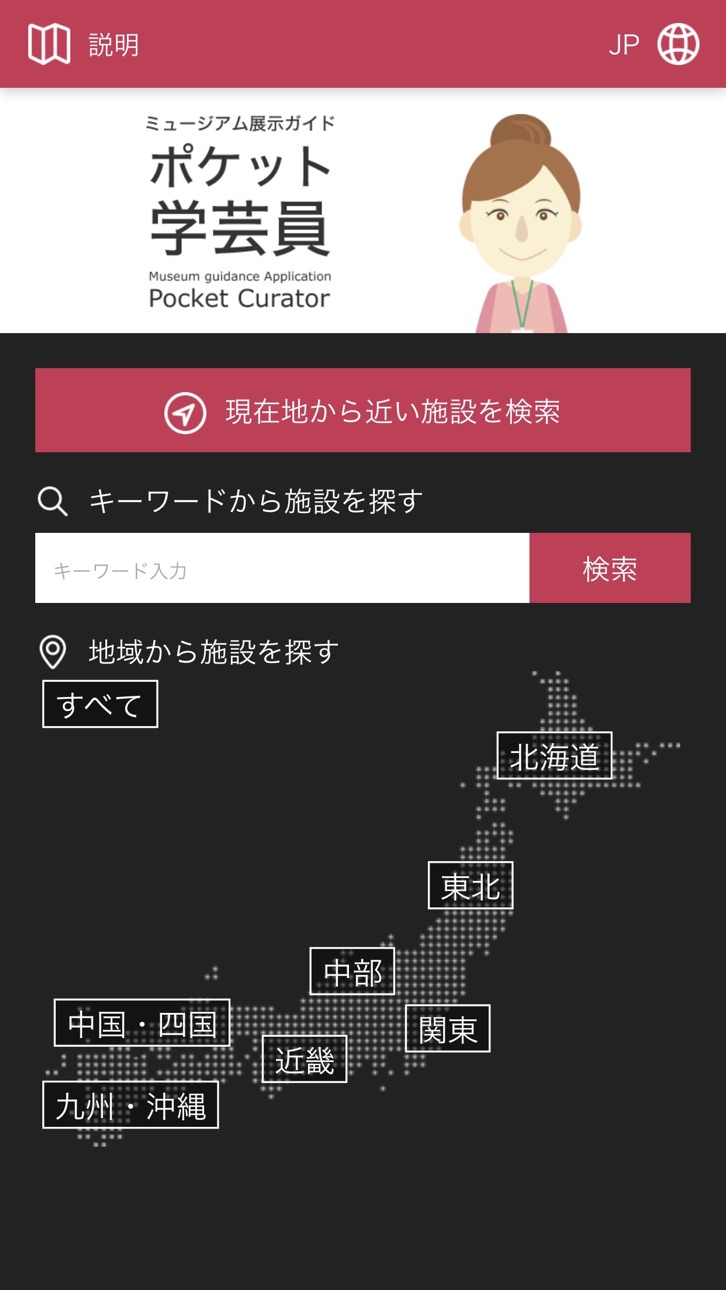
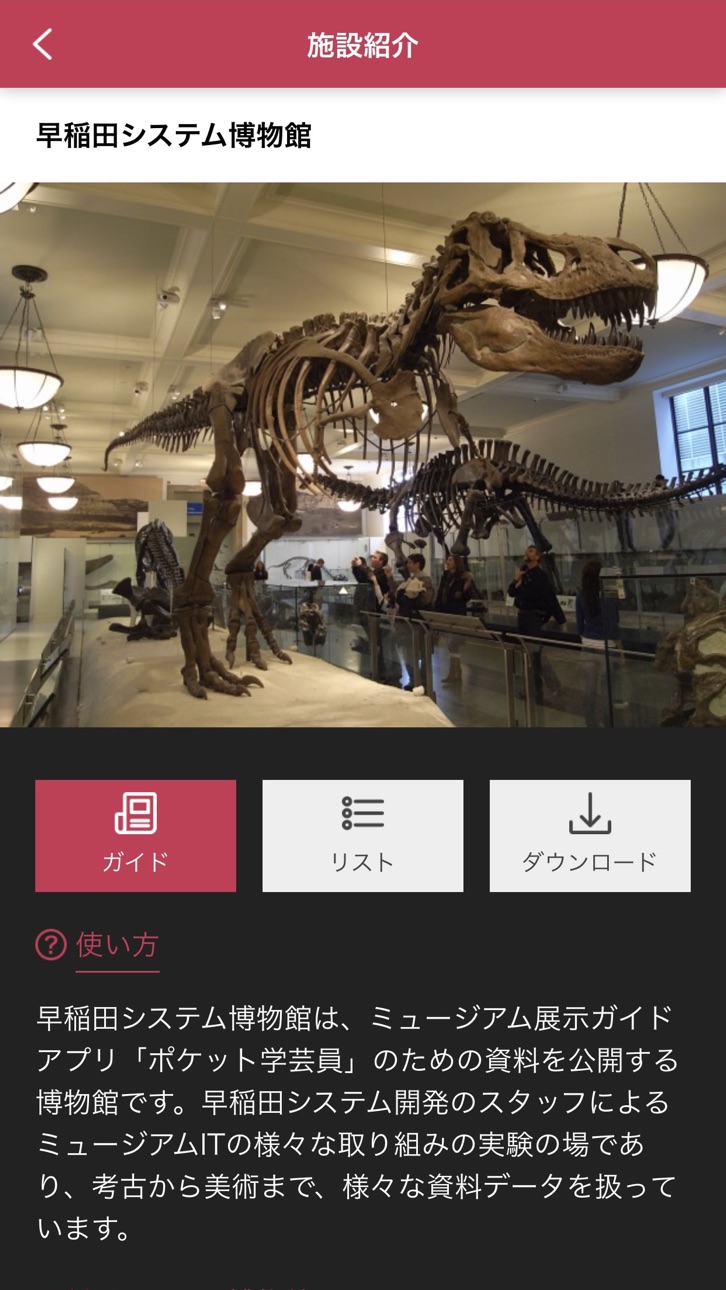


iPad 4 images


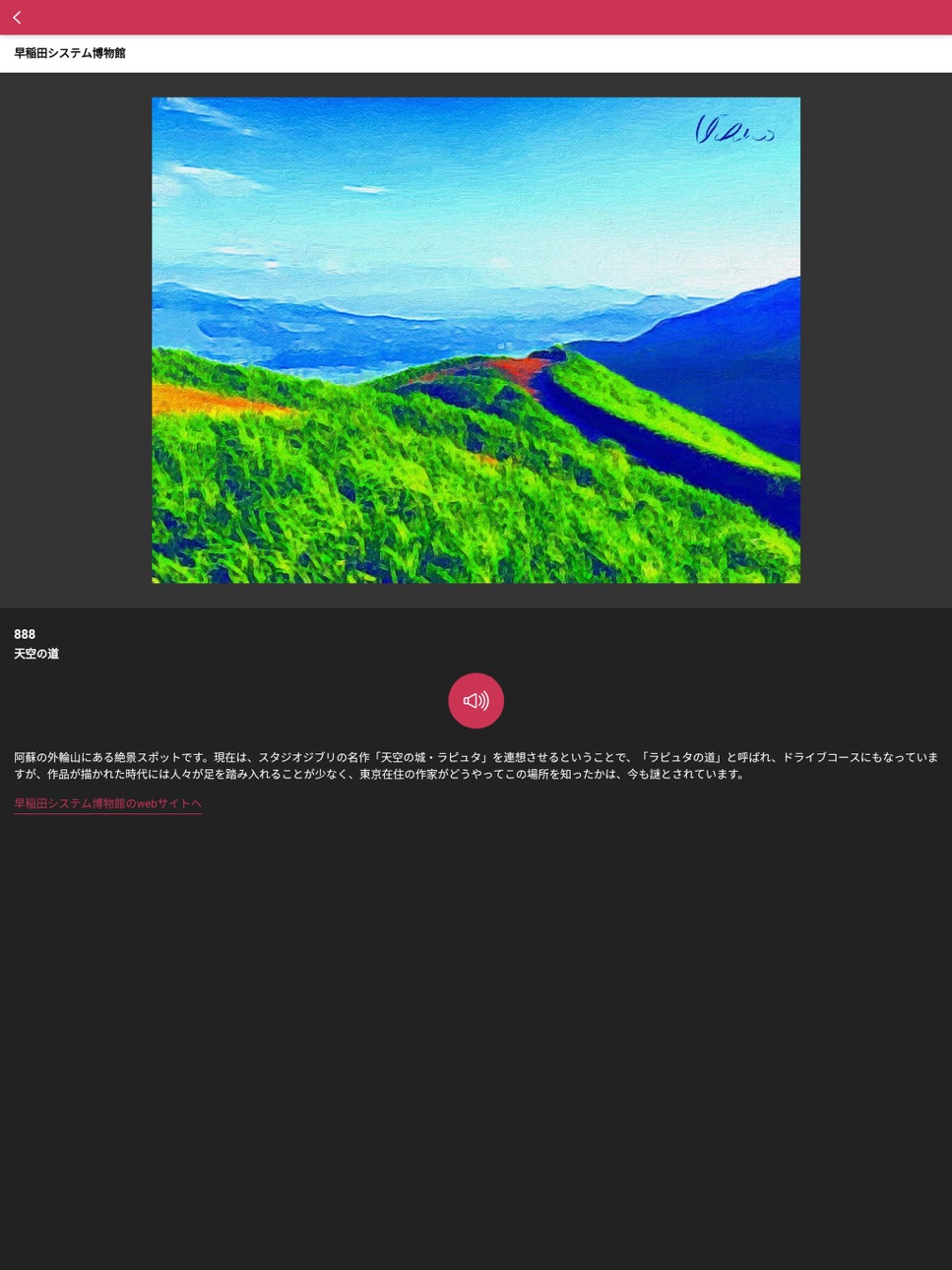
What’s New Version 2.0.0
1. New design
・ In order to improve visibility, the text has been changed to a color scheme with a large contrast.
・ The display on the tablet has been corrected.
2. Improved connection with Bluetooth earphones
3. Data download support
・ Download content data for one building and use it offline.
4). Enhanced search functionality
・ You can search for facilities near your current location using GPS.
・ You can now search by facility name.
5. Other bug fixes
Description
About this application.
“POCKET CURATOR” is the application which provides the various information about the exhibitions of museum and so on. Please enjoy exhibitions and a tour of cultural heritage. When you input the number assigned on items, you can get information of regarding items by text, sound, picture, and animation.
【Notice】
Copyright of pictures, sounds, movies, interpretive explanation and data which appears on “POCKET CURATOR” belongs to the facilities with which information is provided.
The application user allow to use these information only for personal usage.
“POCKET CURATOR” works through the internet. So, please use in environment where internet is available.
When you use “POCKET CURATOR” in the public place. Please use earphone or watch out your volume of your usage not to bother other people.
【How to use】
1. Select language (Japanese is applied at initial setting)
2. Select facilities (Explanation of regarding facilities appears on screen)
3. Forward “Guide” button
4. Input the number of items and touch “go” button
Detailed information of items such as picture and interpretive explanation is shown.
When you touch “sound” button, you will get sound information. When you touch “movie” button, movie information will be played.
Accessibility
ipadiphonemacrealityDevicetvoswatch
Version history 3 versions
Build 832611149v2.0.02019-09-13 00:49:47
1. New design
・ In order to improve visibility, the text has been changed to a color scheme with a large contrast.
・ The display on the tablet has been corrected.
2. Improved connection with Bluetooth earphones
3. Data download support
・ Download content data for one building and use it offline.
4). Enhanced search functionality
・ You can search for facilities near your current location using GPS.
・ You can now search by facility name.
5. Other bug fixes
Build 821309951v1.12017-03-15 07:25:35
icon,description
Build 816590985v1.02016-04-11 06:38:31
No pricing data captured yet — comparisons appear once the app has paid storefronts or in-app purchases.
Availability 1 of 1 storefronts
| Region | Language | Price | Ratings | Avg | Version |
|---|---|---|---|---|---|
| US | en-US | Free | 0 | — | 2.0.0 |
Change log 6 changes · US
✎
releaseNotes updated
1. New design
・ In order to improve visibility, the text has been changed to a color scheme with a large contrast.
・ The display on the tablet has been correcte
✎
description updated
About this application.
“POCKET CURATOR” is the application which provides the various information about the exhibitions of museum and so on. Please enjoy exh
✎
name updated
Pocket Curator
◆
Version 2.0.0 released
1. New design
・ In order to improve visibility, the text has been changed to a color scheme with a large contrast.
・ The display on the tablet has been corrected.
2. Improved connection with Bluetooth earphones
3. Data download support
・
◆
Version 1.1 released
icon,description
◆
Version 1.0 released