Home › Photo & Video

 US
US
1 of 1 storefronts
Content in en-US
Content in en-US
Information
Apple ID1079931965
Bundle IDcom.inglesdivino.AddTextToPhoto
SellerSeller
Min iOS8.0
Min macOS11.0
Device familiesiphone, ipad, ipod
Released2016-02-05
Copyright© Copyright (c) 2017 inglesdivino. All rights reserved.
Preview 2 platforms
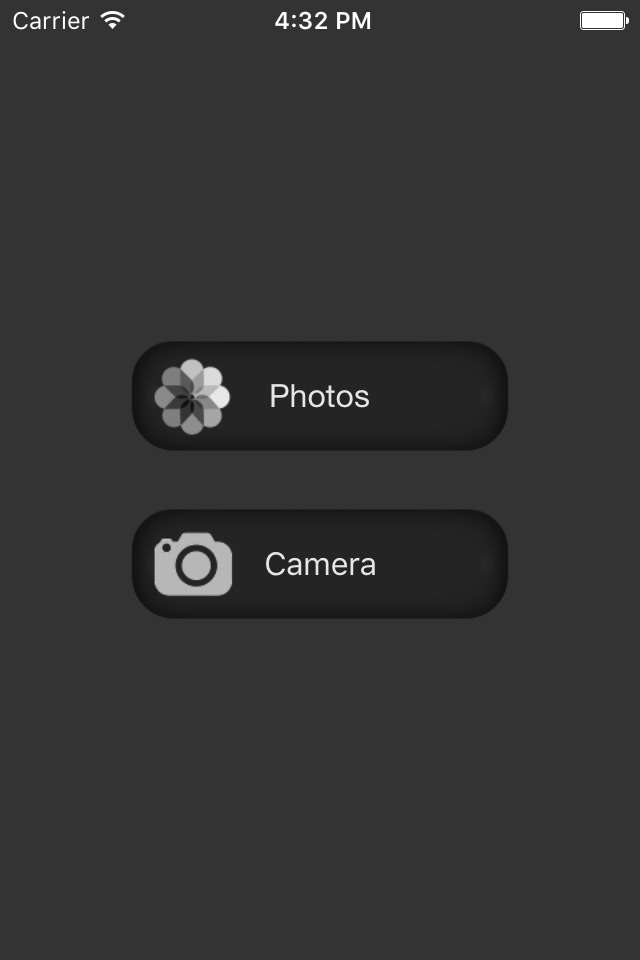
iPhone 5 images


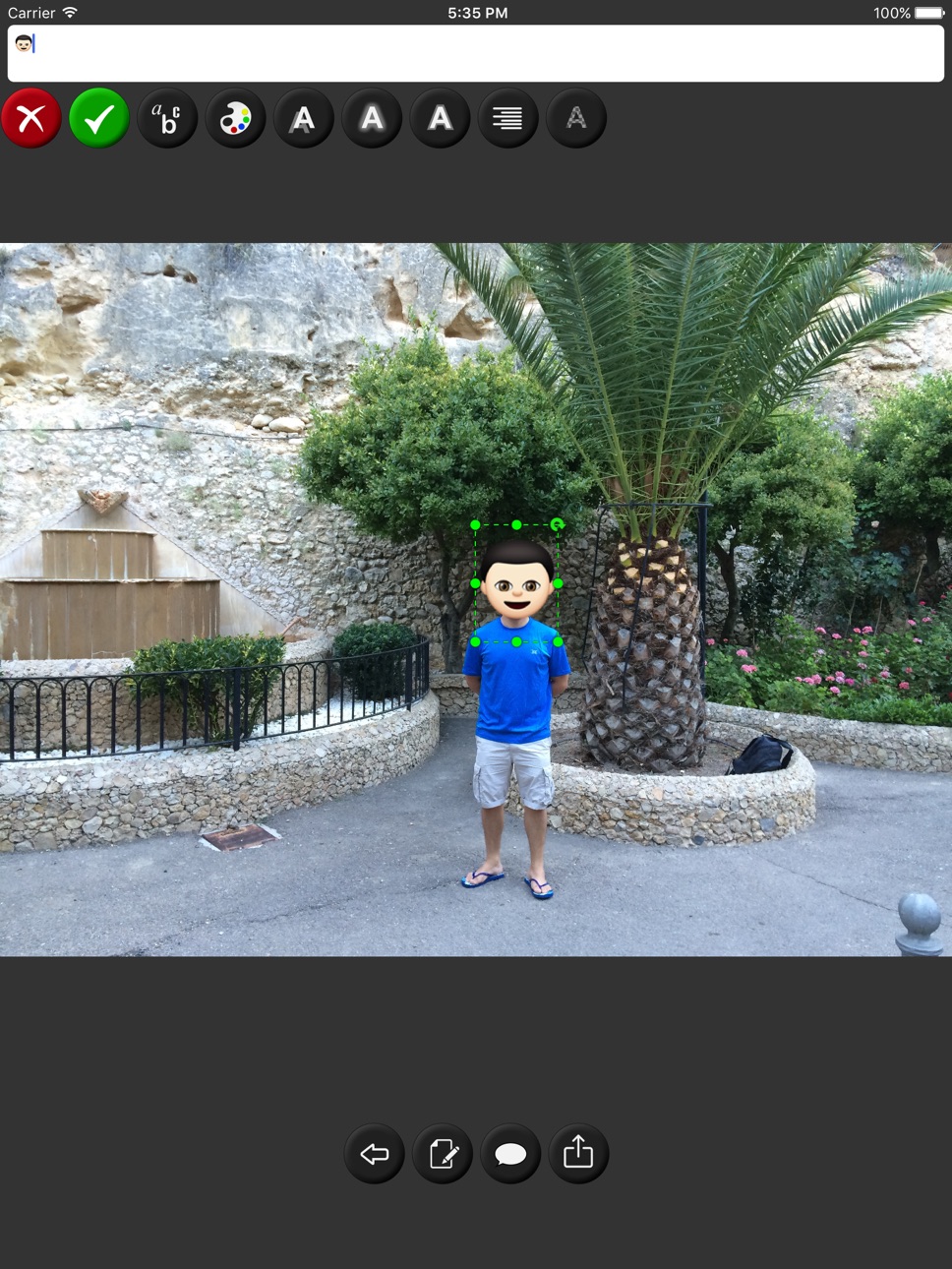
iPad 5 images




What’s New Version 1.2
This update from Apple will improve the functionality of this app. No new features are included.
- You can draw lines with your finger
Description
Write texts in your pictures using a wide variety of fonts. You can easily resize, color or apply some cool effects to them.
Besides, you can add speech balloons and many other figures to your photos.
Each dialogue bubble is completely customisable. You can change its dimensions, colour, transparency, etc...
Add as many texts, shapes, and comic bubbles as you like at any position and with any rotation.
Accessibility
ipadiphonemacrealityDevicetvoswatch
Version history 3 versions
Build 822889305v1.22017-07-13 23:51:35
This update from Apple will improve the functionality of this app. No new features are included.
- You can draw lines with your finger
Build 822094781v1.12017-05-11 20:35:09
- Landscape mode supported
- Bug fix when saving or sharing the edited photo on iPad
- Auto zooming on double tap
Build 816308056v1.02016-02-05 01:32:56
No pricing data captured yet — comparisons appear once the app has paid storefronts or in-app purchases.
Availability 1 of 1 storefronts
| Region | Language | Price | Ratings | Avg | Version |
|---|---|---|---|---|---|
| US | en-US | Free | 8 | 2.5 | 1.2 |
Change log 6 changes · US
✎
releaseNotes updated
This update from Apple will improve the functionality of this app. No new features are included.
- You can draw lines with your finger
✎
description updated
Write texts in your pictures using a wide variety of fonts. You can easily resize, color or apply some cool effects to them.
Besides, you can add speech balloo
✎
name updated
Add Text To Your Photos
◆
Version 1.2 released
This update from Apple will improve the functionality of this app. No new features are included.
- You can draw lines with your finger
◆
Version 1.1 released
- Landscape mode supported
- Bug fix when saving or sharing the edited photo on iPad
- Auto zooming on double tap
◆
Version 1.0 released