Home › Music

Information
Preview 2 platforms
iPhone 9 images



iPad 6 images


What’s New Version 1.4.2
- Fix menu layout issues
- Add video previews
Description
ChordUp is a musical instrument and MIDI controller that allows you to play almost any common chord instantly. No need to configure presets for each song. Just grab ChordUp and start playing.
SELECT CHORDS WITH A SINGLE TOUCH
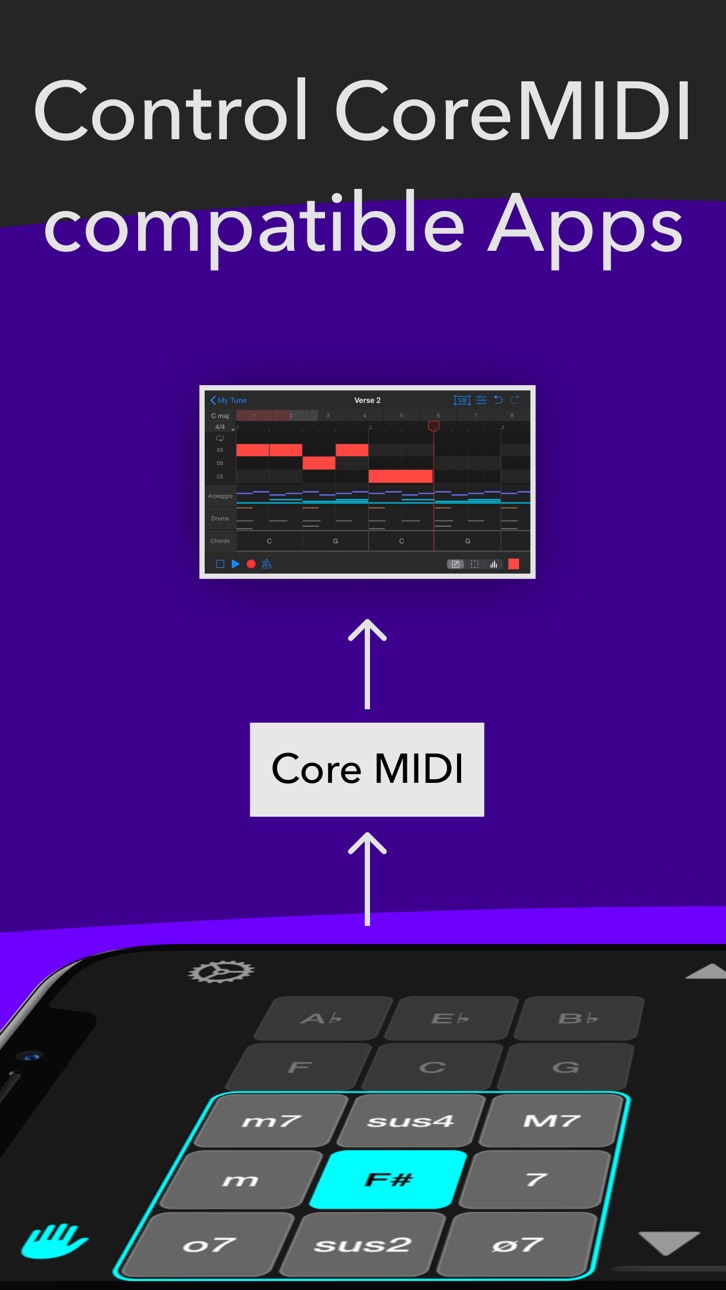
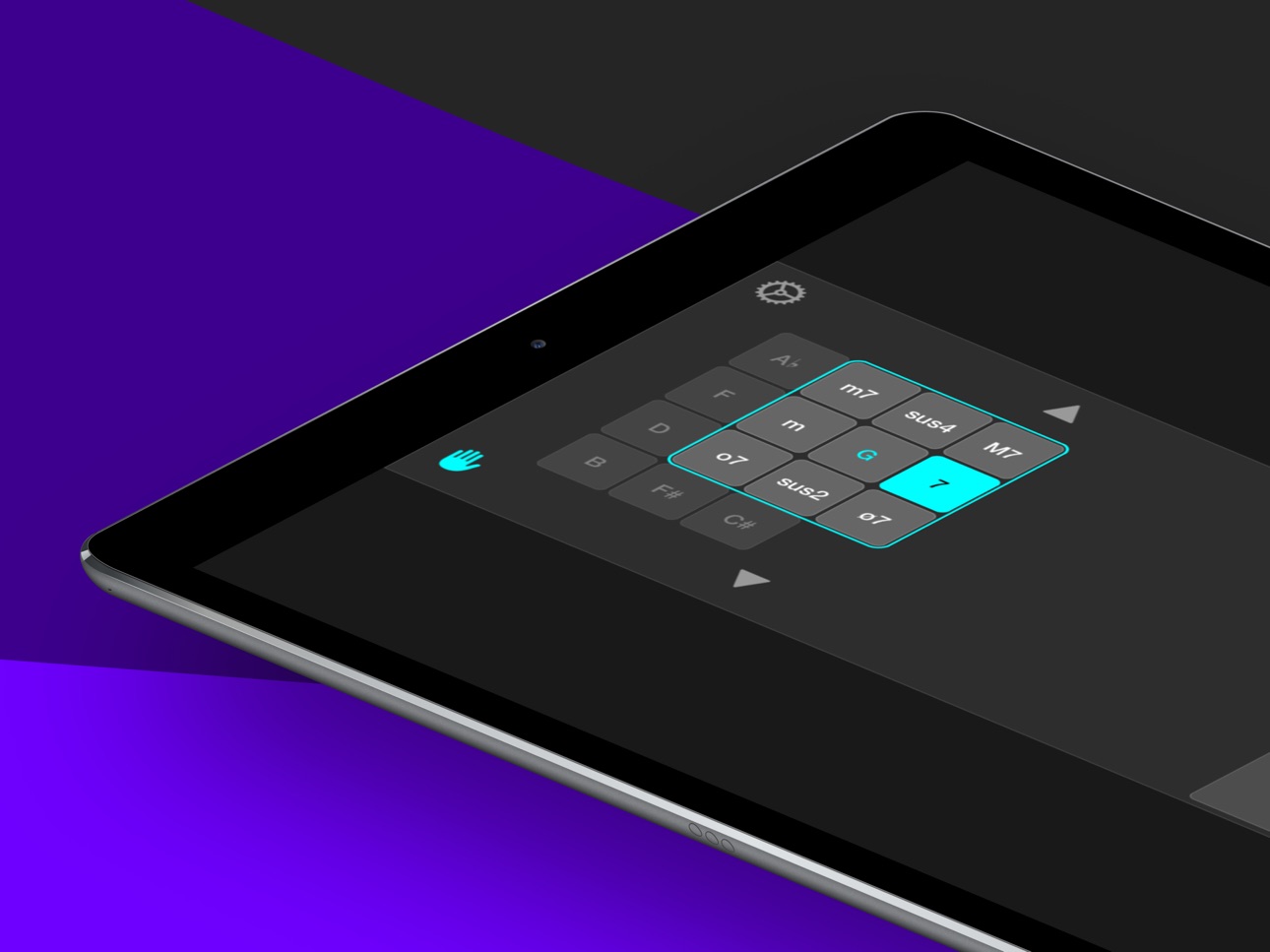
Unique chord selector allows you to play any available chord instantly. You don't need to make any pre-configurations or presets. Just tap on the key button and slide your finger to the required chord type. With a little practice you will be able to select any chord in a fraction of a second.
PLAY FULL CHORDS, SINGLE NOTES OR STRUM
Three playing surfaces allows you to easily play any rhythm pattern: full chords, bass and chord, strumming or arpeggios.
CONTROL OTHER APPS ON THE SAME DEVICE
You can use ChordUp to control your favourite soft or hard synthesizer through Core MIDI connection or though Audiobus 3 MIDI ports.
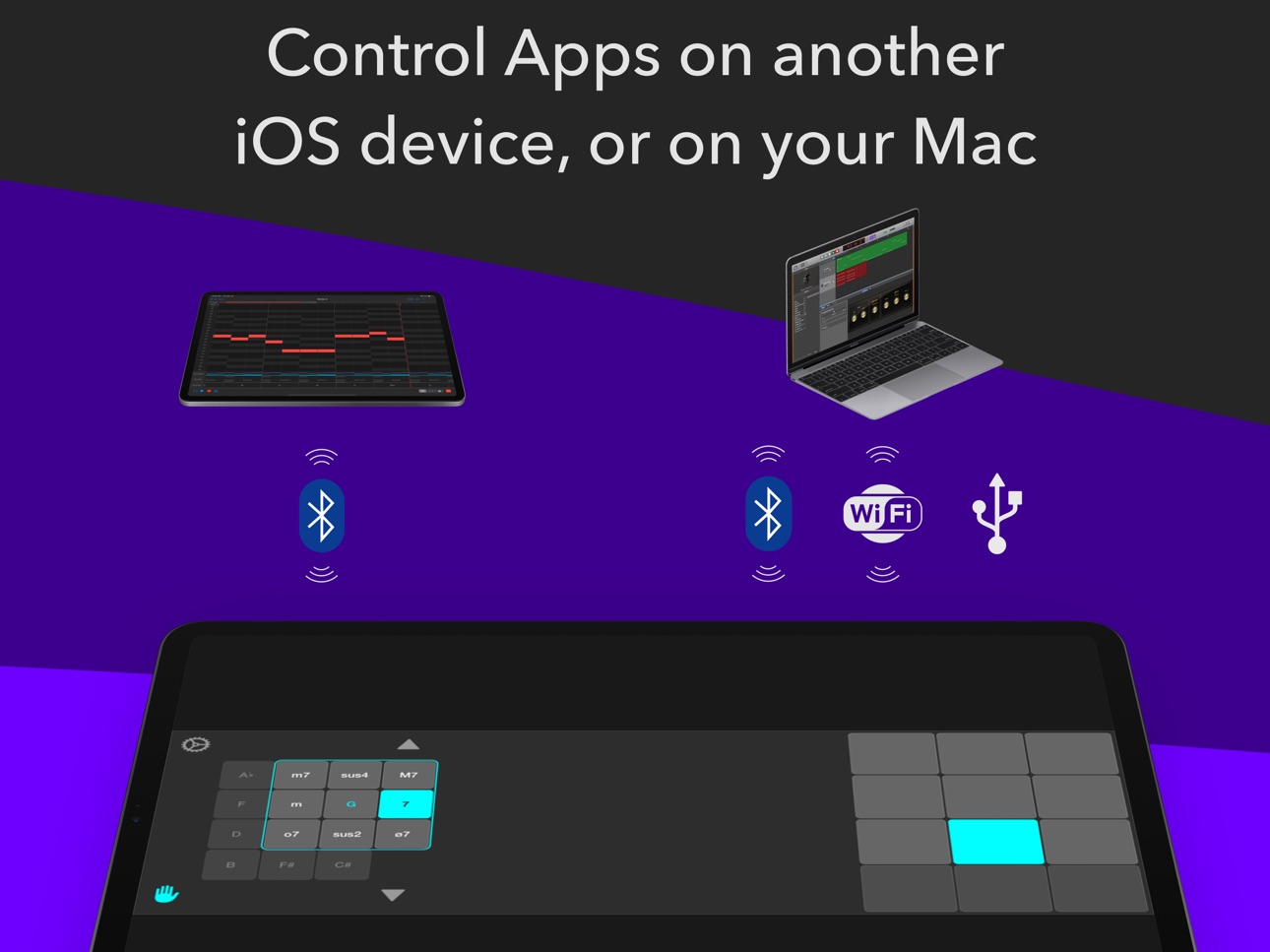
CONTROL APPS ON ANOTHER IOS DEVICE OR YOUR MAC
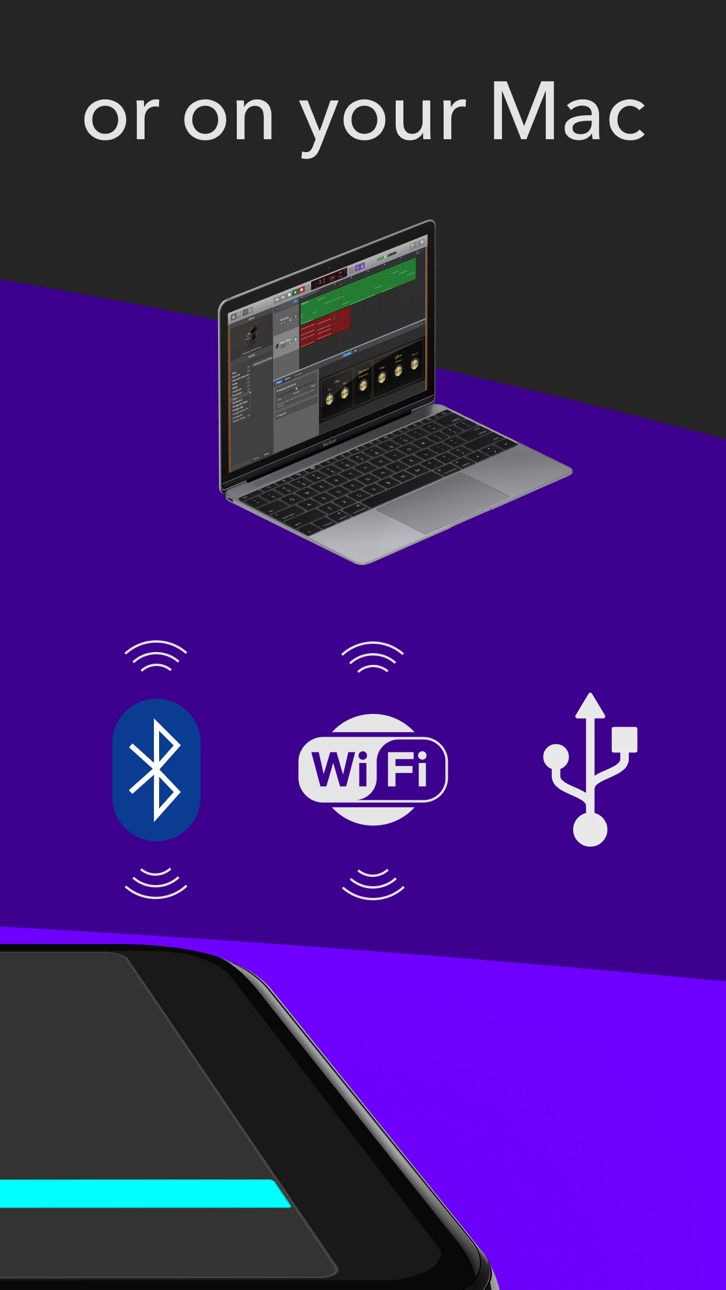
ChordUp can send MIDI notes to another iOS device through a Bluetooth MIDI connection. If you want to control an App running on your Mac you can connect through Bluetooth, Wi-Fi or USB.
FEATURES
• 108 available chords (9 chord types for each of the 12 notes).
• 10 embedded instruments: Acoustic Piano, Electric Piano, Guitar, Organ, Accordion, Vibraphone, Strings, 3 synth sounds.
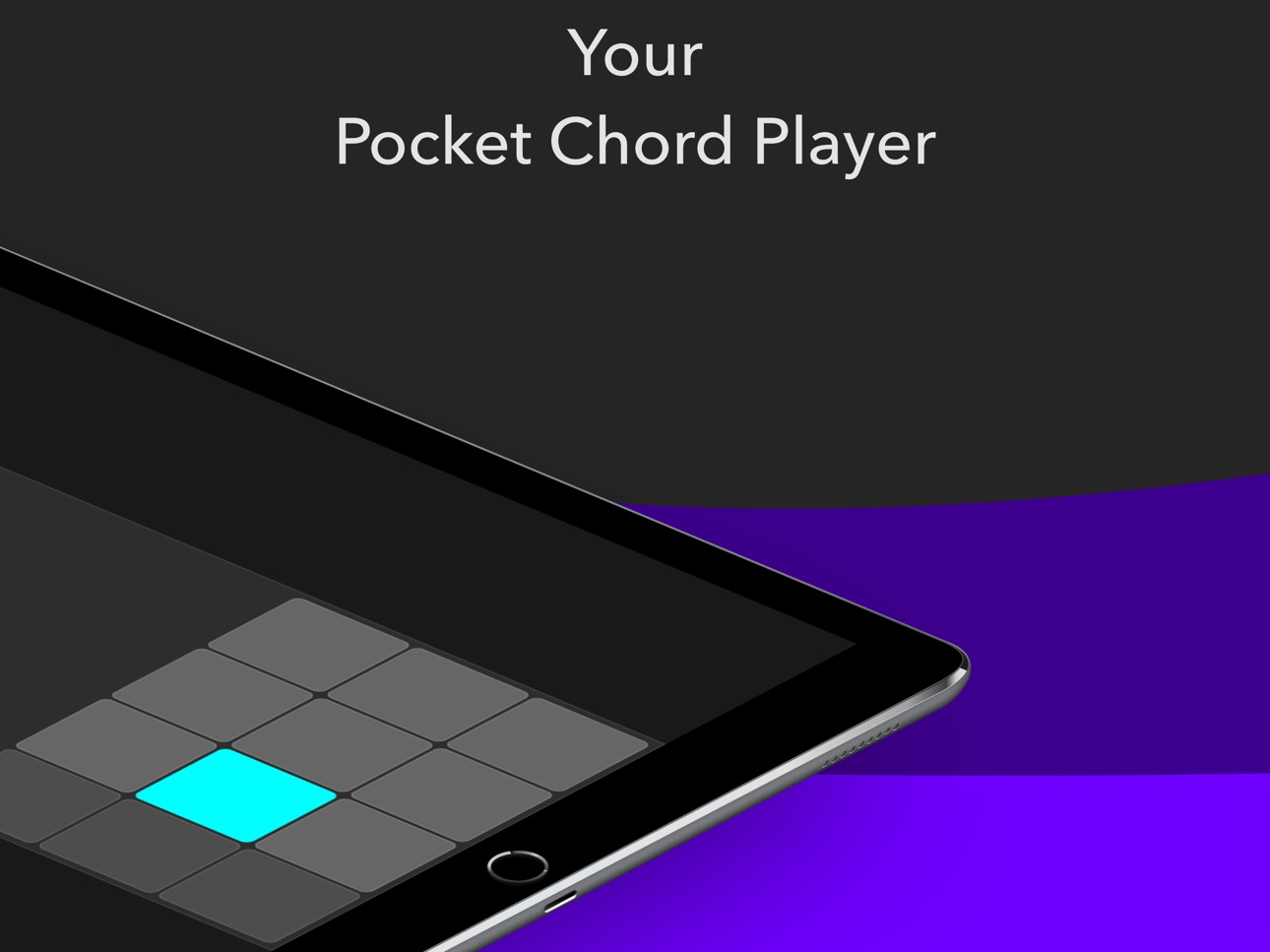
• 12 pads surface (for piano like parts)
• 6 strings surface (for guitar strumming, power chords and arpeggios)
• Expression pad surface (allows to play full chords and control an expression parameter at the same time)
• Smart sustain. With the sustain enabled, when you switch chords, only the notes of the current chord that don't belong to the next chord are muted.
• Octave transposition.
• Chord locking. You can lock one chord type for a chord button.
• Buttons size adjustment on iPad.
• CoreMIDI support.
• Audiobus support (Audio sender port, MIDI sender port)
Accessibility
ipadiphonemacrealityDevicetvoswatch
Version history 10 versions
Build 872514816v1.4.22025-02-17 22:30:09
- Fix menu layout issues
- Add video previews
Build 834157004v1.4.12019-12-30 01:35:59
- Update app icon
- Fix "rate app" dialog
Build 834068794v1.42019-12-20 13:08:01
- Bluetooth MIDI support added
- Adjust UI layout for iPhoneX screen
- Refresh UI
- Update App icon and App Store screenshots
- Fixed the issue when touches are delayed when near the screen edges
Build 823078798v1.3.02017-08-01 14:53:14
AUDIOBUS 3 SUPPORT!
ChordUp now provides Audiobus audio sender port and MIDI sender port.
CONTROL BUTTONS LAYOUT OPTIMIZED
Control buttons are now placed only by the corners of chord selector grid, minimising the chance of accidentally tapping on them when selecting a chord.
MUTE GESTURE SETTINGS ADDED
You can now enable and disable mute gesture and adjust the delay parameter for it.
OTHER IMPROVEMENTS
-Menu remade
-UI polished
-Minor bug fixes
Build 816661861v1.2.22016-03-09 22:21:26
- fix: note off MIDI command is not recognized by some synthesizer apps.
Build 816512130v1.2.12016-02-23 19:18:35
Chord locking. You can now lock one chord type for a chord button. This feature is disabled by default, go to 'Preferences | Chord Locking' to enable it.
How to lock a chord:
1. Tap on a note button.
2. Slide your finger to the required chord type (or stay at center if you need a major chord)
3. Then put your finger flat (with a big touching are) without lifting it. The color of the chord type panel frame and of the active button should become green.
4. Lift your finger.
To unlock a chord, again, put your finger flat on the button.
You can adjust how flat you need to put your finger to toggle the locking mode using 'Threshold' parameter in the preferences.
Thanks Derek Brown and Richard Meyer for the suggestion of this feature.
Build 816231955v1.2.02016-02-10 19:45:19
- New playing surface - Expression Pad. You can now play a chord and control configurable expression parameter.
- You can now select a chord and release the chord button and the chord will stay selected. Previously you had to play a note to 'hold' the chord. (thanks Michael J. for the suggestion)
- Minor tunings
Build 815615642v1.1.02016-01-09 11:08:48
Added new playing surface - strings.
Added Acoustic Guitar embedded instrument.
Fixed issue: Some notes are truncated when MIDI-recorded with a DAW.
Fixed issue: When strumming fast some notes are not played.
Build 815155039v1.0.22015-12-21 05:53:49
- Add 'ChordUp MIDI out' option to MIDI devices list. The app now creates a Virtual MIDI source endpoint, and sends messages there when this option is selected. So other apps can listen on that endpoint.
- minor fixes
Build 814449872v1.02015-12-03 19:19:20
Price history by region
Currency
Show
Columns
Search
Availability 20 of 20 storefronts
| Region | Language | Price | Ratings | Avg | Version |
|---|---|---|---|---|---|
 US US | en-US | USD 5.99 | 41 | 4.4 | 1.4.2 |
 CO CO | es-MX | COP 29900 | 0 | — | 1.4.2 |
 CR CR | es-MX | USD 5.99 | 0 | — | 1.4.2 |
 DZ DZ | en-GB | USD 5.99 | 0 | — | 1.4.2 |
 EC EC | es-MX | USD 5.99 | 0 | — | 1.4.2 |
 GA GA | fr-FR | USD 5.99 | 0 | — | 1.4.2 |
 GT GT | es-MX | USD 5.99 | 0 | — | 1.4.2 |
 GW GW | en-GB | USD 5.99 | 0 | — | 1.4.2 |
 KN KN | en-GB | USD 5.99 | 0 | — | 1.4.2 |
 LC LC | en-GB | USD 5.99 | 0 | — | 1.4.2 |
 LY LY | en-GB | USD 5.99 | 0 | — | 1.4.2 |
 MA MA | en-GB | USD 5.99 | 0 | — | 1.4.2 |
 MG MG | en-GB | USD 5.99 | 0 | — | 1.4.2 |
 PA PA | es-MX | USD 5.99 | 0 | — | 1.4.2 |
 PY PY | es-MX | USD 5.99 | 0 | — | 1.4.2 |
 SC SC | en-GB | USD 5.99 | 0 | — | 1.4.2 |
 ST ST | en-GB | USD 5.99 | 0 | — | 1.4.2 |
 SV SV | es-MX | USD 5.99 | 0 | — | 1.4.2 |
 TD TD | en-GB | USD 5.99 | 0 | — | 1.4.2 |
 TN TN | en-GB | USD 5.99 | 0 | — | 1.4.2 |
Change log 14 changes · US
✎
releaseNotes updated
- Fix menu layout issues
- Add video previews
✎
description updated
ChordUp is a musical instrument and MIDI controller that allows you to play almost any common chord instantly. No need to configure presets for each song. Just
✎
subtitle updated
Your pocket chord instrument
✎
name updated
ChordUp
◆
Version 1.4.2 released
- Fix menu layout issues
- Add video previews
◆
Version 1.4.1 released
- Update app icon
- Fix "rate app" dialog
◆
Version 1.4 released
- Bluetooth MIDI support added
- Adjust UI layout for iPhoneX screen
- Refresh UI
- Update App icon and App Store screenshots
- Fixed the issue when touches are delayed when near the screen edges
◆
Version 1.3.0 released
AUDIOBUS 3 SUPPORT!
ChordUp now provides Audiobus audio sender port and MIDI sender port.
CONTROL BUTTONS LAYOUT OPTIMIZED
Control buttons are now placed only by the corners of chord selector grid, minimising the chance of accidentally tap
◆
Version 1.2.2 released
- fix: note off MIDI command is not recognized by some synthesizer apps.
◆
Version 1.2.1 released
Chord locking. You can now lock one chord type for a chord button. This feature is disabled by default, go to 'Preferences | Chord Locking' to enable it.
How to lock a chord:
1. Tap on a note button.
2. Slide your finger to the required c
◆
Version 1.2.0 released
- New playing surface - Expression Pad. You can now play a chord and control configurable expression parameter.
- You can now select a chord and release the chord button and the chord will stay selected. Previously you had to play a note to
◆
Version 1.1.0 released
Added new playing surface - strings.
Added Acoustic Guitar embedded instrument.
Fixed issue: Some notes are truncated when MIDI-recorded with a DAW.
Fixed issue: When strumming fast some notes are not played.
◆
Version 1.0.2 released
- Add 'ChordUp MIDI out' option to MIDI devices list. The app now creates a Virtual MIDI source endpoint, and sends messages there when this option is selected. So other apps can listen on that endpoint.
- minor fixes
◆
Version 1.0 released