Home › Productivity

 US
US
 RUru
RUru UAen-GBUSen-US
 BYen-GB
 KZen-GB
 TRen-GB
 DEde-DE
 VNen-GB
 GBen-GB
 GEen-GB
 AMen-GB
 CAen-CA
 ILen-GB
 PLen-GB
 EGen-GB
 IEen-GB
 INen-GB
 ITit
ITit PTpt-PT
 THen-GB
 UZen-GB
 AUen-AU
 AZen-GB
 CHde-CH
 CNzh-Hans-CN
 CZen-GB
 FRfr-FR
 SEsv
SEsv SGen-GB
 DKen-GB
 EEen-GB
 ESes-ES
 GRen-GB
 HRen-GB
 HUen-GB
 IDen-GB
 JPja
JPja KGen-GB
 KRko
KRko LTen-GB
 LVen-GB
 MDen-GB
 NLnl
NLnl NOen-GB
 RSen-GB
 SKen-GB
 TJen-GB
 ZAen-GB
 AEen-GB
 AFen-GB
 ALen-GB
 ATde-DE
 BAen-GB
 BEen-GB
 BGen-GB
 BHen-GB
 BMen-GB
 BNen-GB
 BTen-GB
 CYen-GB
 FIen-GB
 FJen-GB
 FMen-GB
 HKzh-Hant-HK
 IQen-GB
 ISen-GB
 JOen-GB
 KHen-GB
 KWen-GB
 LAen-GB
 LBen-GB
 LKen-GB
 LUen-GB
 MEen-GB
 MKen-GB
 MMen-GB
 MNen-GB
 MOzh-Hant-HK
 MRen-GB
 MTen-GB
 MVen-GB
 MYen-GB
 NPen-GB
 NRen-GB
 NZen-AU
 OMen-GB
 PGen-GB
 PHen-GB
 PKen-GB
 PWen-GB
 QAen-GB
 ROen-GB
 SAen-GB
 SBen-GB
 SIen-GB
 TMen-GB
 TOen-GB
 TWzh-Hant-TW
 VUen-GB
 XKen-GB
 YEen-GB
101 of 101 storefronts
Content in en-US
Content in en-US
Information
Apple ID1033305988
Bundle IDrememba.ru.Rememba
SellerSeller
Min iOS10.0
Min macOS11.0
Device familiesiphone, ipad, ipod
Released2016-02-27
Copyright© Anton Lovchikov, 2012
Privacy policyLink ↗
Preview 2 platforms
iPhone 5 images


iPad 5 images


What’s New Version 2.1.0
iOS 13 support.
Slightly refreshed design.
Description
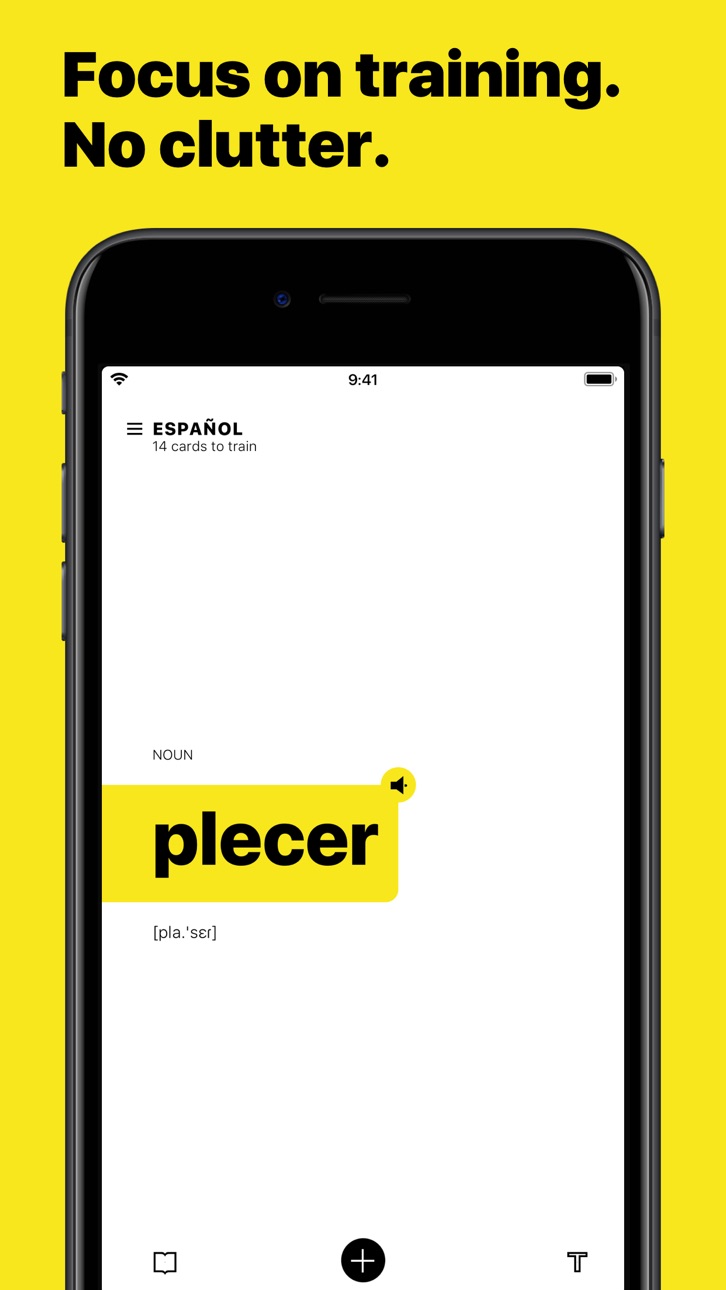
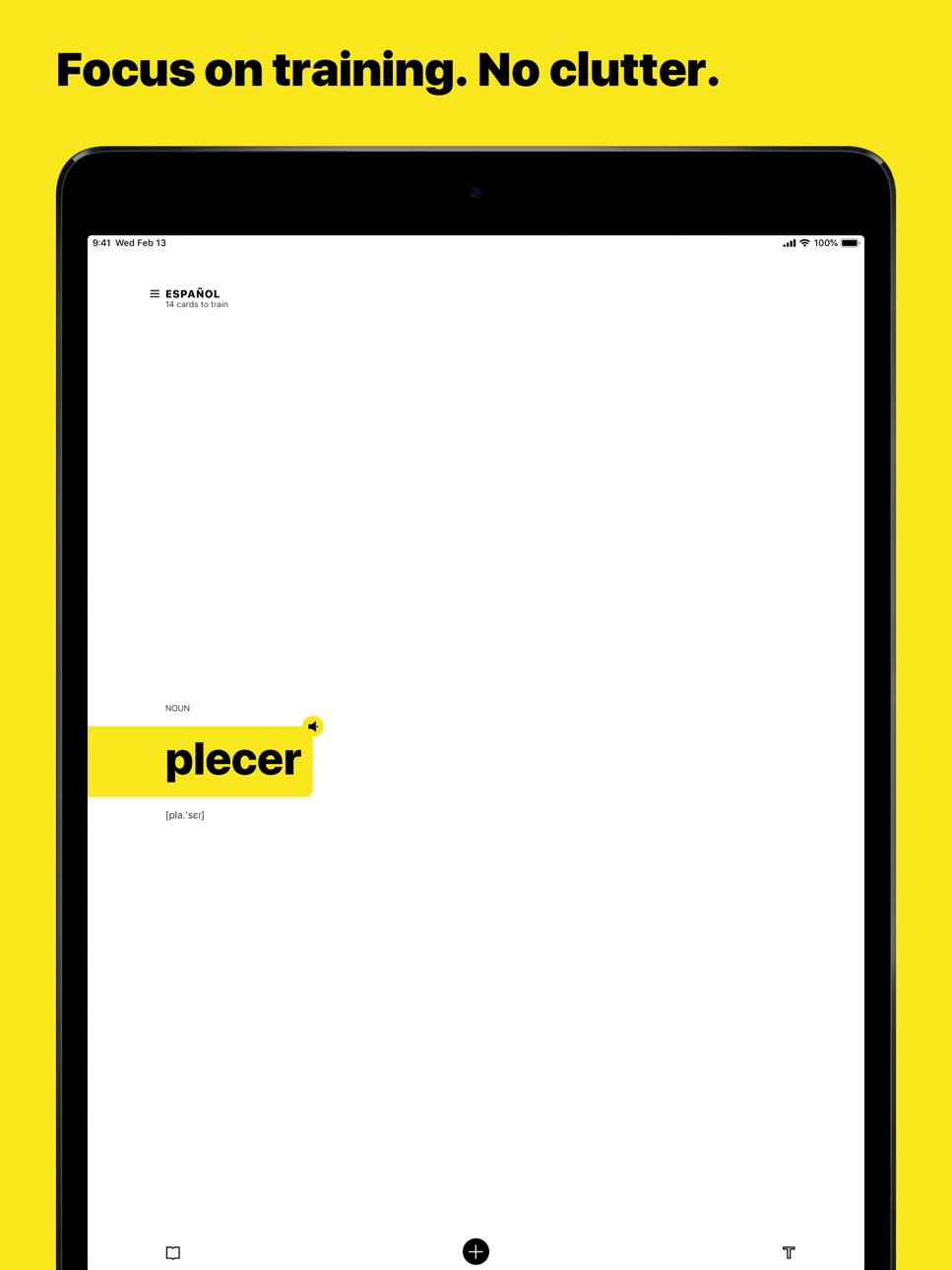
Rememba is a vocabulary training app using of Spaced repetition principle.
Rememba specializes in showing cards on appropriate time. You can adjust training intervals as you want in language settings.
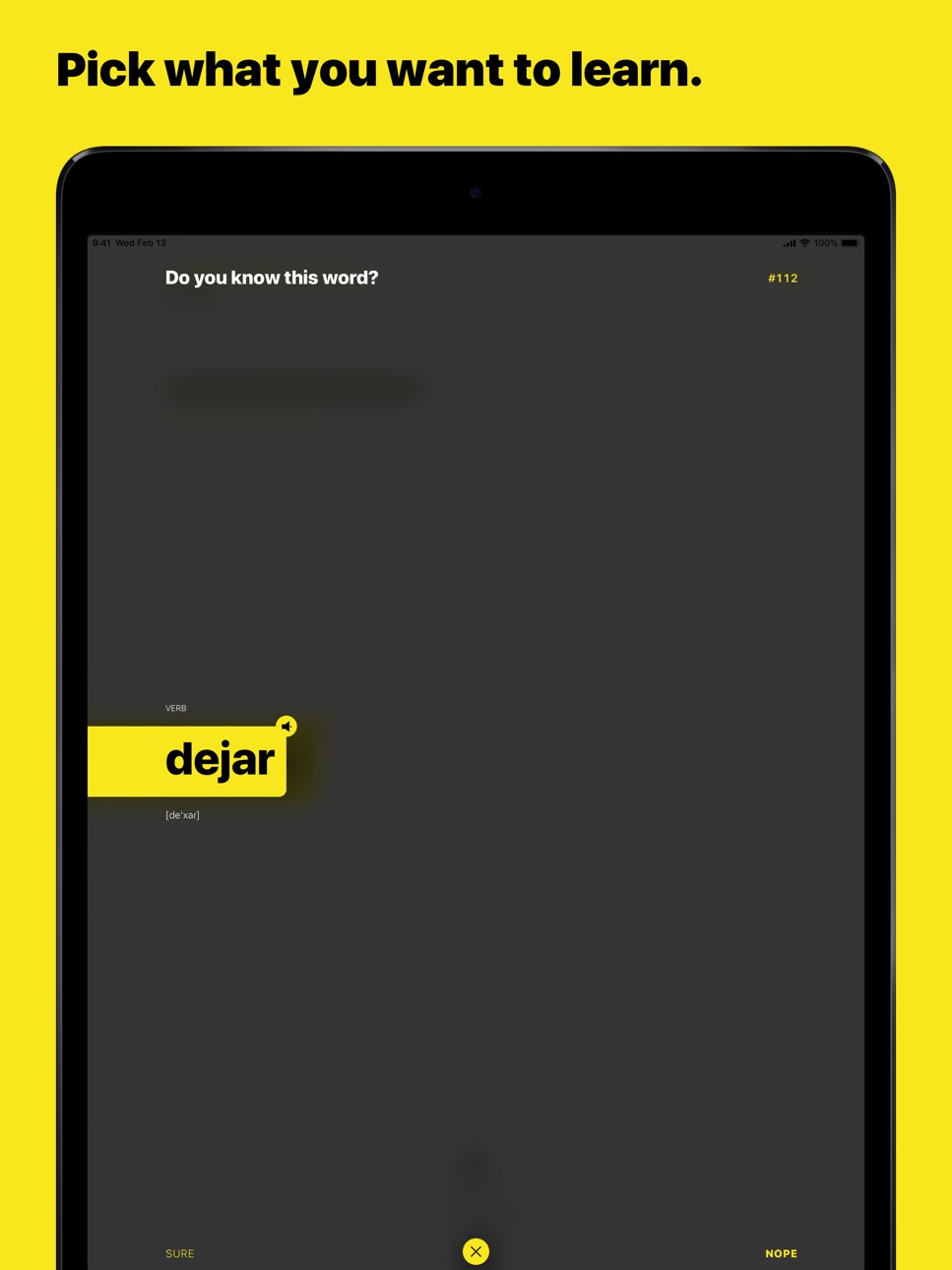
You decide by yourself what to learn. Learn foreign languages (Rememba offers 256 languages) or improve your mother tongue. Add cards with words, expressions or whole sentences.
You've found a new expression while reading a book—add it and train it. You've caught a peculiar slang while watching a sitcom—add it and train it. If you are too busy to add cards manually, find something interesting in dictionaries provided (available for some languages).
Rememba won't teach you grammar and language rules, but it helps you to build up your vocabulary very fast.
Rememba allows you to add 100 cards for free and learn any languages without time limitation. Expand the limit when you've understood Rememba is the best vocabulary training app for you.
Capabilities
In-App Purchases
Accessibility
ipadiphonemacrealityDevicetvoswatch
Version history 13 versions
Build 833161306v2.1.02019-10-14 22:46:44
iOS 13 support.
Slightly refreshed design.
Build 830376005v2.0.22019-02-23 21:49:35
× Deletion from your vocabulary is fixed
× Crashes by language deletion are fixed
Build 830274518v2.0.12019-02-14 12:24:04
Brand new design. We've re-developed the app completely from scratch and made it more stable, efficient and modern-looking. Now, Rememba is fully compatible with all newest iPhone models. Also, it works on iPads now.
+ More flexible interval settings.
+ Pause/unpause some cards if you need to.
+ Card composer allows specifying part-of-speech and adding special hints.
+ More efficient notifications about cards appearing for training.
+ Cross-device training works more smoothly now.
+ Hebrew, Farsi and other RTL languages support.
Report any bugs or feature requests to anton@rememba.ru.
Let's make the best vocabulary training app ever together!
Build 820326656v1.7.32017-01-02 19:40:34
× Menu of the studying languages fixed. If you had lots of the languages to learn, the menu might not scroll. It scrolls now.
Build 820082113v1.7.22016-12-10 07:50:08
× Crashes fixed. Sorry for that :(
Build 820008141v1.72016-12-07 15:48:03
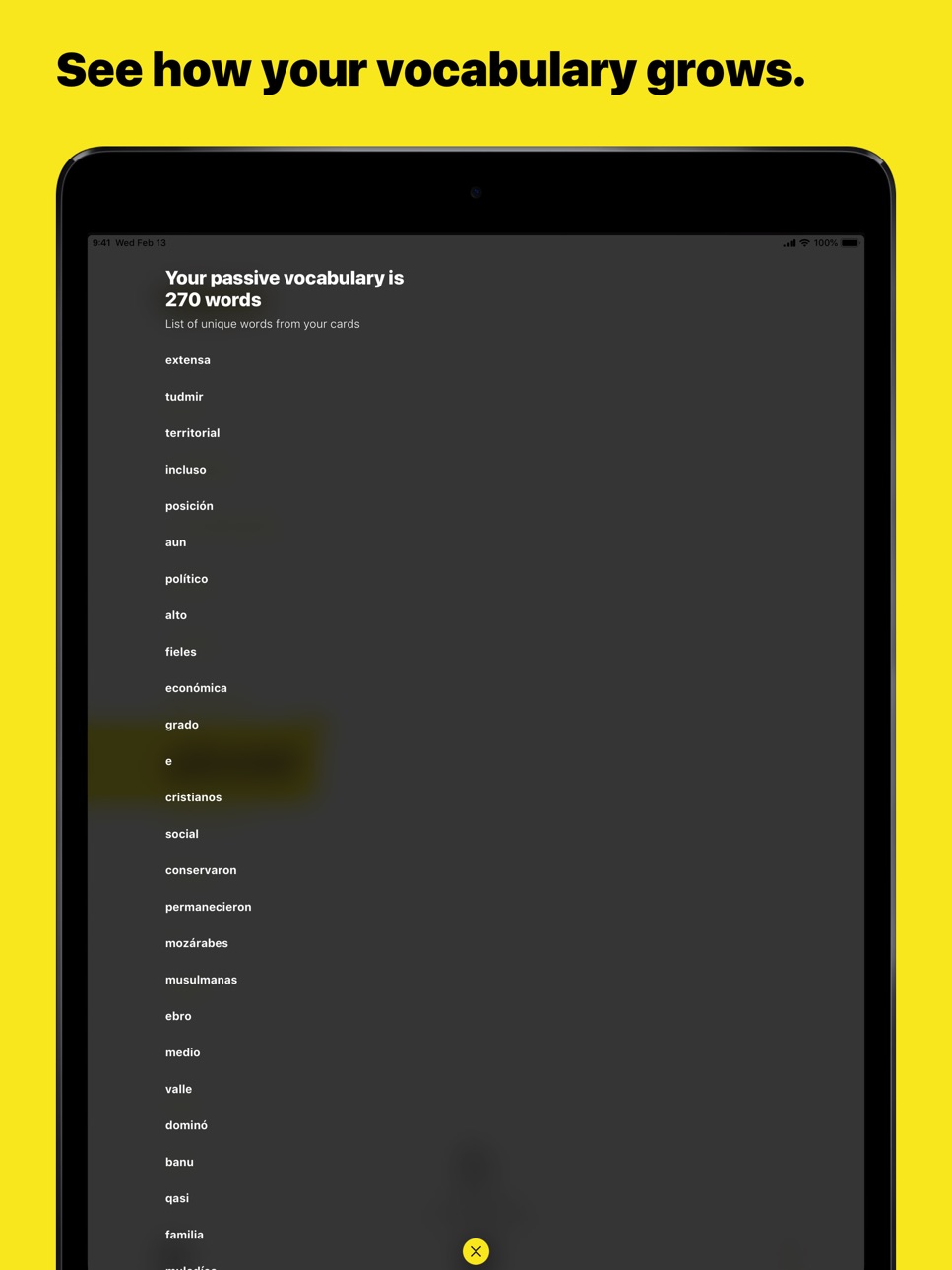
+ Vocabulary counter. For each language, Rememba takes all your cards, split text from the face side into unique words and count them. This number represents your passive vocabulary level. Check it from time to time to get the exact number of words you know.
+ Pronunciation training. For most popular languages, you can now train pronunciation. When a card appears, press and hold new microphone icon on the right bottom corner of the card and pronounce the translation. After that card flips and highlights words and characters you've pronounced wrong (or if the speech recognizer recognized it wrong, bear with it). Train pronunciation until no characters is highlighted.
Build 819048359v1.62016-09-26 23:35:40
× Badge counter fixed. In the version 1.5, counter showed a wrong number of cards to be learned. Now it's fixed.
× Support for Chinese and Japanese characters input.
× Text cutting function is fixed. In the previous versions, there was a problem of cutting text during a card creation. Now the cutting works fine.
× Support for iOS 10. Probably you've experienced broken animations after the update. Now all animations are smooth and neat.
Build 818827962v1.52016-09-11 19:48:21
+ Card-picking algorithm improved. Now, paired cards won't appear one after another. Doubled card is delayed until its reversed version has been learned.
× Speed optimization. Lags during launching the app and switching languages have been fixed
Build 818592733v1.42016-08-22 20:08:27
+ Autoplay of card pronunciation. To switch it on, do a long tap on the loudspeaker icon at the top right corner of a card. When the target language text is shown, the sound starts automatically. It the silent mode is on, the sound plays only in headphones.
+ Notifications. If the notifications are enabled, you'll receive the reminders to rehearse the cards at 9 am and 8 pm. In one of the next updates, the time settings will come.
Build 818368759v1.32016-08-06 07:40:51
+ Interval adjustments: set your own intervals manually, or apply recommended ones. Recommended intervals are calculated based on your learning history.
Build 818016833v1.22016-07-06 06:22:51
+ Statistics: when you have all your cards learnt, tap the line with the counter of appearing cards within 12 hours. The graph will open showing when and how much cards will appear.
+ Notifications: on the app icon, the counter of cards for learning is now displayed. If you learn multiple languages, you can choose which languages should be included in the counter.
+ Search: now, you can search for your cards and cards of other users.
+ Editing cards on the fly: when you are training a card you can edit it right there. To do this, just long tap the card and a menu will appear.
+ Extended card statistics: open card details to see its progress. Flip the card to see the statistics of the card's learning in the opposite direction.
× The bug, causing spontaneous cards' flip, is fixed.
× By the synchronization, the interface lags less now. It keeps lagging, though. Working on it.
Build 816939319v1.12016-04-07 19:30:43
+ Transcriptions: during creation or editing a card, enclose transcription into [square brackets]. So that you applies special style to it.
+ English transcription hints: during creation or editing a card, Rememba now suggests transcription of entered words in English. It can’t to suggest transcription for other languages and for whole sentences so far.
+ Translation hints: during card creation, Rememba now suggests translation. We use service Yandex.Translator for this. It supports 160 language pairs: English, Spanish, German, Italian, Russian and others.
+ Pronunciation for 27 languages, with Siri’s help. Tap the speaker icon in the top right corner to listen to the pronunciation of the card. English, Spanish, German, Italian, Russian, Chinese languages and more are supported.
+ Deleting cards is now possible directly from the learning screen. By long tap a flashcard, a context menu appears.
Build 813175416v1.02016-02-27 07:23:58
No pricing data captured yet — comparisons appear once the app has paid storefronts or in-app purchases.
Availability 101 of 101 storefronts
| Region | Language | Price | Ratings | Avg | Version |
|---|---|---|---|---|---|
| RU | ru | Free | 291 | 4.7 | 2.1.0 |
| UA | en-GB | Free | 32 | 4.6 | 2.1.0 |
| US | en-US | Free | 32 | 4.5 | 2.1.0 |
| BY | en-GB | Free | 10 | 4.5 | 2.1.0 |
| KZ | en-GB | Free | 9 | 4.8 | 2.1.0 |
| TR | en-GB | Free | 8 | 4.9 | 2.1.0 |
| DE | de-DE | Free | 7 | 4.0 | 2.1.0 |
| VN | en-GB | Free | 7 | 4.7 | 2.1.0 |
| GB | en-GB | Free | 5 | 4.4 | 2.1.0 |
| GE | en-GB | Free | 5 | 5.0 | 2.1.0 |
| AM | en-GB | Free | 4 | 5.0 | 2.1.0 |
| CA | en-CA | Free | 4 | 4.8 | 2.1.0 |
| IL | en-GB | Free | 4 | 4.0 | 2.1.0 |
| PL | en-GB | Free | 4 | 4.8 | 2.1.0 |
| EG | en-GB | Free | 3 | 5.0 | 2.1.0 |
| IE | en-GB | Free | 3 | 3.7 | 2.1.0 |
| IN | en-GB | Free | 3 | 5.0 | 2.1.0 |
| IT | it | Free | 3 | 4.7 | 2.1.0 |
| PT | pt-PT | Free | 3 | 5.0 | 2.1.0 |
| TH | en-GB | Free | 3 | 3.7 | 2.1.0 |
| UZ | en-GB | Free | 3 | 5.0 | 2.1.0 |
| AU | en-AU | Free | 2 | 4.5 | 2.1.0 |
| AZ | en-GB | Free | 2 | 5.0 | 2.1.0 |
| CH | de-CH | Free | 2 | 5.0 | 2.1.0 |
| CN | zh-Hans-CN | Free | 2 | 5.0 | 2.1.0 |
| CZ | en-GB | Free | 2 | 3.0 | 2.1.0 |
| FR | fr-FR | Free | 2 | 5.0 | 2.1.0 |
| SE | sv | Free | 2 | 4.0 | 2.1.0 |
| SG | en-GB | Free | 2 | 4.0 | 2.1.0 |
| DK | en-GB | Free | 1 | 5.0 | 2.1.0 |
| EE | en-GB | Free | 1 | 5.0 | 2.1.0 |
| ES | es-ES | Free | 1 | 5.0 | 2.1.0 |
| GR | en-GB | Free | 1 | 5.0 | 2.1.0 |
| HR | en-GB | Free | 1 | 5.0 | 2.1.0 |
| HU | en-GB | Free | 1 | 5.0 | 2.1.0 |
| ID | en-GB | Free | 1 | 4.0 | 2.1.0 |
| JP | ja | Free | 1 | 5.0 | 2.1.0 |
| KG | en-GB | Free | 1 | 4.0 | 2.1.0 |
| KR | ko | Free | 1 | 5.0 | 2.1.0 |
| LT | en-GB | Free | 1 | 5.0 | 2.1.0 |
| LV | en-GB | Free | 1 | 5.0 | 2.1.0 |
| MD | en-GB | Free | 1 | 4.0 | 2.1.0 |
| NL | nl | Free | 1 | 4.0 | 2.1.0 |
| NO | en-GB | Free | 1 | 5.0 | 2.1.0 |
| RS | en-GB | Free | 1 | 5.0 | 2.1.0 |
| SK | en-GB | Free | 1 | 5.0 | 2.1.0 |
| TJ | en-GB | Free | 1 | 5.0 | 2.1.0 |
| ZA | en-GB | Free | 1 | 3.0 | 2.1.0 |
| AE | en-GB | Free | 0 | — | 2.1.0 |
| AF | en-GB | Free | 0 | — | 2.1.0 |
| AL | en-GB | Free | 0 | — | 2.1.0 |
| AT | de-DE | Free | 0 | — | 2.1.0 |
| BA | en-GB | Free | 0 | — | 2.1.0 |
| BE | en-GB | Free | 0 | — | 2.1.0 |
| BG | en-GB | Free | 0 | — | 2.1.0 |
| BH | en-GB | Free | 0 | — | 2.1.0 |
| BM | en-GB | Free | 0 | — | 2.1.0 |
| BN | en-GB | Free | 0 | — | 2.1.0 |
| BT | en-GB | Free | 0 | — | 2.1.0 |
| CY | en-GB | Free | 0 | — | 2.1.0 |
| FI | en-GB | Free | 0 | — | 2.1.0 |
| FJ | en-GB | Free | 0 | — | 2.1.0 |
| FM | en-GB | Free | 0 | — | 2.1.0 |
| HK | zh-Hant-HK | Free | 0 | — | 2.1.0 |
| IQ | en-GB | Free | 0 | — | 2.1.0 |
| IS | en-GB | Free | 0 | — | 2.1.0 |
| JO | en-GB | Free | 0 | — | 2.1.0 |
| KH | en-GB | Free | 0 | — | 2.1.0 |
| KW | en-GB | Free | 0 | — | 2.1.0 |
| LA | en-GB | Free | 0 | — | 2.1.0 |
| LB | en-GB | Free | 0 | — | 2.1.0 |
| LK | en-GB | Free | 0 | — | 2.1.0 |
| LU | en-GB | Free | 0 | — | 2.1.0 |
| ME | en-GB | Free | 0 | — | 2.1.0 |
| MK | en-GB | Free | 0 | — | 2.1.0 |
| MM | en-GB | Free | 0 | — | 2.1.0 |
| MN | en-GB | Free | 0 | — | 2.1.0 |
| MO | zh-Hant-HK | Free | 0 | — | 2.1.0 |
| MR | en-GB | Free | 0 | — | 2.1.0 |
| MT | en-GB | Free | 0 | — | 2.1.0 |
| MV | en-GB | Free | 0 | — | 2.1.0 |
| MY | en-GB | Free | 0 | — | 2.1.0 |
| NP | en-GB | Free | 0 | — | 2.1.0 |
| NR | en-GB | Free | 0 | — | 2.1.0 |
| NZ | en-AU | Free | 0 | — | 2.1.0 |
| OM | en-GB | Free | 0 | — | 2.1.0 |
| PG | en-GB | Free | 0 | — | 2.1.0 |
| PH | en-GB | Free | 0 | — | 2.1.0 |
| PK | en-GB | Free | 0 | — | 2.1.0 |
| PW | en-GB | Free | 0 | — | 2.1.0 |
| QA | en-GB | Free | 0 | — | 2.1.0 |
| RO | en-GB | Free | 0 | — | 2.1.0 |
| SA | en-GB | Free | 0 | — | 2.1.0 |
| SB | en-GB | Free | 0 | — | 2.1.0 |
| SI | en-GB | Free | 0 | — | 2.1.0 |
| TM | en-GB | Free | 0 | — | 2.1.0 |
| TO | en-GB | Free | 0 | — | 2.1.0 |
| TW | zh-Hant-TW | Free | 0 | — | 2.1.0 |
| VU | en-GB | Free | 0 | — | 2.1.0 |
| XK | en-GB | Free | 0 | — | 2.1.0 |
| YE | en-GB | Free | 0 | — | 2.1.0 |
Change log 17 changes · US
✎
releaseNotes updated
iOS 13 support.
Slightly refreshed design.
✎
description updated
Rememba is a vocabulary training app using of Spaced repetition principle.
Rememba specializes in showing cards on appropriate time. You can adjust training in
✎
subtitle updated
Vocabulary training
✎
name updated
Rememba app
◆
Version 2.1.0 released
iOS 13 support.
Slightly refreshed design.
◆
Version 2.0.2 released
× Deletion from your vocabulary is fixed
× Crashes by language deletion are fixed
◆
Version 2.0.1 released
Brand new design. We've re-developed the app completely from scratch and made it more stable, efficient and modern-looking. Now, Rememba is fully compatible with all newest iPhone models. Also, it works on iPads now.
+ More flexible interv
◆
Version 1.7.3 released
× Menu of the studying languages fixed. If you had lots of the languages to learn, the menu might not scroll. It scrolls now.
◆
Version 1.7.2 released
× Crashes fixed. Sorry for that :(
◆
Version 1.7 released
+ Vocabulary counter. For each language, Rememba takes all your cards, split text from the face side into unique words and count them. This number represents your passive vocabulary level. Check it from time to time to get the exact number
◆
Version 1.6 released
× Badge counter fixed. In the version 1.5, counter showed a wrong number of cards to be learned. Now it's fixed.
× Support for Chinese and Japanese characters input.
× Text cutting function is fixed. In the previous versions, there was a
◆
Version 1.5 released
+ Card-picking algorithm improved. Now, paired cards won't appear one after another. Doubled card is delayed until its reversed version has been learned.
× Speed optimization. Lags during launching the app and switching languages have been
◆
Version 1.4 released
+ Autoplay of card pronunciation. To switch it on, do a long tap on the loudspeaker icon at the top right corner of a card. When the target language text is shown, the sound starts automatically. It the silent mode is on, the sound plays on
◆
Version 1.3 released
+ Interval adjustments: set your own intervals manually, or apply recommended ones. Recommended intervals are calculated based on your learning history.
◆
Version 1.2 released
+ Statistics: when you have all your cards learnt, tap the line with the counter of appearing cards within 12 hours. The graph will open showing when and how much cards will appear.
+ Notifications: on the app icon, the counter of cards fo
◆
Version 1.1 released
+ Transcriptions: during creation or editing a card, enclose transcription into [square brackets]. So that you applies special style to it.
+ English transcription hints: during creation or editing a card, Rememba now suggests transcriptio
◆
Version 1.0 released