Home › Productivity

 US
US
1 of 1 storefronts
Content in en-US
Content in en-US
Information
Preview 2 platforms
iPhone 5 images


iPad 5 images



What’s New Version 1.3
This update from Apple will improve the functionality of this app. No new features are included.
Word by word processing added, Tips added, Better result for disjoint handwritten text and some bug fixes.
Description
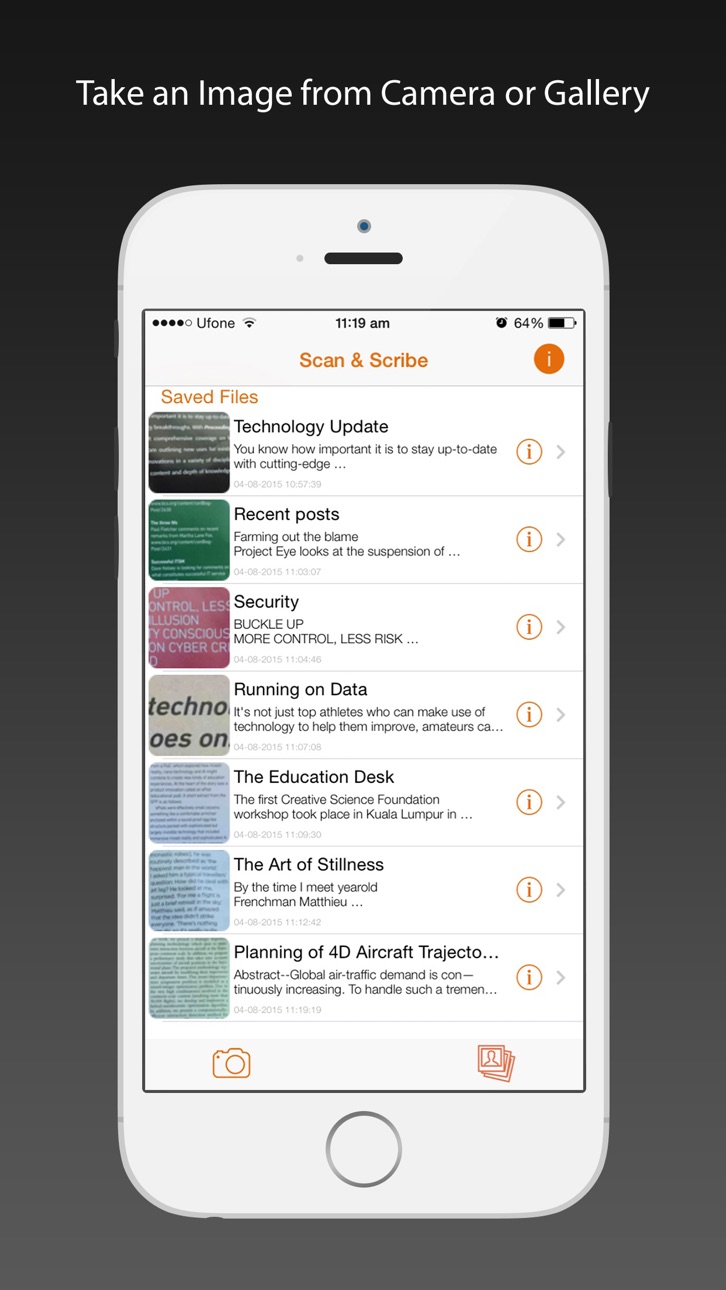
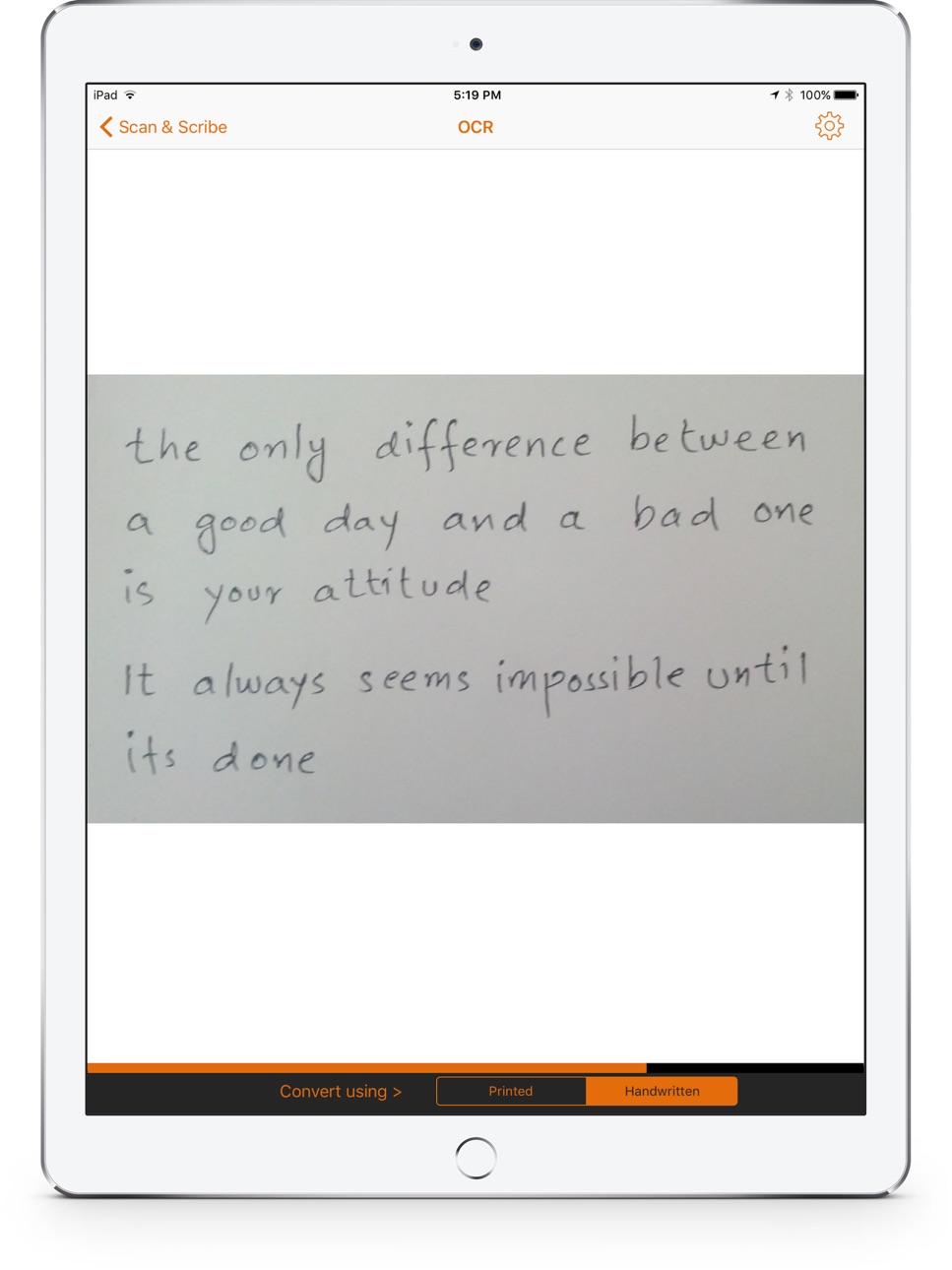
Using Scan & Scribe you can convert your Printed/Typed Docs and Handwritten Notes (written in unconnected writing) to editable document that you can Copy, Save, Listen or Share via Facebook, email (Outlook, Gmail etc.), WhatsApp, Dropbox, OneDrive etc.
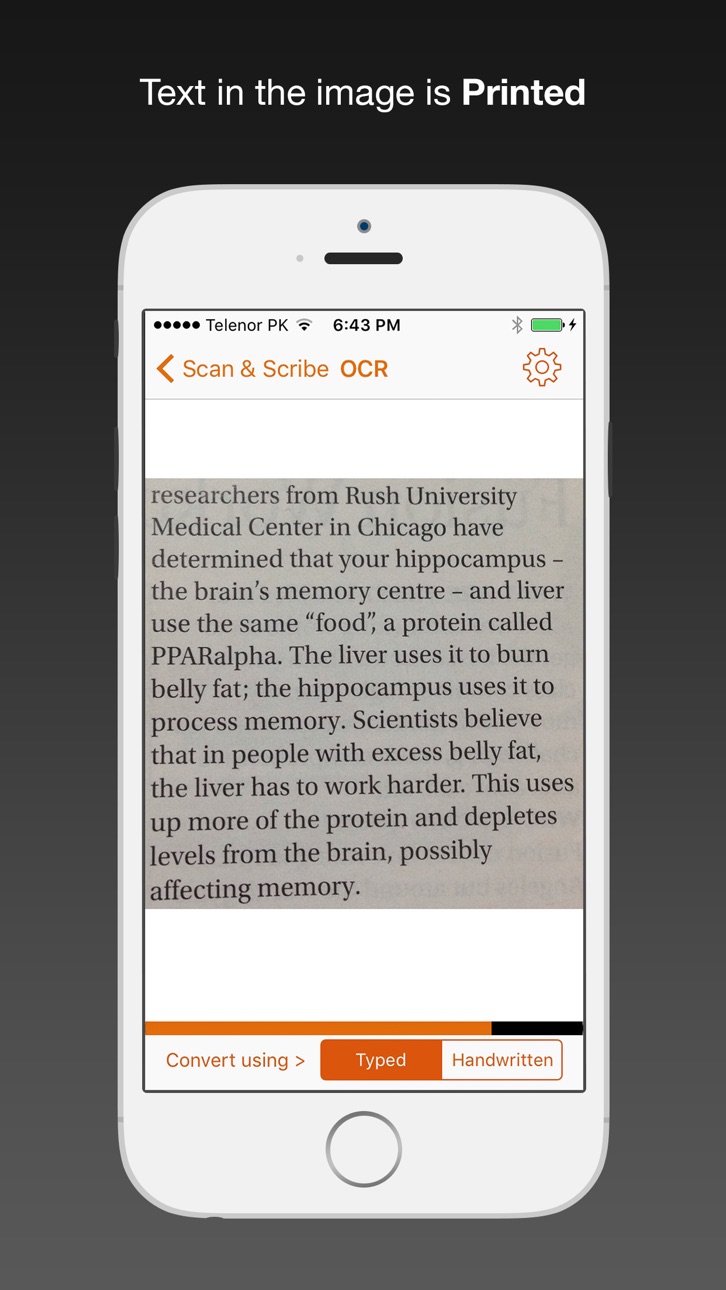
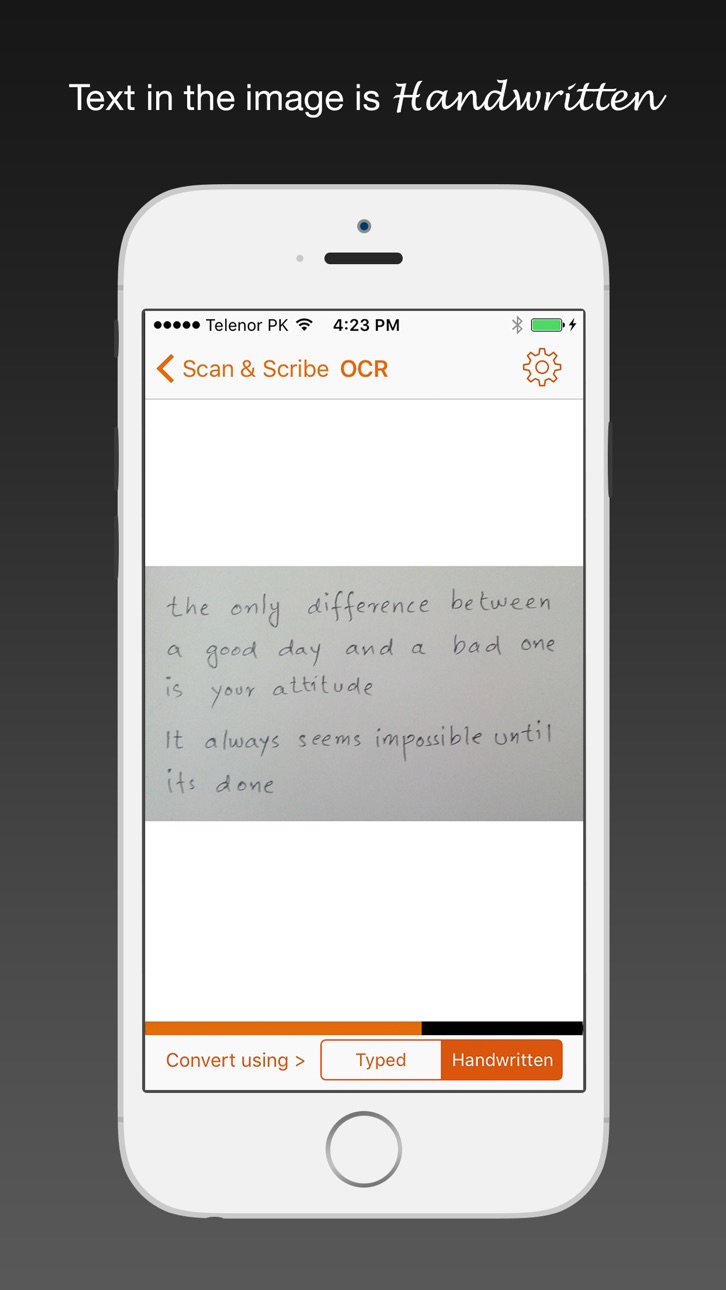
Its stand out feature is its separate offline OCR engines for Printed and Handwritten contents.
It is simple to use:
1. Take a camera shot of docs or handwritten notes (or load it from gallery).
2. Crop and/or remove skew in the intended text in the snapshot.
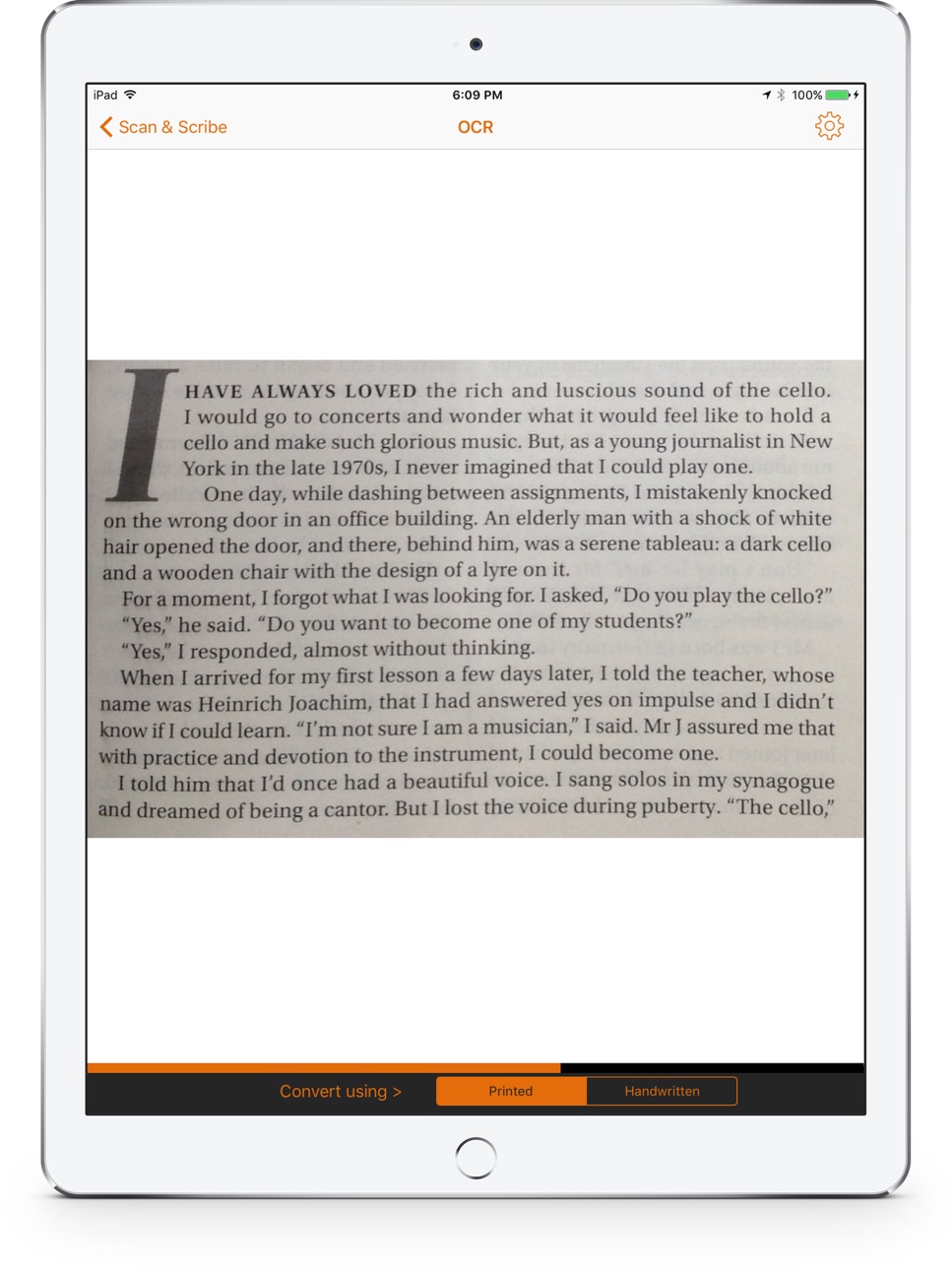
3. For text extraction from the cropped image, remember to select Handwritten option for hand written texts and Typed option for typed/printed ones.
4. Review the extracted passage, make corrections if required. Incorrectly converted words will be highlighted.
5. You can now convert the text to speech for listening or save it for future use.
6. You can also share it via Facebook, email (Outlook, Gmail etc.), WhatsApp, Dropbox, OneDrive etc.
Remember:
1. If image’s text direction is not from left-to-right, rotate the image.
2. All other things should be cropped except the desired text passage to be converted.
In case of snapshot from smart phone camera:
1. Take desired snapshot i.e. paper, receipt etc. in bright environment.
2. While capturing image, avoid shadow of the phone and/or of any other object.
3. Properly focus the image in bright environment. Turn on flash if required.
At present, app does not properly support following features:
1. Pictures of text on the notebooks having lined pages or ruled paper.
2. Pictures having multi-color background.
3. Images of curved pages.
4. Languages other than English.
Acknowledgement: This app is the result of Pakistan's National ICT R&D Funded project "Smart Intelligence - An OCR Engine for Android and iOS Smart Phones" executed by Abasyn University Islamabad's Renzym OCR Research Group.
Accessibility
ipadiphonemacrealityDevicetvoswatch
Version history 4 versions
Build 819203236v1.32016-10-11 14:28:54
This update from Apple will improve the functionality of this app. No new features are included.
Word by word processing added, Tips added, Better result for disjoint handwritten text and some bug fixes.
Build 813013912v1.22015-08-11 13:32:30
Bug fixes.
Build 812875854v1.12015-07-22 23:02:17
Bug fixes.
Build 812599094v1.02015-07-02 05:03:53
No pricing data captured yet — comparisons appear once the app has paid storefronts or in-app purchases.
Availability 1 of 1 storefronts
| Region | Language | Price | Ratings | Avg | Version |
|---|---|---|---|---|---|
| US | en-US | Free | 6 | 2.0 | 1.3 |
Change log 7 changes · US
✎
releaseNotes updated
This update from Apple will improve the functionality of this app. No new features are included.
Word by word processing added, Tips added, Better result for d
✎
description updated
Using Scan & Scribe you can convert your Printed/Typed Docs and Handwritten Notes (written in unconnected writing) to editable document that you can Copy, Save,
✎
name updated
Scan & Scribe - Phone Docs OCR
◆
Version 1.3 released
This update from Apple will improve the functionality of this app. No new features are included.
Word by word processing added, Tips added, Better result for disjoint handwritten text and some bug fixes.
◆
Version 1.2 released
Bug fixes.
◆
Version 1.1 released
Bug fixes.
◆
Version 1.0 released